
OpenWidget
Free OpenAI chatbot widget for websitesAdd an OpenAI chatbot to your site for free
Highlights
What you can do with it
- An e-commerce site offering 24/7 customer service
- A blog answering reader questions
- A forum adding intelligent conversation
How to use it
- 1 Visit the OpenWidget page and set up the widget.
- 2 Choose the OpenAI chatbot interface or a blank template.
- 3 Customize the widget to fit your site.
- 4 Connect integrations like HelpDesk or LiveChat if needed.
- 5 Embed it on your site and start answering visitors.
Who it is for
Pros
- Free chatbot interface to start with
- Customizable blank widget templates
- Connects with common support tools
Limitations
- OpenAI usage may need your own API access or costs
- Setup and customization take some effort
- Free features and terms can change over time
What OpenWidget is
OpenWidget is a free chatbot interface plugin that lets you add an OpenAI-powered chat service to your website. Instead of building a chat window from scratch, you drop in this widget so visitors can ask questions and get answers. It also provides blank widget templates, which means you can customize your own widgets rather than using a fixed design. The plugin supports various integrations such as HelpDesk and LiveChat, and it is pitched as a way to improve website interactivity, support sales, and increase profits.
What you can do with it
- Add an OpenAI chatbot interface to your site for free
- Customize blank widget templates to match your brand
- Connect tools like HelpDesk and LiveChat
- Offer always-available answers to visitors
Who it is for
- E-commerce sites that want 24/7 customer service
- Blogs and forums that answer common reader questions
- Site owners who want a flexible, customizable chat widget
What to watch out for
The widget itself is free, but running an OpenAI-powered chatbot can involve your own API access or usage costs, so check what is required before you rely on it. Setting up and customizing the widget takes some effort, especially if you use the blank templates. Because it is a free plugin, features and terms can change, so review the current details. Test the bot on your own content before pointing real customers at it. Free tiers and usage limits can change, so check the current rules on the official page before relying on it long term. Processing speed depends on file size and network conditions, so retry later if a task stalls during peak hours.
FAQ
What is OpenWidget?
It is a free chatbot interface plugin that adds an OpenAI-powered chat service to your website.
Can I customize the widget?
Yes, it offers blank widget templates so you can build your own.
What can it integrate with?
It supports various integrations such as HelpDesk and LiveChat.
Why it is free
What the official page says: 免费
Free limits, trial length and features are decided by the official site and can change at any time.
Product preview
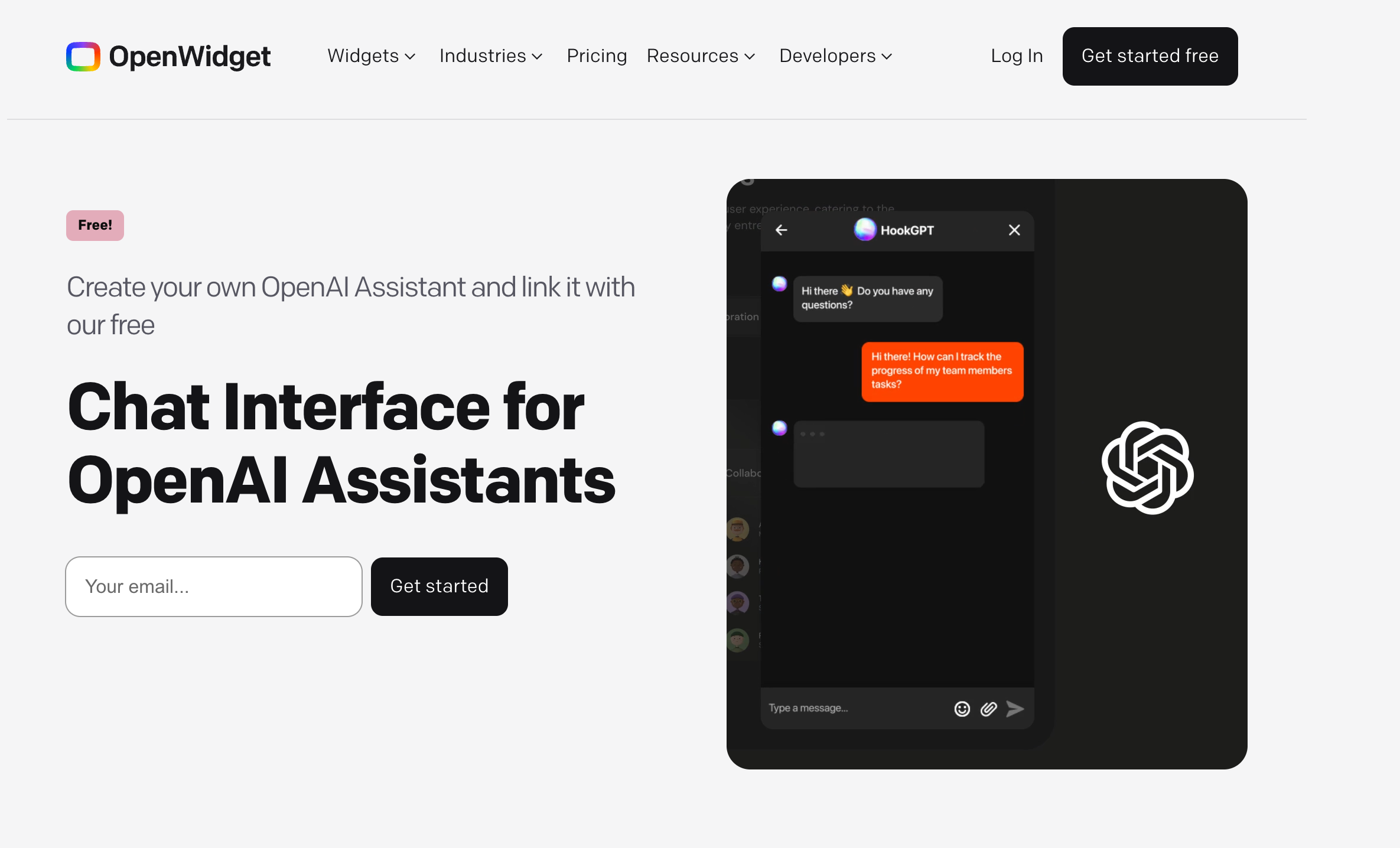
Screenshot archived from the listing page, for preview only.











