
Opsis
Automated QA that watches real usersCatch hidden bugs with video proof and fixes
Highlights
What you can do with it
- An indie developer finds a crash that only some users trigger
- An agency catches a potential SQL injection issue before delivery
- A startup spots a layout break on specific devices during iteration
How to use it
- 1 Open the Opsis website and start the free trial or pick a plan
- 2 Register and complete the account setup
- 3 Connect your app by linking PostHog, Sentry, or your own logs
- 4 Let Opsis monitor sessions and capture anomalies
- 5 Review the video evidence, apply the suggested fix, and let Opsis re-verify
Who it is for
Pros
- Finds issues that scripted tests do not cover
- Video evidence removes guesswork from bug reports
- Automatic re-verification confirms the fix landed
Limitations
- The free plan is limited compared with Pro and Team
- Monitoring real users requires attention to privacy and consent
- Value depends on connecting usable log data first
- Suggested fixes still need developer review
What Opsis is
Opsis is an automated QA tool built for developers. Instead of waiting for test cases to cover every path, it watches how real users interact with your software and captures anomalies that traditional testing is unlikely to reach. Each finding comes with video evidence of what the user did and a repair solution that can be pasted straight into editors such as Cursor and Lovable. Scheduled scans also run OWASP security checks, alerts arrive through Slack or Linear, and after a fix is applied Opsis re-verifies the repair before closing the issue. Access includes a free plan, Pro at $29 per month, and Team at $99 per month.
What you can do with it
- Monitor real user sessions continuously and capture anomalies as they happen.
- Receive video evidence that shows the exact scenario behind each bug.
- Apply copy-paste repair solutions directly in your code editor.
- Connect log data from PostHog, Sentry, or your own sources.
- Run scheduled scans and OWASP security checks, with alerts routed to Slack or Linear.
Who it is for
- Independent developers who have no time for a manual QA pass.
- Agencies and freelancers responsible for several client releases at once.
- Startups and product teams that iterate quickly and cannot afford silent regressions.
What to watch out for
Monitoring real user sessions means handling behavioral data, so review privacy obligations and your own consent notices before enabling it on a production app. The tool needs connected log data to be useful, so setup effort comes before the first finding. Suggested fixes are drafts: read them before applying, because a patch that compiles is not automatically correct. Finally, the free plan is limited, so teams with several projects will compare it against Pro and Team pricing early.
FAQ
How is it priced?
There is a free plan, Pro at $29 per month, and Team at $99 per month.
What log sources work with it?
You can connect tools such as PostHog and Sentry, or use your own log data.
What evidence does it provide?
Each captured bug comes with a detailed video record plus a copy-paste repair solution.
Does it check fixes?
Yes, Opsis automatically re-verifies a repair and only marks the issue resolved after the check passes.
Why it is free
What the official page says: free plan
Free limits, trial length and features are decided by the official site and can change at any time.
Product preview
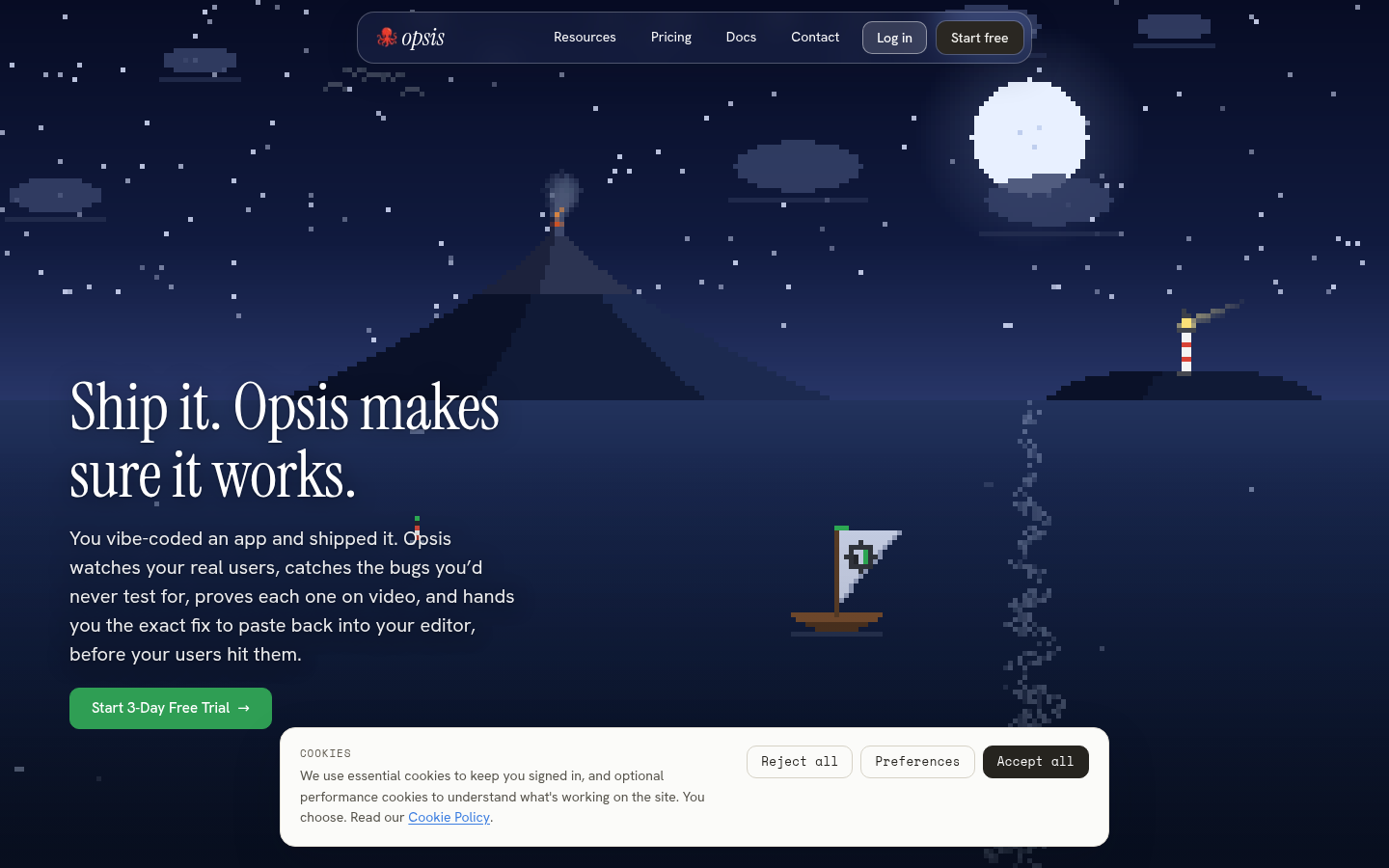
Screenshot archived from the listing page, for preview only.











