
Opus Clip
AI video editor that turns long talk videos into short clips.Turn long videos into short, engaging clips fast.
Highlights
What you can do with it
- Repurpose a long video into shorts.
- Create viral-style clips for social.
- Cut promo clips from a longer talk.
How to use it
- 1 Open Opus Clip and start the free trial.
- 2 Upload or link your long video.
- 3 Let the AI find strong moments.
- 4 Review and adjust the generated clips.
- 5 Export the shorts you want to keep.
Who it is for
Pros
- Fast long-to-short workflow.
- Extra tools like keyword highlights.
- Free minutes to test each month.
Limitations
- Free minutes are limited and reset monthly.
- Heavier use needs a paid plan.
- Clip choices may need manual review.
What Opus Clip is
Opus Clip is an AI video editing tool that turns long speech videos into short clips with one click. Its AI finds the most compelling moments and generates vertical short videos, and it adds extra tools such as keyword highlighting and emoji generators to make the clips more engaging. It supports English, German, Spanish, French, and Portuguese. The site offers a free trial with 90 minutes for new users and 60 minutes each month after, which is enough to test the workflow. It targets bloggers, marketers, and business owners who want to repurpose long video into shorts.
What you can do with it
- Turn a long talk video into short clips.
- Pull the strongest moments automatically.
- Add keyword highlights and emoji touches.
- Repurpose one video into several shorts.
Who it is for
- Bloggers and creators repurposing video.
- Marketers making short-form content.
- Business owners cutting promo clips.
What to watch out for
The free minutes are limited and reset each month, so regular or high-volume use needs a paid plan, and pricing can change over time. The AI chooses moments by its own logic, and it may miss context or pick lines you would cut, so review every clip before posting. Output still benefits from a quick manual edit for captions and pacing. Check current export limits and features on the plan you choose. Generated suggestions are for reference only, so verify anything that affects professional judgment or important data. Start with a small sample to confirm the output meets your expectations before processing the full batch. Save a backup of the original file before large batch jobs, and keep an exported copy of key results in case the page or service becomes temporarily unavailable.
FAQ
Is Opus Clip free?
It offers a free trial with limited minutes, and paid plans for more.
How many free minutes do I get?
The site lists 90 minutes for new users and 60 minutes each month.
What languages does it support?
English, German, Spanish, French, and Portuguese.
Why it is free
What the official page says: free trial
Free limits, trial length and features are decided by the official site and can change at any time.
Product preview
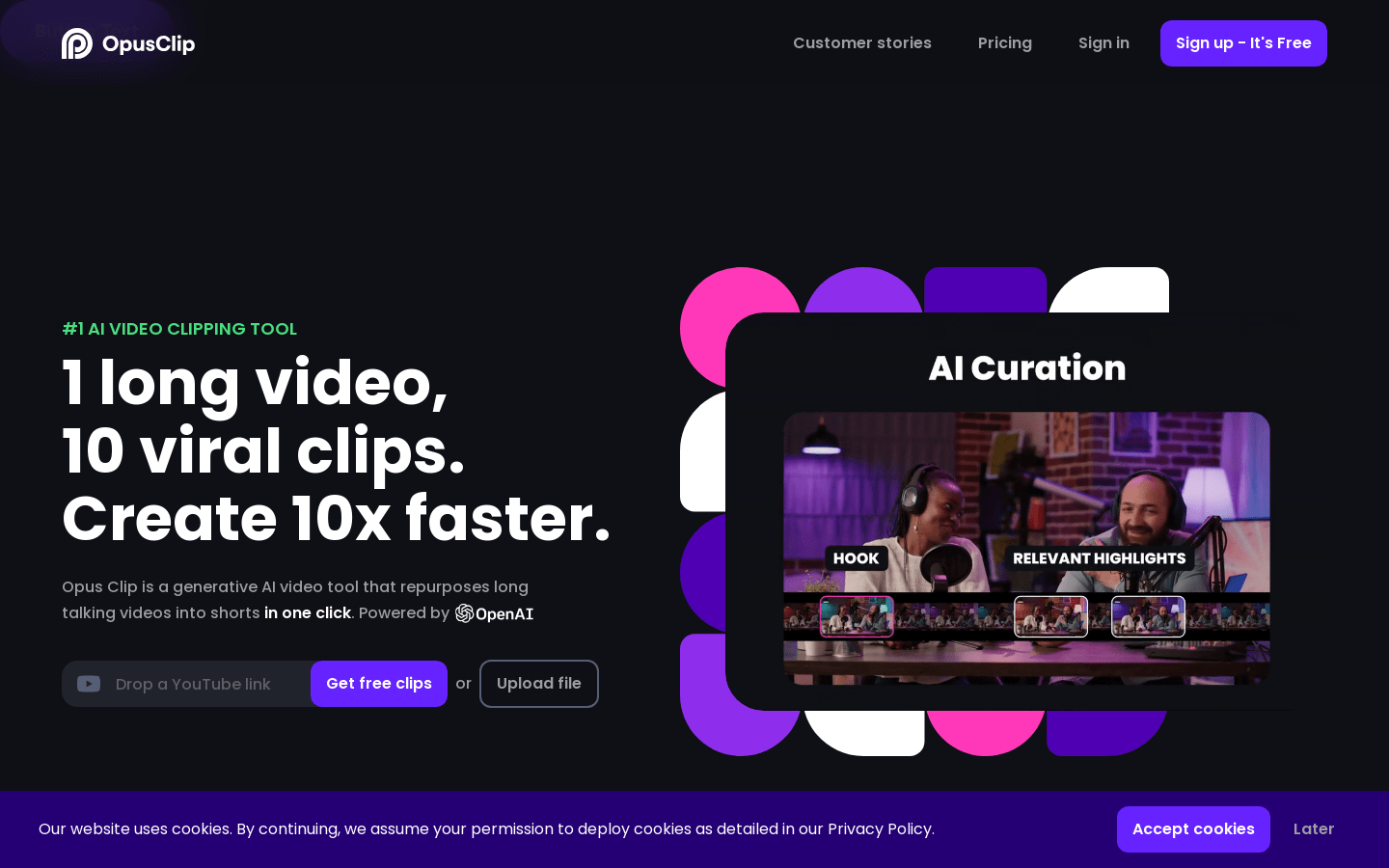
Screenshot archived from the listing page, for preview only.











