
Ovi AI
Free AI text-to-video generatorTurn a text prompt into a video
Highlights
What you can do with it
- Draft a short marketing clip from a written concept
- Create a visual example for a lesson or tutorial
- Prototype a product or game trailer idea before full production
How to use it
- 1 Go to the Ovi AI website
- 2 Write a prompt describing the scene, action, style, and emotion
- 3 Click generate and wait about 30 to 60 seconds
- 4 Preview the result in the player
- 5 Download the MP4 and edit it further if needed
Who it is for
Pros
- No registration or login step
- Fast generation for early drafts
- Free access with no stated usage caps
Limitations
- Free terms and output rules can change at any time
- Generation time varies with prompt complexity and server load
- Result quality depends heavily on how the prompt is written
- AI video can be misused to make misleading content about real people, which may break platform rules or laws, and responsibility rests with the user
What Ovi AI is
Ovi AI is an online video generator built on a text prompt. You describe what you want to see, and the platform returns a short video with synchronized audio, which the developer says includes realistic physics so motion looks coherent. There is no registration step, and the developer describes the platform as completely free, with no subscription and no usage limits. Generation usually takes 30 to 60 seconds, depending on how complex your prompt is and how busy the servers are. Finished clips download as MP4 files, so you can continue editing them in any video editor.
What you can do with it
- Turn a written concept into a short video clip with sound
- Draft marketing, educational, or e-commerce visuals quickly
- Prototype trailer or scene ideas before committing to production
- Download MP4 files and edit them elsewhere
Who it is for
- Marketers who need fast promotional clips
- Educators who want visual examples for lessons
- Creators prototyping video ideas before shooting
- E-commerce sellers testing short product videos
What to watch out for
The platform is described as free, but free terms and output rules can change without notice, so do not build a client promise around unlimited free output. Generation time depends on prompt complexity and server load, so a tight deadline can still go wrong. Prompt writing matters a lot: vague descriptions produce vague video, and you may need several attempts. Finally, AI video can be misused to fabricate misleading footage of real people, which may break platform rules or laws, and any consequences rest with you. For best results, start with a small test file and review the output carefully before working on anything important.
FAQ
Is Ovi AI free?
The developer describes the platform as completely free, with no subscription and no usage limits.
How long does generation take?
Typically 30 to 60 seconds, depending on the prompt and current server load.
What format are the videos?
MP4 files that can be downloaded and edited in other software.
Why it is free
What the official page says: completely freefree to use
Free limits, trial length and features are decided by the official site and can change at any time.
Product preview
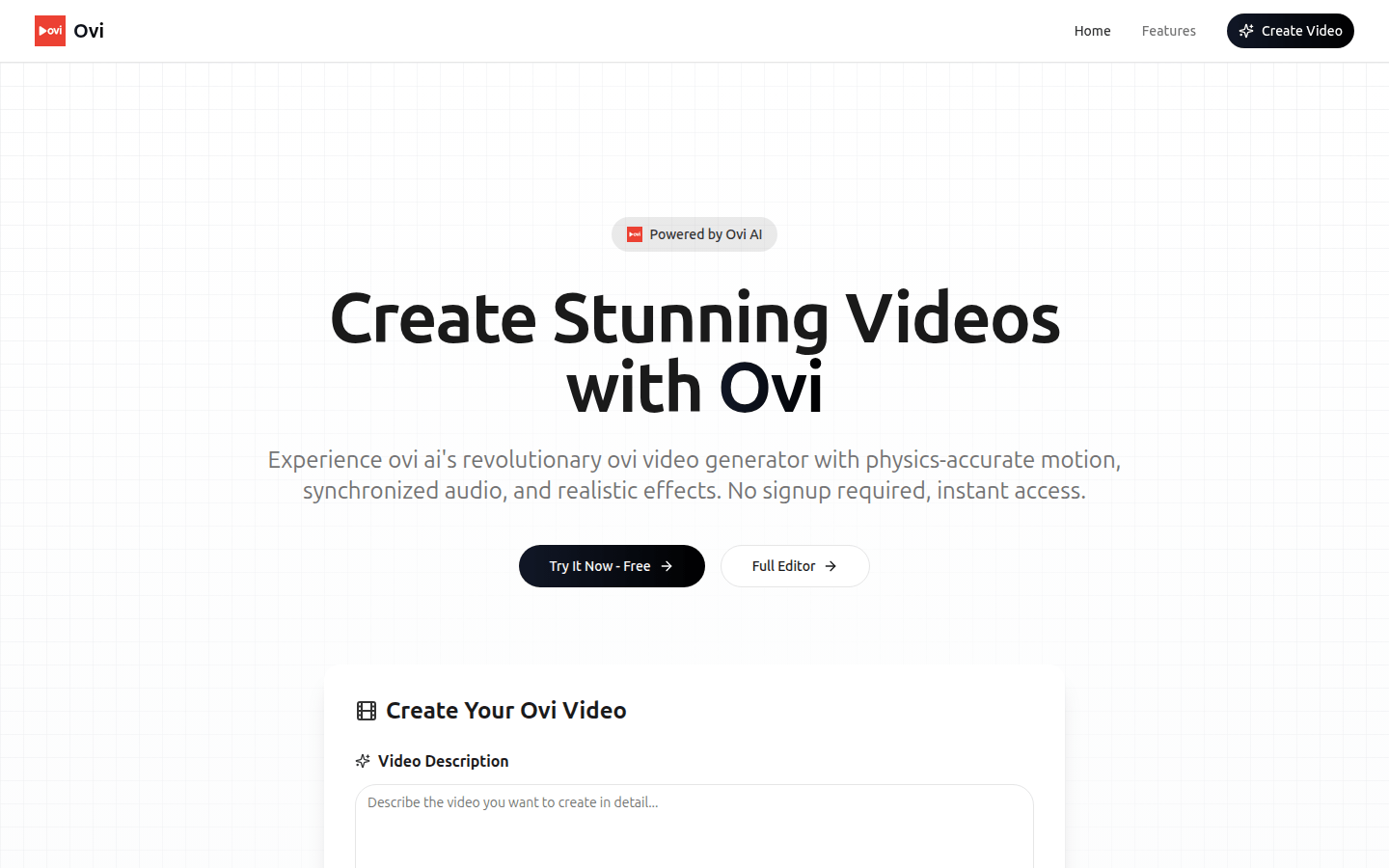
Screenshot archived from the listing page, for preview only.











