
PDF Candy
Free online PDF converter and toolkitConvert, compress, merge and sign PDFs online
Highlights
What you can do with it
- Turning a Word file or image into a shareable PDF
- Splitting or merging PDFs before sending them out
- Signing a document and adding a watermark
How to use it
- 1 Open PDF Candy in your browser
- 2 Pick the tool you need, such as PDF to Word or merge
- 3 Upload the file and wait for the conversion to finish
- 4 Download the finished file
Who it is for
Pros
- Wide format coverage inside a single browser tab
- Everyday editing tasks without installing software
- Free conversion tools for quick one-off jobs
Limitations
- Uploading confidential files to an online service carries its own risk
- Free usage rules and file size limits can change
- Very large documents can still be faster in desktop software
What PDF Candy is
PDF Candy is an online PDF service that works in the browser. It converts images, ebooks and documents into PDF, and it converts PDF files into other formats such as Word and JPG. Beyond conversion it offers a set of editing tools: compressing, merging, splitting, editing, signing, extracting images and text, adding watermarks, headers and footers, and adjusting page size and orientation. There is nothing to install, which makes it a reasonable choice for a one-off job on a machine where you cannot add software.
What you can do with it
- Convert more than twenty formats to PDF and PDF back to other formats
- Compress, merge, split and edit existing PDF files
- Extract images and text, or add watermarks, headers and footers
- Sign documents and adjust page size and orientation
Who it is for
- People who need an occasional file conversion without installing anything
- Students and job applicants preparing documents to send out
- Small businesses that handle contracts, invoices and scanned paperwork
What to watch out for
Anything you upload leaves your machine, so think before sending confidential contracts, identity documents or client data to an online converter. Free usage rules and file size limits can change, and there is no promise that a large or unusual file will convert cleanly. If you process sensitive documents on a schedule, a desktop tool you control is usually the safer option. Check the current terms on the official site before relying on the service for important paperwork. Name and archive exported files consistently so you can find and reuse them, and keep a backup copy of key data.
FAQ
Is PDF Candy free?
The listing describes it as an online service offering free PDF conversion and other PDF tools.
How many formats does it support?
It converts 20 or more file formats to PDF, and PDF files back to other formats.
Can I sign a PDF with it?
Yes, signing PDF files is listed among the tools.
Why it is free
What the official page says: 免费
Free limits, trial length and features are decided by the official site and can change at any time.
Product preview
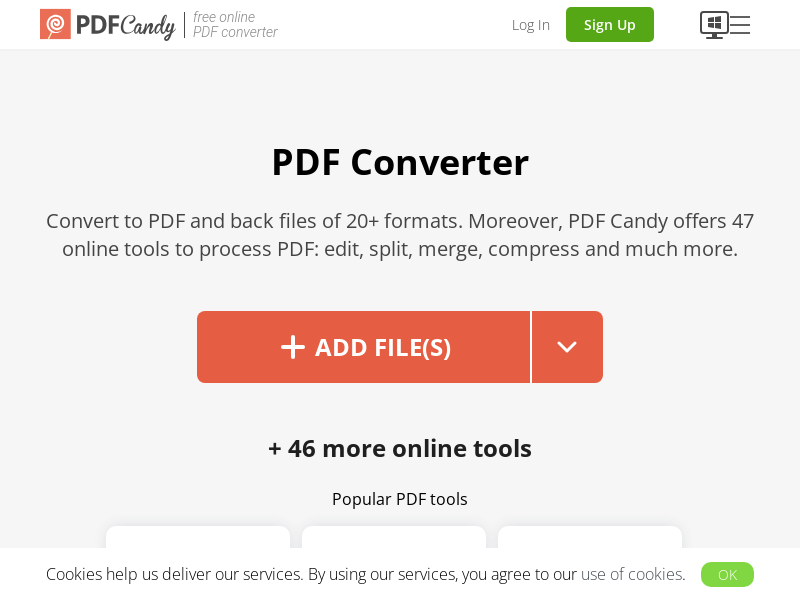
Screenshot archived from the listing page, for preview only.











