PDF Flex | AI Chat with PDF
Convert PDFs and chat with them in real timeAsk your PDFs questions and get answers
Highlights
What you can do with it
- Convert reports into editable Word or Excel files
- Ask long PDFs questions instead of reading page by page
- Speed up research review for work or study
How to use it
- 1 Open the PDF Flex AI Chat with PDF page
- 2 Upload the PDF file you want to work with
- 3 Convert it to Word, Excel, or PPT if needed
- 4 Type questions about the document content
- 5 Review the answers and export results
Who it is for
Pros
- Combines conversion and chat in one place
- Free version available for basic use
- Real time answers shorten review time
Limitations
- Answer accuracy depends on document quality
- Free version limits should be checked before heavy use
- Complex layouts may convert imperfectly
What PDF Flex | AI Chat with PDF is
PDF Flex is a tool for converting PDF files and chatting with them in real time. It converts PDFs into formats such as Word, Excel, and PPT, so documents can be reused in other workflows instead of staying locked in a fixed layout. Alongside conversion, users can ask questions about a PDF's content and receive detailed answers instantly, which shortens the time spent reading long files page by page. That combination is meant to speed up research and document review for both individual and enterprise users. Free and paid versions are available so people can choose the level that matches their workload.
What you can do with it
- Convert PDF files to Word, Excel, PPT, and other formats
- Ask questions about PDF content in real time
- Get detailed answers that speed up document review
- Use the tool for personal research or enterprise documents
Who it is for
- Students and researchers reviewing long documents
- Office workers converting and reusing PDF content
- Teams that need quick answers from reports and contracts
What to watch out for
Answer accuracy depends on document quality; scanned files with poor text layers or complex layouts may produce weaker results that need checking against the original. Free version limits should be checked before relying on the tool for heavy daily use. Sensitive documents should be handled according to your organization's rules before uploading them to an online service. For team use, agree on naming and editing conventions in advance to avoid version conflicts or duplicated work. Name and archive exported files consistently so you can find and reuse them, and keep a backup copy of key data.
FAQ
What can PDF Flex do?
It converts PDF files to other formats and lets you chat with PDFs for real time answers.
Which formats are supported?
PDFs can be converted to Word, Excel, PPT, and other formats.
Is there a free version?
Yes, PDF Flex offers both free and paid versions.
Why it is free
What the official page says: 免费
Free limits, trial length and features are decided by the official site and can change at any time.
Product preview
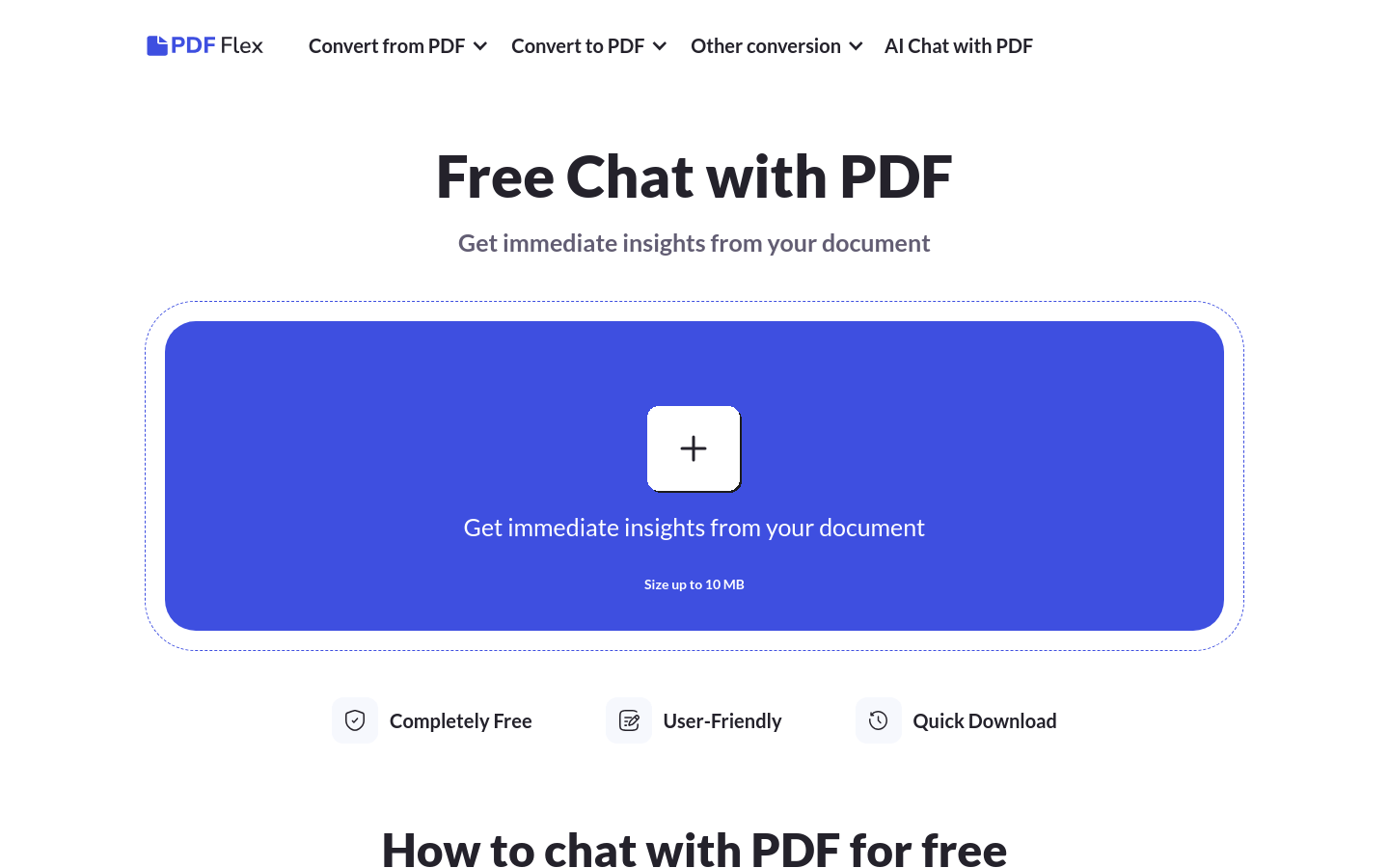
Screenshot archived from the listing page, for preview only.