
PearAI
Open-source AI editorCode faster with built-in AI
Highlights
What you can do with it
- Generating new feature code quickly
- Refactoring with AI help and a clear diff
- Searching docs and resources inside the editor
How to use it
- 1 Download and install PearAI
- 2 Open a project and register or log in
- 3 Use aider and Supermaven for code and autocomplete
- 4 Chat with your codebase for context-aware help
- 5 Apply changes through the diff view or PearAI Creator
Who it is for
Pros
- Open-source with a free download
- Combines several AI tools in one editor
- Context-aware chat with your own codebase
Limitations
- Many bundled tools mean a learning curve
- Some features may rely on external services
- A newer editor that can change quickly
What PearAI is
PearAI is an open-source AI code editor that aims to speed up development by putting several AI tools in one place. It bundles aider for generating code and handling refactors, Supermaven for fast autocomplete, MemO for a self-improving memory layer, Perplexity for search, and Continue for chat-based code editing. You can ask questions with context from your own codebase, make changes with a diff view, and let PearAI Creator spot areas that need work and implement them. It is backed by Y Combinator and offers a free download, so you can try the whole setup without paying.
What you can do with it
- Generate feature code and fix bugs with AI help
- Get fast autocomplete as you type
- Chat with your codebase for context-aware answers
- Review and apply changes through a clear diff view
Who it is for
- Developers who want AI assistance while coding
- Teams looking for an open-source editor option
- Programmers who like several AI tools bundled together
What to watch out for
Because it bundles many tools at once, there is a learning curve to find the workflow that suits you. Some capabilities may lean on external services or accounts, so check what needs a connection or key. As a newer, open-source editor, features and stability can shift between releases. It is free to download, but read the current documentation to understand what each bundled tool requires. Run one full task end to end first, then expand once you are comfortable with the workflow and the result quality. Behavior may vary across browsers and devices, so test before production use and consult the help docs if errors appear.
FAQ
Is PearAI free?
Yes, it is open-source and offers a free download.
What AI tools does it include?
It bundles aider, Supermaven, MemO, Perplexity, and Continue.
Can it see my code?
It can chat with your codebase for context-aware answers.
Why it is free
What the official page says: 免费
Free limits, trial length and features are decided by the official site and can change at any time.
Product preview
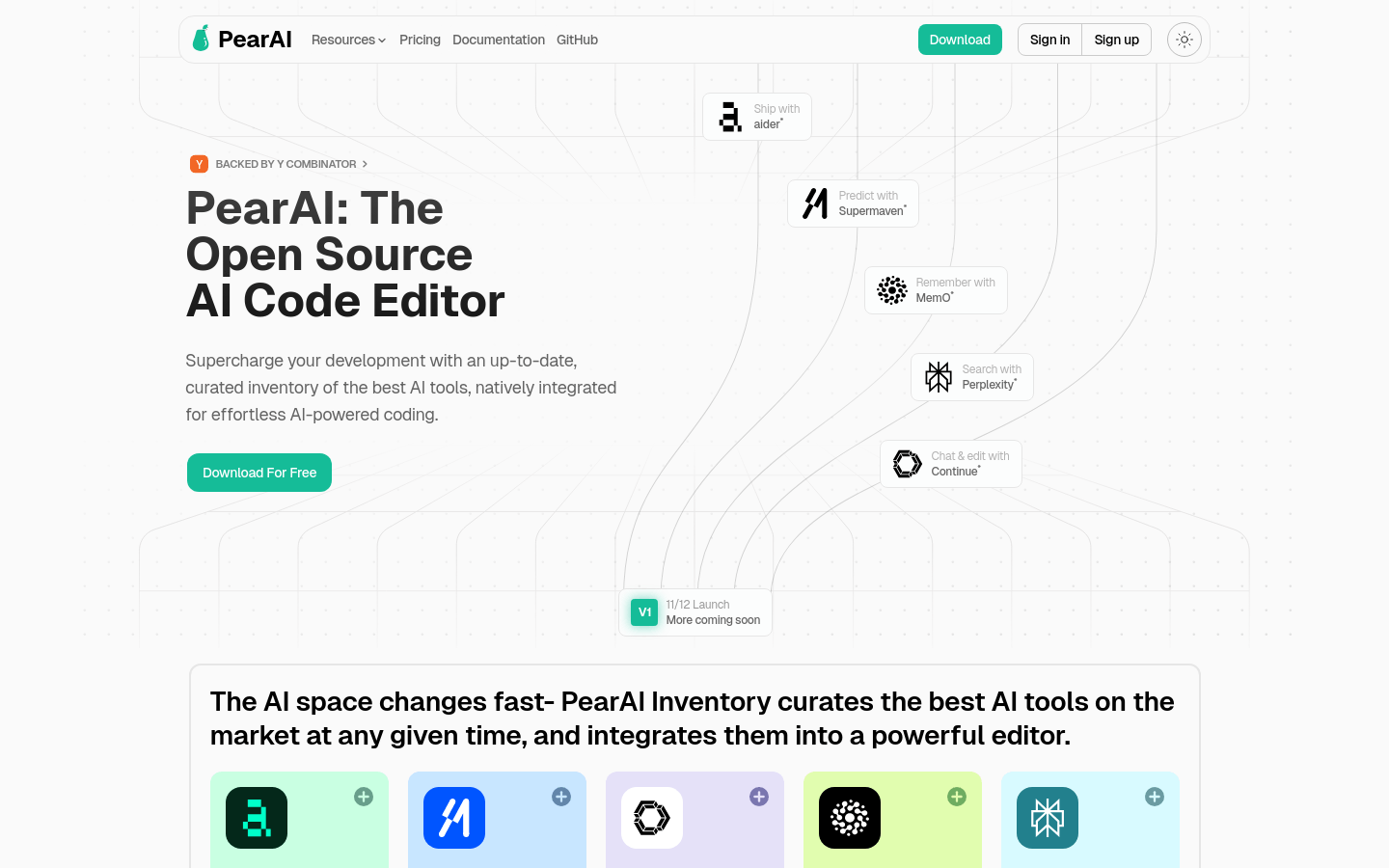
Screenshot archived from the listing page, for preview only.











