
Perplexity
AI search assistant with file uploadUpload files and search for answers with GPT-4
Highlights
What you can do with it
- Students upload text files to look up information quickly
- Researchers upload PDFs to organize large amounts of material
- Engineers use it as a personal search assistant to find technical documents
How to use it
- 1 Open the Perplexity site and sign in
- 2 Start a new search or conversation
- 3 Upload the text or PDF file you want to work from
- 4 Ask your question and review the answer with its sources
- 5 Upgrade to GPT-4 if you need the stronger model
Who it is for
Pros
- File upload lets you ask questions about your own material
- Search assistant framing keeps answers focused on finding information
- GPT-4 upgrade path for heavier work
Limitations
- Free trial is limited and the paid version is what unlocks full use
- Answers should be checked against the source before you rely on them
- Uploaded files up to 25MB may include sensitive content, so review what you send
What Perplexity is
Perplexity is described as a tool that boosts assistant efficiency by working as a personal search assistant. Rather than returning a list of links, it is framed around answering what you asked and helping you find the information you need quickly. It supports uploading text or PDF files up to 25MB, which means you can ask questions about your own material instead of only the open web. There is also an option to upgrade to GPT-4 for stronger performance. The stated focus is on personal productivity and search efficiency, and both a free trial and paid versions are listed, so you can try the workflow before committing to a plan.
What you can do with it
- Upload text or PDF files up to 25MB and ask questions about them
- Use it as a personal search assistant to find information quickly
- Upgrade to GPT-4 when you need the stronger model
- Pull together material for research, study or technical lookup in one place
Who it is for
- Students researching topics from uploaded text and documents
- Researchers working through large volumes of PDF material
- Engineers and technical staff looking for specific documents
- Anyone who would rather ask an assistant than run another search
What to watch out for
The free trial is limited, and the paid version is what unlocks fuller use, so budget for that if you plan to rely on it daily. Answers should be checked against the original source before you act on them, because a confident answer is not the same as a correct one. Uploading files up to 25MB means sending content to the service, so review anything sensitive before you attach it. Feature availability and model options can change, so treat any single description of the product as a snapshot rather than a permanent promise.
FAQ
What files can I upload?
The site lists text and PDF files, with a size limit of up to 25MB.
Is there a free option?
Both a free trial and paid versions are listed on the site.
What does the GPT-4 upgrade do?
The page presents it as a way to get enhanced assistant performance for your searches.
Why it is free
What the official page says: free trial
Free limits, trial length and features are decided by the official site and can change at any time.
Product preview
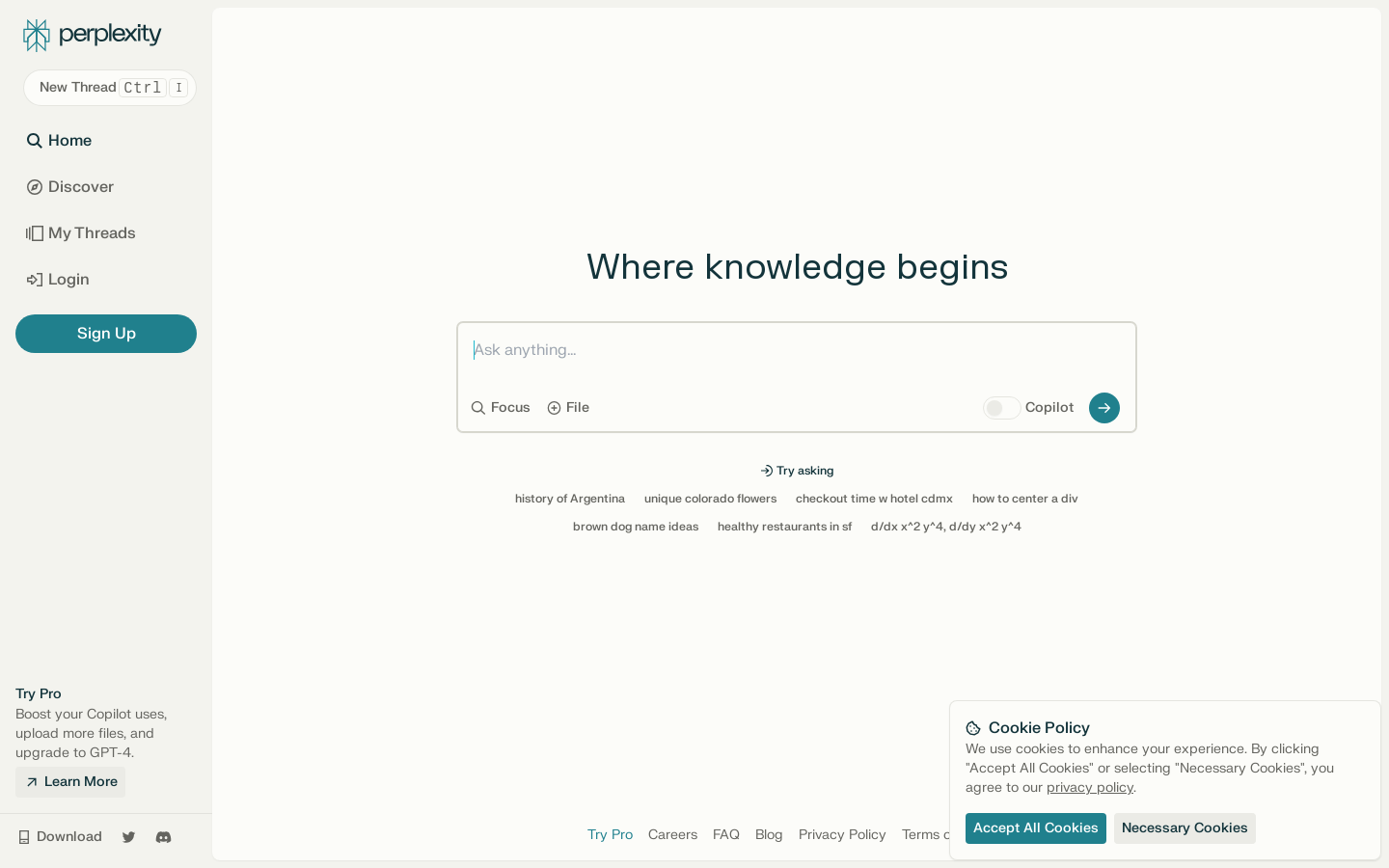
Screenshot archived from the listing page, for preview only.











