
Photo to music AI matches mood perfectly online
Text and image to royalty-free music tracksType a mood, get a royalty-free track
Highlights
What you can do with it
- A YouTuber generates background music for a travel video from a short description
- A podcast producer writes original opening music for a new episode
- An indie game developer creates adaptive music and exports MIDI for tuning
How to use it
- 1 Open beatbun.com and try the free version or register an account.
- 2 Enter descriptive text covering mood, genre, or the scene you have in mind.
- 3 Start the generation and wait for the takes to come back.
- 4 Listen through the options and pick the one that fits.
- 5 Download the audio if you are subscribed, or continue with free features.
Who it is for
Pros
- No digital audio workstation or studio hardware required
- Free version available before you subscribe
- Output is described as royalty-free
- MIDI export gives you a real editing path afterwards
Limitations
- Voice replacement and cover tools raise consent and rights questions for anyone whose voice is cloned
- Free features are limited compared with the subscription
- Generated lyrics and vocals usually need editing to sound finished
- Prompting for a specific sound takes practice, and results vary between takes
What BeatBun is
BeatBun is an AI music platform built around text-to-song generation. You type a description of a mood, a genre, or a video scene, and the engine returns royalty-free tracks, usually with several takes so you can pick. Beyond the core generator, the listing describes a lyric assistant, a song extender that continues an existing track, an AI MIDI generator that exports editable files, picture-to-music that reads the mood of an uploaded photo, and voice replacement and cover tools. There is a free version to try and a subscription for fuller access. The pitch is that you do not need a digital audio workstation or expensive studio gear to produce original music.
What you can do with it
- Turn a written description into a finished track with vocals.
- Generate rhyming lyrics when the words are the hard part.
- Extend a generated track so it fits a longer video or podcast segment.
- Upload an image and get music that matches its mood and color.
- Export MIDI and refine the melody, chords, and arrangement in your own software.
Who it is for
- YouTubers and vloggers who need original background music quickly.
- Podcast and audiobook producers who want a distinctive opening theme.
- Independent game developers building adaptive music on a small budget.
What to watch out for
The voice replacement and cover tools are the part that needs care. Cloning or replacing a voice without permission can break platform terms and local law, and the responsibility sits with you rather than the tool, so only work with voices you own or have written rights to. The free version is a sample of the product rather than the whole thing, and downloads sit behind the subscription, so plan around that if you need files for client work. Generated lyrics and vocals often need manual editing before they sound finished, and results vary between takes, so budget time for listening and regenerating. Prompting for one precise sound also takes practice; short, concrete descriptions tend to do better than long artistic ones.
FAQ
Is BeatBun free?
There is a free version you can try first, and a subscription for more features and downloads.
Can I turn a photo into music?
Yes. The picture-to-music feature analyzes the mood, colors, and atmosphere of an uploaded image and converts them into a melody.
What about the voice tools?
Voice replacement and cover tools are listed, but cloning someone's voice without permission can break platform rules and local law. Use only voices you have the rights to.
Why it is free
What the official page says: free version
Free limits, trial length and features are decided by the official site and can change at any time.
Product preview
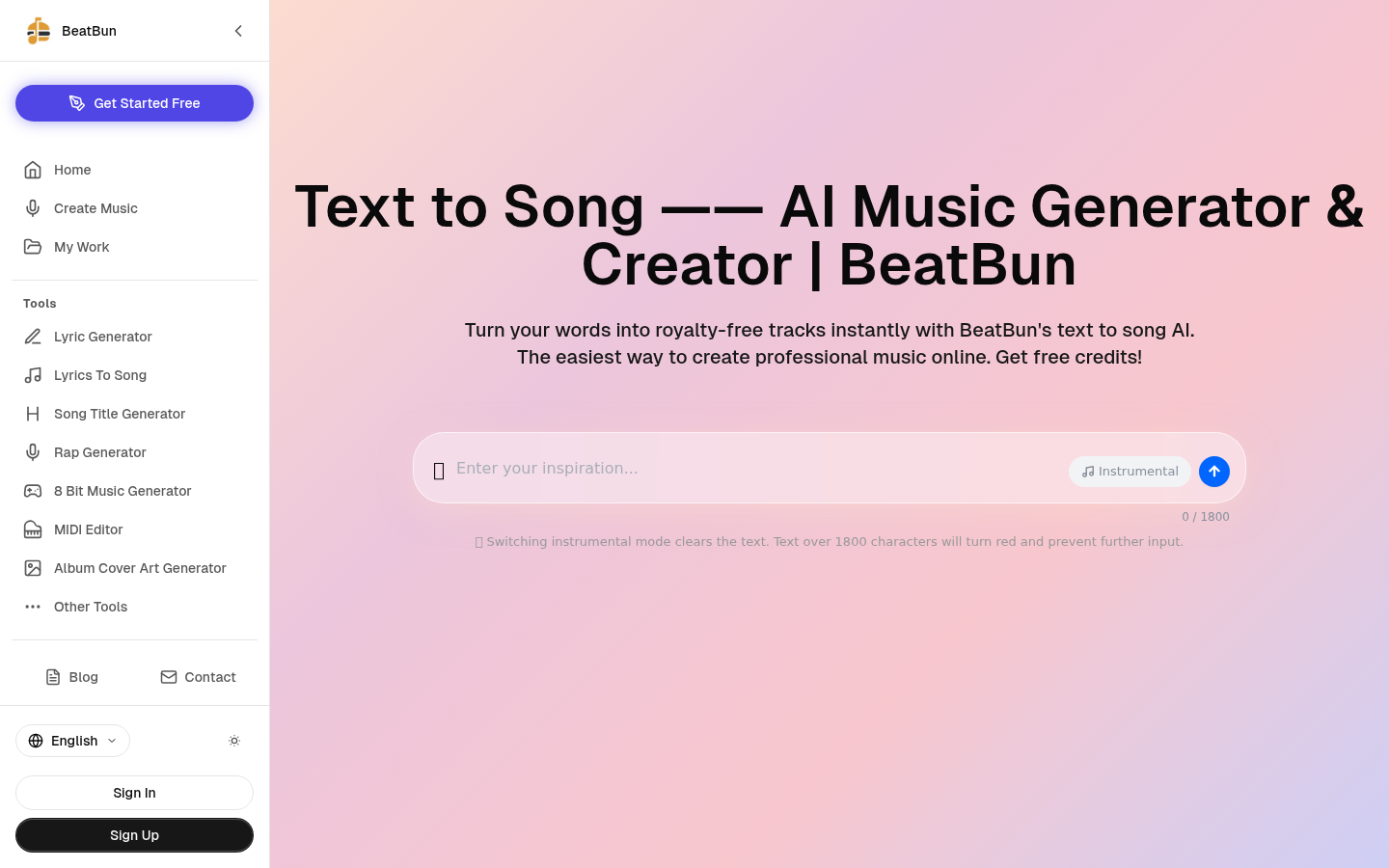
Screenshot archived from the listing page, for preview only.










