
Photo to Video AI
Free online photo to video converterTurn photos into videos, free, no registration
Highlights
What you can do with it
- Turn personal photos into short video clips for social media
- Create simple video content from product images
- Make slideshow-style clips from a set of photos
How to use it
- 1 Open the Photo to Video AI website in your browser
- 2 Upload the photo you want to convert
- 3 Wait for the tool to process and generate the video
- 4 Preview and download the result
Who it is for
Pros
- Free to use with no registration required
- Fast conversion speed
- No software installation needed
Limitations
- Free trial terms and limits may change over time
- Commercial use of generated videos requires a paid plan
- Output length and quality options are not clearly documented
What Photo to Video AI is
Photo to Video AI is an online AI tool that turns photos into videos. It is free to use and does not require registration, so you can open the site and start converting without creating an account. The conversion is fast, and the tool is designed to turn any photo into an impressive video with minimal effort. It is suitable for users who need to convert photos to videos for personal projects, social media content, or commercial use. A free trial is available, and paid users can use the generated videos for commercial purposes. The whole process runs in the browser, so there is no software to install. The tool is built to be simple, so even users with no video editing experience can get a result quickly.
What you can do with it
- Convert personal photos into short video clips
- Create simple video content from product or promo images
- Make slideshow-style clips from a set of photos
- Preview and download the generated video
Who it is for
- Social media users who want to turn photos into video posts
- Small business owners creating simple product videos
- Anyone who needs a quick photo to video conversion without registration
What to watch out for
The tool is currently free and does not require registration, but free terms and trial limits can change over time. If you plan to use the generated videos for commercial purposes, you will need a paid plan according to the product description. Details such as maximum video length, resolution, and watermark policy are not clearly documented, so you should check the site directly before relying on it for important work. As with any automated tool, results can vary depending on the source photo, so it is worth testing with a few images first and reviewing the output before you publish it anywhere. Do not assume the free version will always cover every feature you need for a professional project.
FAQ
Do I need to register to use Photo to Video AI?
No. The tool states that it does not require registration, so you can start converting photos in the browser right away.
Is it free to use?
Yes. The tool offers free usage and a free trial. Paid users can use the generated videos for commercial purposes.
Can I use the generated videos commercially?
According to the product description, paid users can use the generated videos for commercial purposes.
Why it is free
What the official page says: 免费使用免费试用免费无需注册
Free limits, trial length and features are decided by the official site and can change at any time.
Product preview
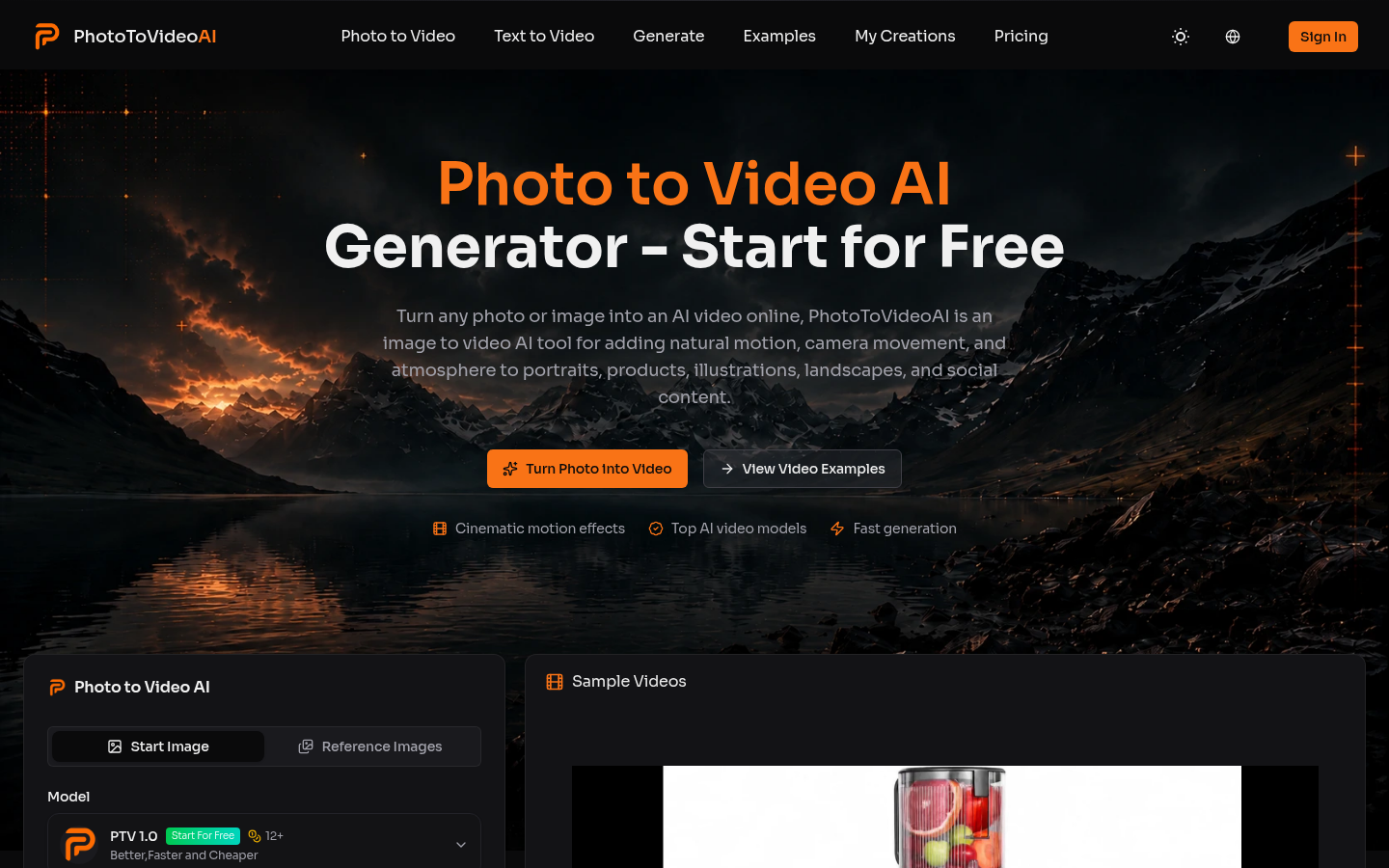
Screenshot archived from the listing page, for preview only.