
PhotoFairy
AI canvas for photo editsEdit photos on an infinite canvas
Highlights
What you can do with it
- Cut out an object or remove a photo background
- Compose a graphic design on an infinite canvas
- Learn the workflow through tutorial videos
How to use it
- 1 Register for free on the PhotoFairy site.
- 2 Watch the tutorial videos if you are new.
- 3 Upload the photo you want to edit.
- 4 Use object cutting or background removal tools.
- 5 Build your design on the infinite canvas and export.
Who it is for
Pros
- Free registration to start
- Infinite canvas avoids fixed size limits
- Tutorials help new users get going
Limitations
- Free registration does not mean all features are free
- Complex retouching still needs manual work
- Paid pricing is not listed on the page
What PhotoFairy is
PhotoFairy is an infinite AI canvas designed for photo editing and graphic design. Its highlighted features are object cutting and background removal, along with graphic design tools that operate on the same canvas, so a cutout can move straight into a layout without exporting between apps. Registration is free, and tutorial videos are provided for new users who want to see the workflow before trying it. Pricing plans are described as flexible and diverse, covering both individual and commercial use, so the same tool can serve personal projects and client work.
What you can do with it
- Cut out objects and remove photo backgrounds
- Compose graphic designs on an infinite canvas
- Work across photo editing and design in one place
- Learn the workflow through tutorial videos
Who it is for
- Photo editors who need fast cutouts and background removal
- Graphic designers who want a canvas without fixed limits
- Individual and commercial users who need one tool for both
What to watch out for
Free registration does not mean every feature is free, and the page does not list what the paid plans cost, so confirm before starting client work you cannot afford to interrupt. Complex retouching, fine edges, and hair level cutouts still benefit from manual review, since automatic tools struggle with detailed and low contrast subjects. An infinite canvas is powerful but can be confusing for simple tasks, so small edits may be faster in a basic editor. Test export quality and file formats before committing to a full project, and keep backups of originals since AI edits are destructive. Start with a small sample to confirm the output meets your expectations before processing the full batch.
FAQ
What is PhotoFairy?
It is an infinite AI canvas for photo editing and graphic design, with object cutting and background removal.
Is registration free?
Yes, users can register for free and watch tutorial videos.
Who can use it?
The pricing plans are flexible and suit both individual and commercial users.
Why it is free
What the official page says: for free
Free limits, trial length and features are decided by the official site and can change at any time.
Product preview
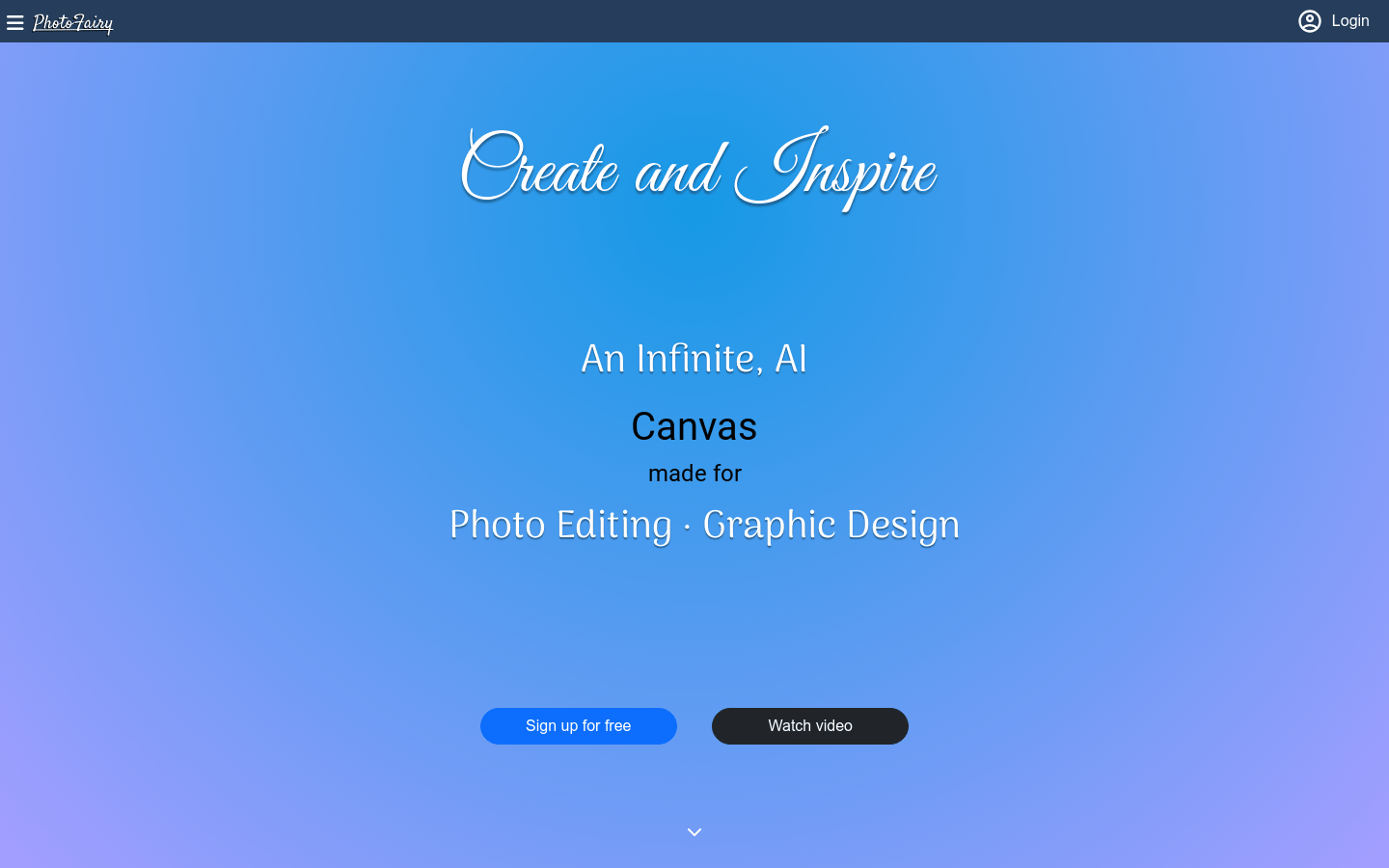
Screenshot archived from the listing page, for preview only.











