
PicFinder
AI image generator from descriptionsDescribe it, see it
Highlights
What you can do with it
- Visualize an idea before designing it
- Generate reference art for a project
- Experiment with prompts for fun
How to use it
- 1 Open PicFinder in your browser
- 2 Type a description of the image you want
- 3 Generate and review the result
- 4 Iterate on the description until it fits
Who it is for
Pros
- Free to use
- Simple text-to-image flow
- Room to iterate freely
- No design skills needed
Limitations
- Output quality depends on the description
- Free terms can change
- Unlimited generation still takes time per image
- Not aimed at precise production work
What PicFinder is
PicFinder is an AI image generation product that turns written descriptions into artistic images. You type what you want to see and the system produces artwork based on that text, with generation described as effectively unlimited so you can keep iterating rather than counting attempts. The positioning is creativity first: the tool helps you explore ideas visually instead of polishing a final asset. It is free to use, which makes it easy to experiment without committing to a subscription.
What you can do with it
- Turn a written description into an art image.
- Generate variations as you refine the wording.
- Explore a visual idea before designing it.
- Build reference art for a larger project.
- Experiment with prompts at no cost.
Who it is for
- Hobbyists exploring AI-generated art.
- Designers who need quick visual references.
- Anyone curious about how text-to-image works.
What to watch out for
Output quality tracks the description, and short prompts return generic images. Even with effectively unlimited generation, each image takes time to produce, so rapid iteration is still slower than it sounds. The tool is aimed at exploration rather than precise production work, where controlled composition and exact detail matter. Free terms can change. Start with a small sample to confirm the output meets your expectations before processing the full batch. Free tiers and usage limits can change, so check the current rules on the official page before relying on it long term. Save a backup of the original file before large batch jobs, and keep an exported copy of key results in case the page or service becomes temporarily unavailable.
FAQ
Is PicFinder free?
Yes, the product is described as free to use.
What does it do?
It turns written descriptions into AI-generated artistic images.
Who is it for?
Anyone who wants to explore ideas visually.
Why it is free
What the official page says: free to use
Free limits, trial length and features are decided by the official site and can change at any time.
Product preview
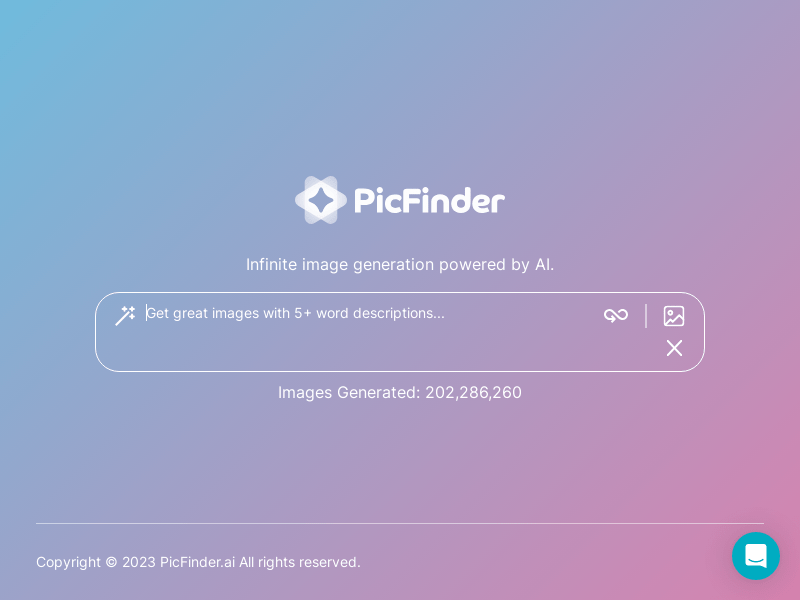
Screenshot archived from the listing page, for preview only.











