
PicMenu
Free AI menu image splitterSee every dish before you order
Highlights
What you can do with it
- See each dish on a restaurant menu before ordering
- Compare items on a takeout app menu
- Add dish visuals to a restaurant review
How to use it
- 1 Open the PicMenu website
- 2 Upload the menu image you want to view
- 3 Wait for the AI to split it into dish images
- 4 Browse the dish photos to decide what to order
Who it is for
Pros
- Free of charge to use
- Turns a text menu into visual dish images
- Simple upload and view flow
- Backed by Together AI for recognition
Limitations
- Free status and features could change over time
- Recognition accuracy depends on the menu image quality
- Only as useful as the menu; it does not price or book
- Uploading a menu photo shares that image with the service
What PicMenu is
PicMenu is a website that uses AI to turn a menu image into separate pictures of each dish. According to its page, you upload a menu photo and the AI recognizes the items and generates an individual image for each one, so instead of reading only text you get a visual of what is on offer. This is meant to help you make a clearer choice about what to eat. The service is powered by Together AI and is completely free of charge. The interface is described as simple, and the site also links to GitHub, Twitter, and LinkedIn. It is built to make meal choices easier by showing what each item looks like.
What you can do with it
- Upload a menu photo and get dish by dish images
- See each item before you decide what to order
- Compare dishes on a takeout or digital menu
- Add dish visuals to a food review or article
Who it is for
- Diners who want to see dishes before ordering
- Takeout customers choosing from a digital menu
- Food bloggers and reviewers who want images
- Anyone who finds text only menus hard to picture
What to watch out for
PicMenu is free now, but that status and its features could change as the project develops. How well it works depends on the quality of the menu image you upload, so blurry or crowded menus may give weaker results. It only shows dish images; it does not handle prices, ordering, or booking, which stay with the restaurant or app. Uploading a menu photo also means sending that image to the service, so avoid menus with private or sensitive details. Because it relies on an external AI provider, availability can be affected by that upstream service.
FAQ
Is PicMenu free?
The page states it is completely free of charge.
What does it do?
It takes a menu image and uses AI to break it into individual dish images to help you choose.
Who powers the AI?
The page says it is powered by Together AI.
Do I need an account?
No account is mentioned; you upload an image and view the results.
Can it book a table or order food?
No, it only shows dish images to help you decide. Ordering and booking stay with the restaurant or app.
Why it is free
What the official page says: completely freefree of charge
Free limits, trial length and features are decided by the official site and can change at any time.
Product preview
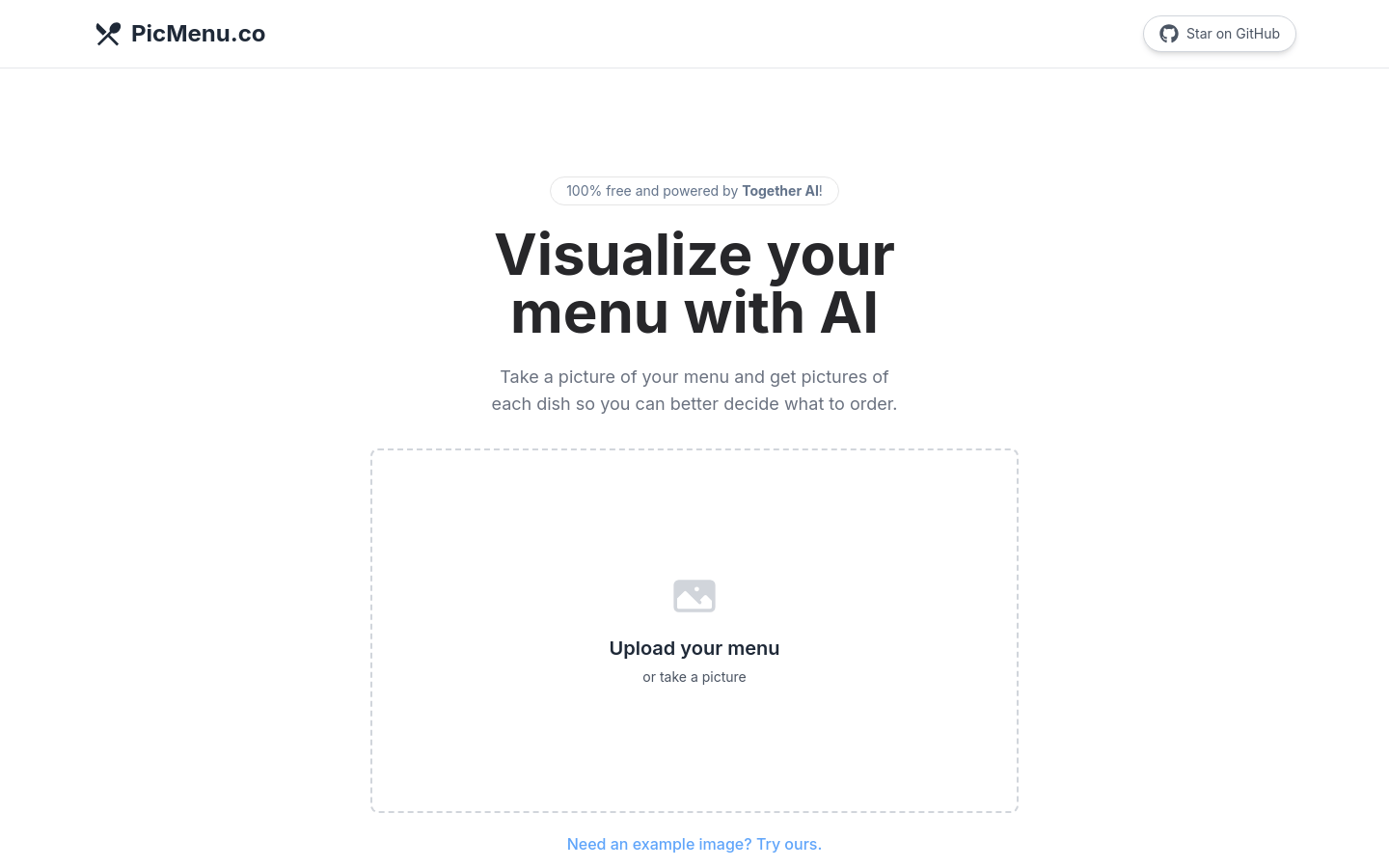
Screenshot archived from the listing page, for preview only.











