
PicTech AI
AI image translation for cross-border sellersTranslate product images and cut out backgrounds
Highlights
What you can do with it
- Translating Chinese product images into English
- Preparing a batch of listings for a new market
- Cleaning up product photos before upload
How to use it
- 1 Register and log in on the PicTech AI site
- 2 Upload the images you need translated
- 3 Choose the target language and settings
- 4 Run the translation and review the output
- 5 Download the finished images
Who it is for
Pros
- Batch work suits large product catalogues
- Background removal included alongside translation
- No design or language skills required
Limitations
- Translated text still needs a human check for accuracy
- Free limits and paid plans can change
- Complex image layouts may not translate cleanly
What PicTech AI is
PicTech AI is an image tool brand focused on cross-border e-commerce. Its main job is translating the text inside product images so a listing made for one market can be reused in another, with support for languages including Chinese, English, Japanese, Korean and Thai. It also includes intelligent background removal that detects image edges and cuts the background out in one click. The stated aim is to let practitioners work without foreign language skills or image editing experience, and the listing highlights batch processing and high definition output.
What you can do with it
- Translate text inside product images into another language
- Process a batch of images in one run
- Remove backgrounds from product photos in one click
- Keep the original clarity of the translated image
Who it is for
- Cross-border sellers launching products in new markets
- Store operators updating large catalogues at once
- Small teams with no in-house translator or designer
What to watch out for
Machine translation inside an image is convenient but it is not a substitute for a native speaker, especially for marketing claims, sizing, material descriptions and anything with legal weight. Errors there can cost a listing or a return, so proofread before publishing. Complex layouts, stylised fonts and text over busy backgrounds are where accuracy drops most. Registration is required, free limits and paid plans can change, and anything you upload should be material you own or have the right to use. Processing speed depends on file size and network conditions, so retry later if a task stalls during peak hours. Run one full task end to end first, then expand once you are comfortable with the workflow and the result quality.
FAQ
What does PicTech AI do?
It provides AI image translation and intelligent background removal for cross-border e-commerce.
Which languages are supported?
The listing names Chinese, English, Japanese, Korean, Thai and more.
Do I need an account?
Yes, the steps include registering and logging in to use the translation service.
Why it is free
What the official page says: 免费
Free limits, trial length and features are decided by the official site and can change at any time.
Product preview
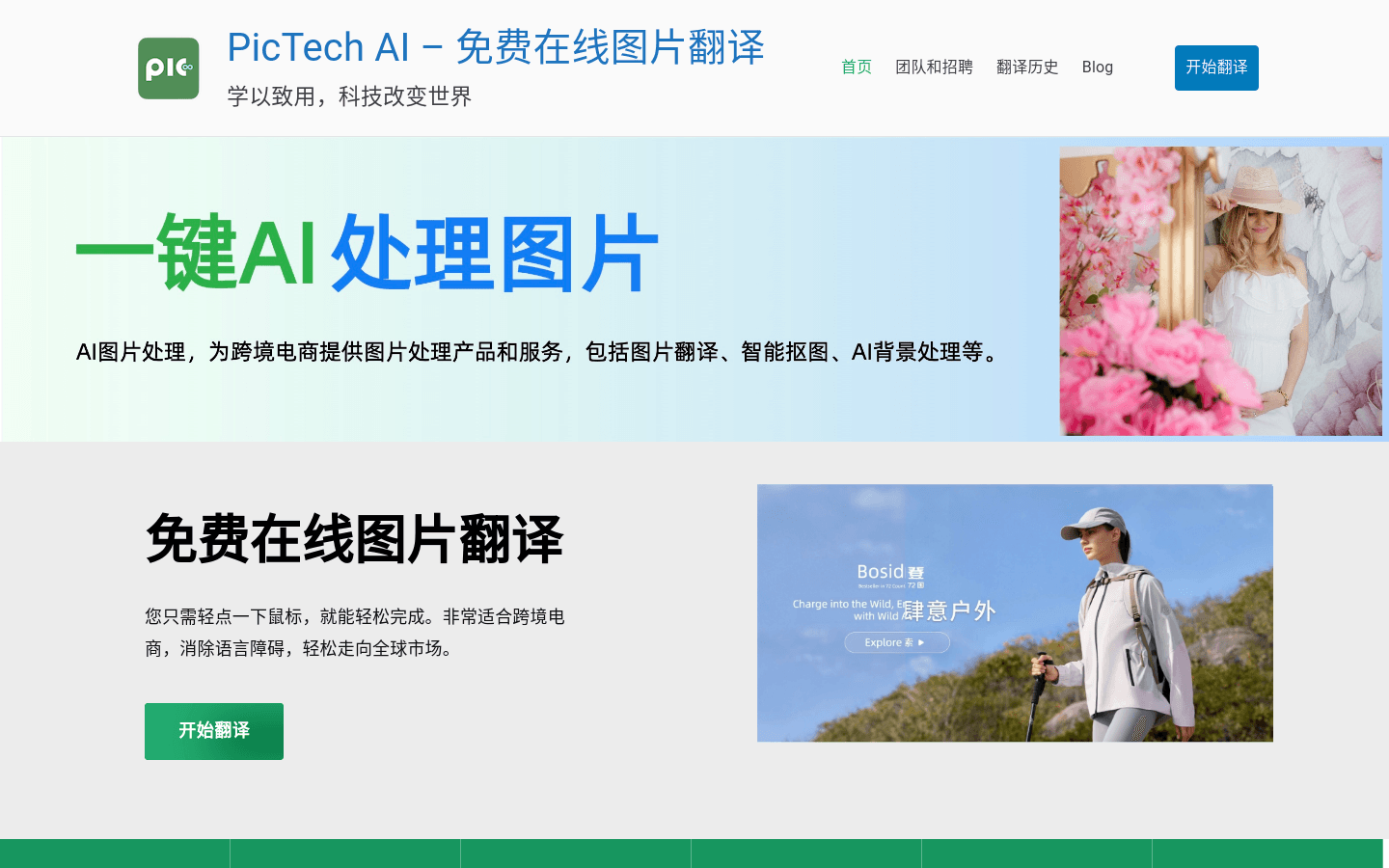
Screenshot archived from the listing page, for preview only.











