
Picture Creator AI
AI image and video editorMany AI models in one workspace
Highlights
What you can do with it
- Compose a jewelry product shot onto a model from a plain photo.
- Replace a messy portrait background with a clean scene in one step.
- Batch-generate sticker sets for social media promotion.
How to use it
- 1 Open the site, click Start for Free, and register to get 20 free credits.
- 2 Choose Create to start fresh or Edit to work on an uploaded image.
- 3 Pick a model, then describe your scene or edit in natural language.
- 4 Set aspect ratio and resolution, generate, then download from the history area.
Who it is for
Pros
- One platform replaces juggling multiple model subscriptions.
- 20 free credits let you test the models before paying.
- Editing is done with plain language instead of complex tools.
Limitations
- The 20 free credits are limited, and batch tools sit behind paid plans.
- Output quality and speed depend on which model you select.
- The service relies on upstream models that can change or be updated.
What Picture Creator AI is
Picture Creator AI is an online workspace for generating and editing images and video. Instead of paying for separate tools, it puts more than 10 AI models, including Nano Banana 2, GPT Image 2, Kling, and Seedance, behind one dashboard. You can start from a text prompt, edit an existing photo, swap a background, remove an unwanted object, retouch a portrait, or generate a short video. The interface is built around natural-language instructions, so you describe the scene or the change you want rather than learning complex editing software. Aspect ratio and resolution options run from 1K up to 4K. New users receive 20 free credits, and the site says a single subscription covers every built-in model.
What you can do with it
- Create images from text or edit uploaded photos with plain instructions.
- Replace backgrounds, clean up objects, and retouch portraits.
- Generate video clips and visual effects alongside still images.
- Batch-process multiple assets on paid plans for faster output.
Who it is for
- E-commerce sellers who need product scenes and clean listing images.
- Social media creators producing stickers, thumbnails, and promo art.
- Small teams that want access to several models in one place.
What to watch out for
The 20 free credits are a trial amount, and the batch image editor is limited to paid tiers, so regular high-volume work requires a subscription. Results depend on the model you choose, since each one has different strengths for detail, speed, and prompt compliance. Because the platform sits on top of upstream models, availability and output can change when those models are updated, and pricing terms may change too. Check the current plan details on the official site before you rely on it for client delivery.
FAQ
How many models does Picture Creator AI include?
It aggregates more than 10 image and video models such as Nano Banana 2, GPT Image 2, Kling, and Seedance.
Is there a free option?
New users get 20 free credits to try the creation and editing tools.
Can I edit images as well as generate them?
Yes. It supports background replacement, object cleanup, and portrait retouching alongside text-to-image.
Why it is free
What the official page says: 免费额度免费
Free limits, trial length and features are decided by the official site and can change at any time.
Product preview
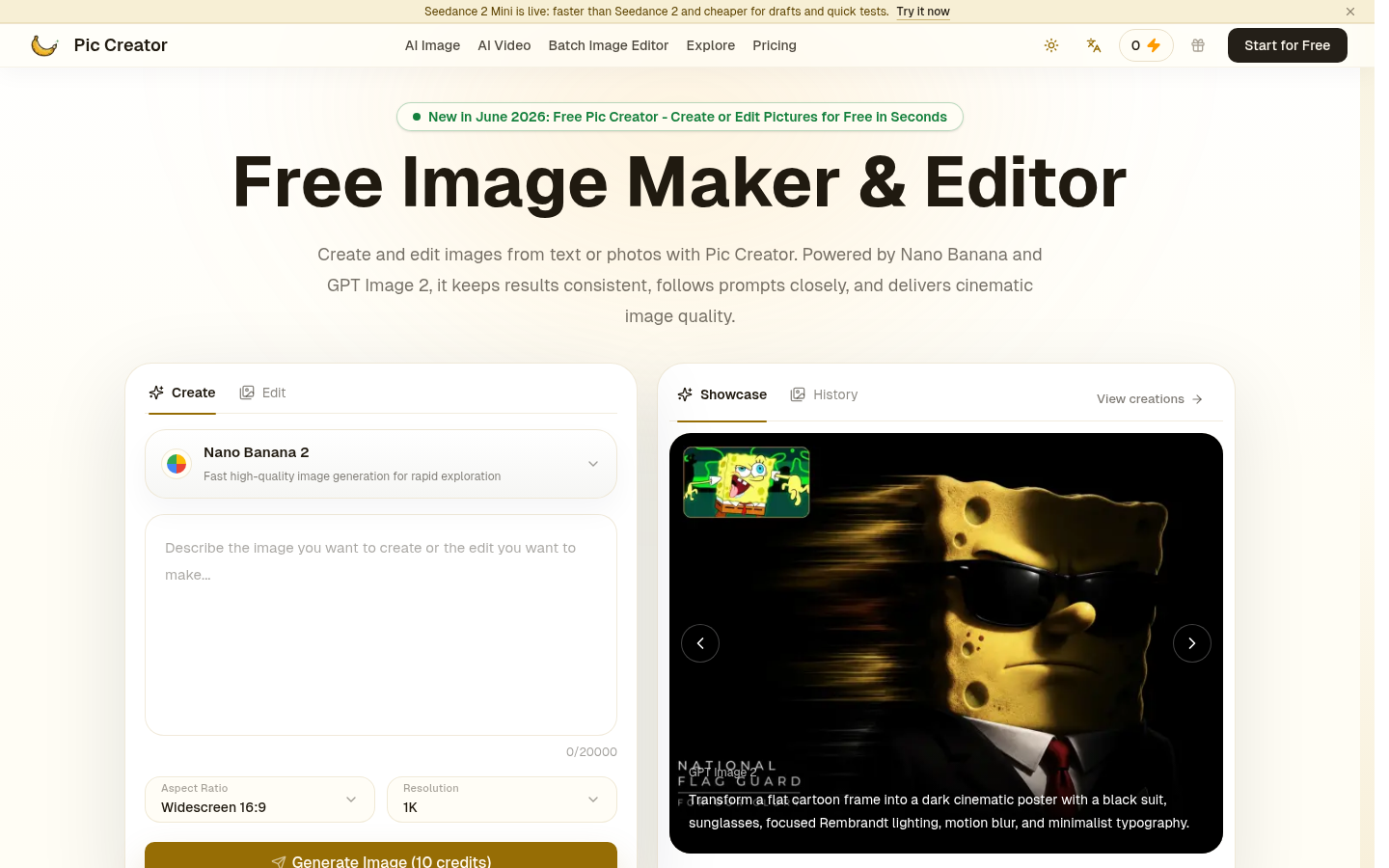
Screenshot archived from the listing page, for preview only.











