
Highlights
What you can do with it
- Turning a written idea into an image without design tools
- Editing generated images with precise control
- Making quick visuals for creative projects
How to use it
- 1 Describe the image you want on the site
- 2 Let the model generate a first result
- 3 Use the editing features to refine the output
- 4 Upgrade if you need higher resolution or faster generation
Who it is for
Pros
- No design knowledge required
- Free version available for basic needs
- Generation and editing sit in one platform
Limitations
- Higher resolution and speed sit behind paid plans
- Free plan limits are not detailed and may change
- New users need time to learn precise prompting
What PictureMaker is
PictureMaker is an AI creative platform that turns ideas into images. The site describes it as an AI Picture Maker built on Flux Kontext technology, supporting precise image generation and editing. It is aimed at creators without design skills, so professional design knowledge is not required. There are free and paid plans. The free version meets basic image generation needs, while paid plans provide higher resolution and faster generation speed. In short, you can start without paying and upgrade later if you need more output quality or speed.
What you can do with it
- Turn a written idea into a finished image
- Generate images with precise control over the result
- Edit images after generation instead of starting over
- Use the free plan for basic needs before deciding on a paid plan
Because generation and editing sit in the same platform, small changes do not force you to regenerate everything from scratch. You can also iterate on a single idea across several versions.
Who it is for
- Creators who have ideas but no design skills
- Anyone who needs quick images for a project
- Users who want to test an AI image tool for free first
It is positioned for people who care more about the idea than about design software.
What to watch out for
The free plan covers basic needs only, and its exact limits are not detailed in the available material, so check the site for current numbers. Higher resolution and faster generation sit behind paid plans, which means heavy users will eventually pay. Precise generation still requires practice with prompts and editing controls. Free plan rules can change over time, so do not build a long-term workflow on them without checking. Model updates can also change how existing prompts behave, so saved prompts may need retuning.
FAQ
Is there a free version?
Yes. There is a free plan that meets basic image generation needs.
What technology does it use?
The site says it is based on Flux Kontext technology.
What do paid plans add?
Higher resolution and faster generation speed.
Why it is free
What the official page says: 免费版免费
Free limits, trial length and features are decided by the official site and can change at any time.
Product preview
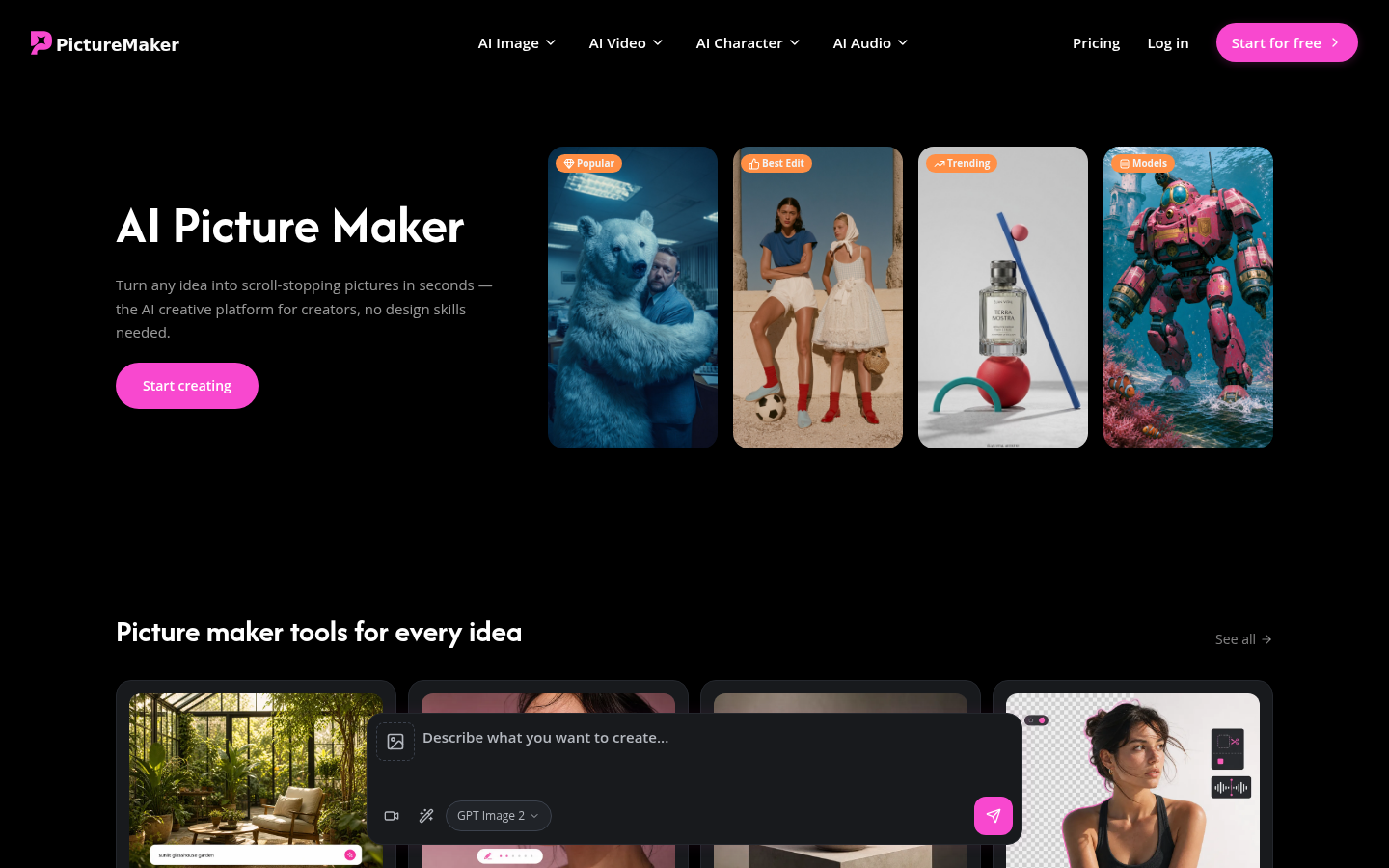
Screenshot archived from the listing page, for preview only.