
Piktochart AI
AI infographic maker from your dataTurn data into a shareable infographic
Highlights
What you can do with it
- Educational infographics for teaching material
- Marketing and promotional charts
- Internal communication charts
How to use it
- 1 Open Piktochart AI
- 2 Enter your topic or paste in your data
- 3 Pick a template that fits the theme
- 4 Customise colours, text, and layout
- 5 Export or share the finished infographic
Who it is for
Pros
- Free to create
- Wide template variety
- Fine-grained editing of every element
Limitations
- Advanced templates and features tend to sit behind paid tiers
- Any data it surfaces should be verified
- Complex datasets may need manual cleanup
What Piktochart AI is
Piktochart AI generates custom infographics from data on a topic you choose. You give it a subject or your own figures and it produces a designed chart rather than a blank canvas, with templates covering many themes as a starting point. Every element stays editable, so colours, type, and layout can be adjusted to match a brand rather than accepting a generic look. The site describes the process as fast and free, which is the appeal: a finished-looking visual in minutes instead of an afternoon in a design tool.
What you can do with it
- Generate a personalised infographic from data or a topic
- Start from themed templates across different subjects
- Customise colours, text, and layout element by element
- Produce educational, marketing, or internal charts
Who it is for
- Teachers and trainers who need visual explanations
- Marketers producing charts meant to be shared
- Internal communications teams presenting figures
What to watch out for
Design-heavy work and team features tend to sit behind paid tiers, so the free path may not carry everything you need for a client job. If the tool pulls in data rather than using yours, verify every figure before publishing, since an attractive chart with a wrong number is worse than a plain table. Complex or messy datasets will need manual cleanup in the editor. Exports can also shift slightly from the on-screen layout, so check the file before you send it. Processing speed depends on file size and network conditions, so retry later if a task stalls during peak hours. Run one full task end to end first, then expand once you are comfortable with the workflow and the result quality.
FAQ
Is Piktochart AI free?
The description describes rapid creation as free, though advanced options usually sit behind a paid plan.
What can I make with it?
Custom infographics from data, including educational, marketing, and internal communication charts.
Can I edit the output?
Yes, every element can be customised and adjusted.
Why it is free
What the official page says: 免费
Free limits, trial length and features are decided by the official site and can change at any time.
Product preview
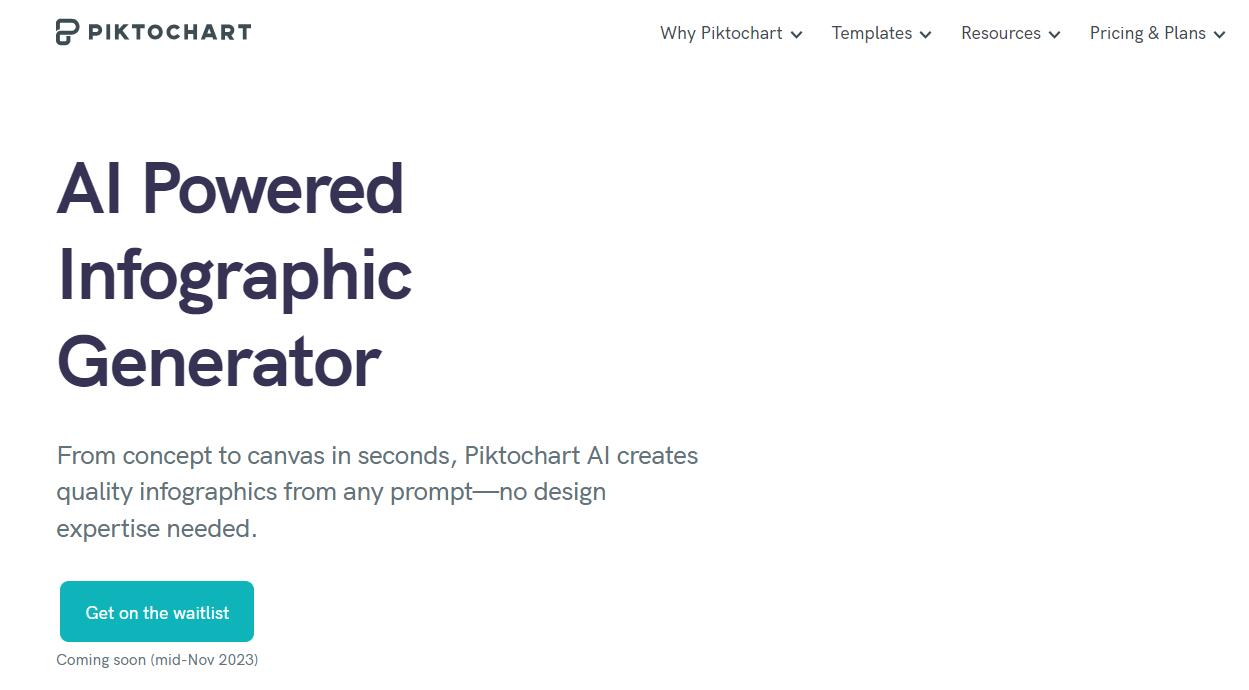
Screenshot archived from the listing page, for preview only.











