
Pineify
AI Pine Script generator for TradingViewBuild indicators and strategies without coding
Highlights
What you can do with it
- Turning a trading idea into a working TradingView indicator
- Backtesting and optimizing a strategy before going live
- Screening stocks and options with combined built-in informations
How to use it
- 1 Register on the Pineify site and log in.
- 2 Pick the tool you need, such as the coding agent or selector.
- 3 Describe your idea and let the system generate code.
- 4 Edit visually, backtest, and tune parameters.
- 5 Record the process in the trading diary before acting.
Who it is for
Pros
- No coding knowledge required to produce Pine Script
- Large indicator library in a visual editor
- Backtest reporting goes beyond raw TradingView output
Limitations
- Backtest results do not guarantee future performance
- Pricing is unclear in the listing and can change
- Market data and AI output can both be wrong
What Pineify is
Pineify is an AI Pine Script generator and coding agent built for TradingView. You describe a trading idea and the system produces Pine Script code, which you can then edit in a visual, no-code builder that includes a large library of technical indicators. Beyond code generation there is a strategy optimizer that tunes parameters, a backtest report that expands on the raw TradingView output, an AI financial agent that draws on market data and sentiment, and a stock and options selector. The listing does not state clear pricing, so check the site for current plans before you commit.
What you can do with it
- Turn a trading idea into Pine Script code without writing it yourself.
- Edit indicators and strategies in a visual builder.
- Backtest a strategy and read a deeper performance report.
- Optimize parameters automatically rather than by hand.
- Screen stocks and options using combined built-in informations.
- Keep a trading diary alongside your testing.
Who it is for
- Traders who want strategies built without programming skill.
- Investment researchers who need market data and screening tools.
- Novices creating their first indicators and strategies.
- Anyone who wants backtest analysis beyond the default report.
What to watch out for
Backtest results describe the past, not the future, and an optimized curve can be overfit to historical data. Treat any performance number as a hypothesis to verify, not as a promise. Pricing is not clear in the listing and can change, so confirm costs before subscribing. The AI financial agent and stock selector depend on third party data feeds, which can be delayed or inaccurate, so verify anything you plan to act on. This is a tool for building and testing, not investment advice.
FAQ
Do I need to know how to code?
No, the visual editor and AI agent are designed for users without programming knowledge.
What does the backtest report include?
It is described as a deep report with key performance metrics, rolling window analysis, and return data.
Is pricing listed?
The listing does not state clear pricing, so check the site for current plans.
Why it is free
What the official page says: 免费
Free limits, trial length and features are decided by the official site and can change at any time.
Product preview
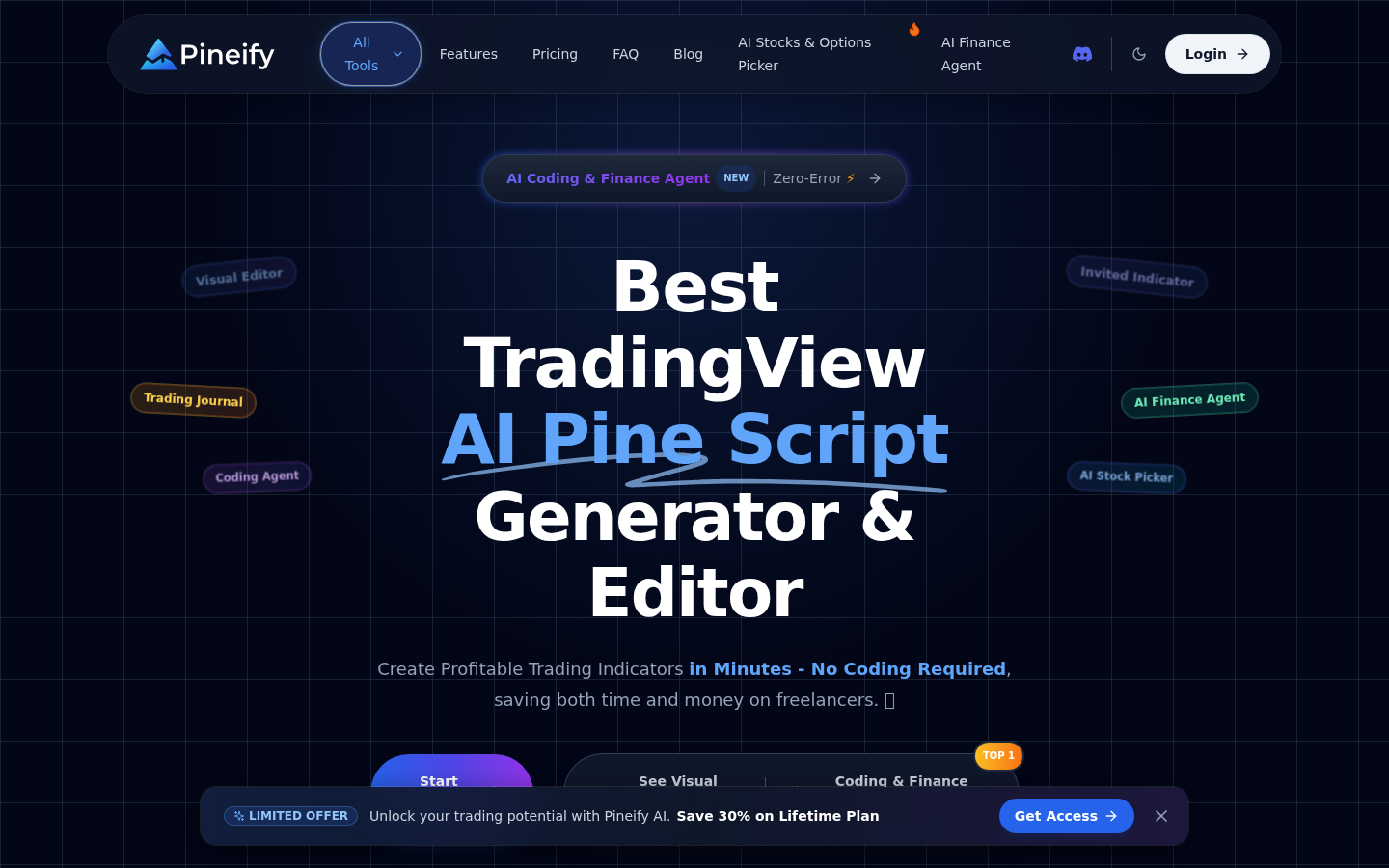
Screenshot archived from the listing page, for preview only.











