
Pixal3d.ai
Pixel-aligned AI 3D generatorTurn images into 3D models and animations
Highlights
What you can do with it
- A game studio turns character concept art into 3D models and adds animation.
- An ad agency converts product images into 3D ad videos.
- A 3D designer inspects and converts generated models in the browser.
How to use it
- 1 Sign in at pixal3d.ai, registering first if needed.
- 2 Choose Pixal3D or Trellis 2 and upload your image.
- 3 Use Hunyuan Motion and enter text if you want animation.
- 4 View, inspect, and convert the result with the browser tools.
- 5 Download the GLB, FBX motion, or motion JSON.
Who it is for
Pros
- Free browser tools for common model tasks
- Two engines let you compare reconstruction styles
- Text-to-animation adds motion without extra software
- Multiple output formats for different pipelines
Limitations
- You must log in, and generation uses credits that cost money
- Credit packs run from 180 to 390 credits, and pricing can change
- Complex images may need cleanup for production use
- Animation quality depends on how clearly you describe the motion
What Pixal3D.ai is
Pixal3D.ai is a pixel-aligned AI 3D generator. Its main job is turning images into high-precision 3D models. It uses two engines, Pixal3D and Trellis 2, with pixel alignment and PBR textures to produce GLB files, and you can compare the two to choose the reconstruction style you prefer. Beyond still models, it offers Hunyuan Motion, which generates FBX animations from text so you can add movement to characters. It also includes free browser tools for viewing, inspecting, converting, and compressing models without spending credits. You need to log in to use generation, and credit packs run from 180 to 390 credits.
What you can do with it
- Convert an image into a GLB model using Pixal3D or Trellis 2.
- Compare the two engines to pick the better reconstruction style.
- Generate FBX animations from text with Hunyuan Motion.
- Use free browser tools to view, inspect, convert, and compress models.
Who it is for
- 3D designers who need to turn references into usable models.
- Game developers producing models and animations.
- Advertising staff converting product images into 3D assets.
What to watch out for
You must log in, and generation consumes credits that cost money, with packs from 180 to 390 credits and pricing subject to change. Complex images may still need cleanup before they are production-ready. Animation quality depends on how clearly you describe the motion in text. Treat the pixel-aligned output as a strong starting point rather than a final, rigged asset. Processing speed depends on file size and network conditions, so retry later if a task stalls during peak hours. Run one full task end to end first, then expand once you are comfortable with the workflow and the result quality.
FAQ
What does Pixal3D.ai do?
It converts images into 3D GLB models with PBR textures and can generate animations from text.
Do I need an account?
Yes. You must log in to use the generation features.
Are the browser tools free?
Yes. Viewing, inspecting, converting, and compressing models can be done without consuming credits.
What can it output?
It outputs GLB models, FBX motion files, and motion JSON where available.
Why it is free
What the official page says: 免费
Free limits, trial length and features are decided by the official site and can change at any time.
Product preview
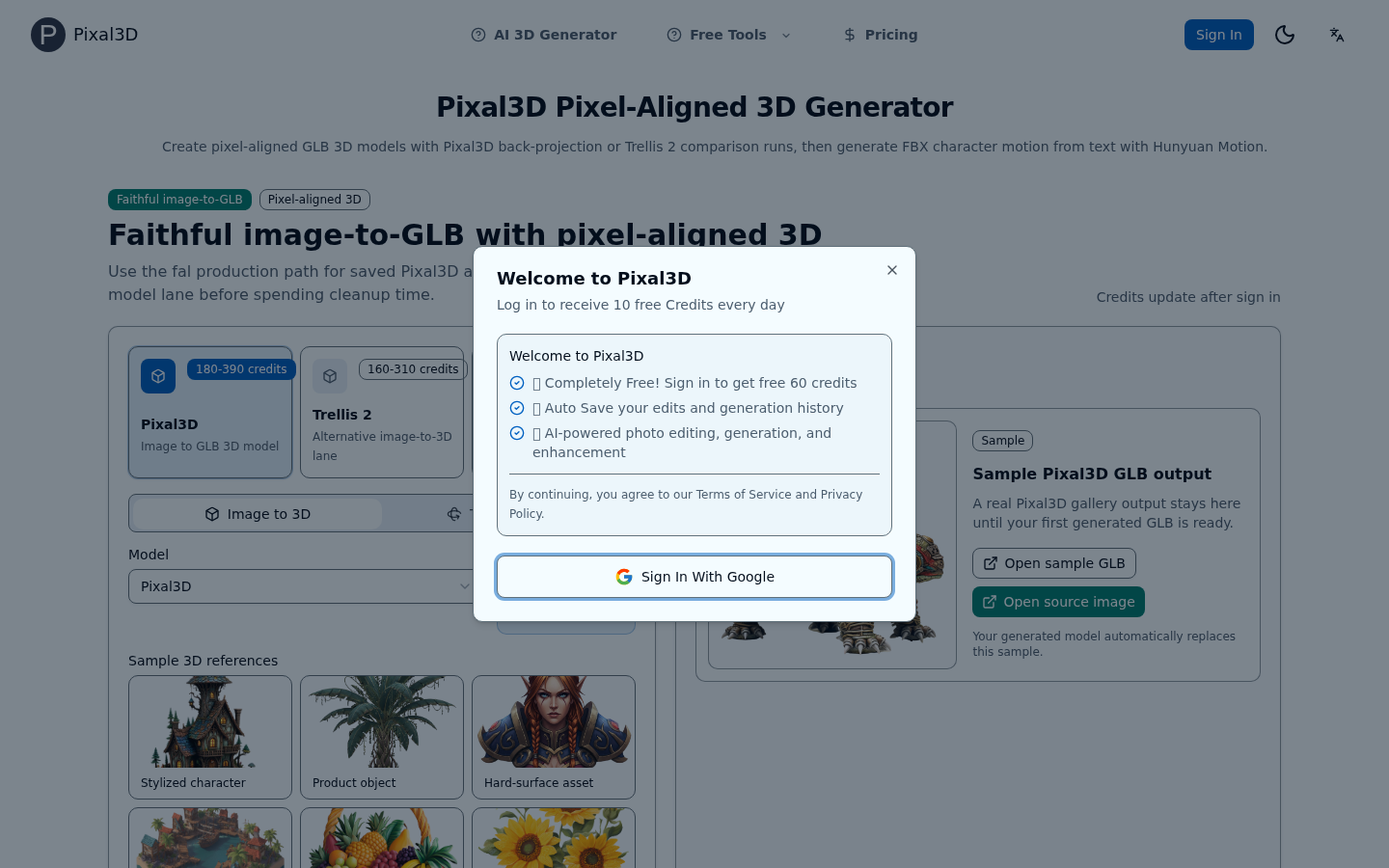
Screenshot archived from the listing page, for preview only.











