PixCanva
AI face swap design toolSwap faces and edit images free
Highlights
What you can do with it
- Designers remove backgrounds for poster work
- Artists convert sketches into realistic images
- Social users create playful face swap edits
How to use it
- 1 Open PixCanva in your web browser
- 2 Upload the image you want to edit
- 3 Choose face swap, drawing to image, or background removal
- 4 Save the edited image
Who it is for
Pros
- Free to use with no credit card required
- Simple AI tools for common edits
- Saves time on manual editing tasks
Limitations
- Face swaps may break platform or school rules
- Any misuse and its consequences rest with the user
- Free availability and rules may change over time
What PixCanva is
PixCanva is a free AI design tool built around a few practical editing tasks. It can swap faces, turn simple drawings into realistic images, and remove image backgrounds. These jobs usually take time in manual editors, and PixCanva uses AI to shorten them to a few clicks. The product is free to use and does not ask for a credit card, which lowers the barrier for quick edits. It is aimed at designers, artists, and casual social media users who want simple results without a full editing suite. Because the tools run online, you can open the site and start working without installing anything.
What you can do with it
- Swap faces in a photo using AI
- Turn a drawing into a more realistic image
- Remove an image background in a few steps
Who it is for
- Designers who need fast background removal
- Artists converting sketches into realistic art
- Casual users making playful face swap edits
What to watch out for
Face swapping can violate platform or school policies, and any misuse and its consequences rest with the user, so only edit images you have the right to change. Do not use it to impersonate or mislead others. Because it is a free web tool, availability and rules may change over time. Output quality depends on the source image, so clear, well-lit photos work better. Treat it as a quick edit helper rather than a full replacement for professional design software. For best results, start with a small test file and review the output carefully before working on anything important. Free tiers can change over time, so it is worth checking the current limits on the official page before you rely on the tool daily.
FAQ
Is PixCanva free?
Yes. The tool is free to use and does not require a credit card.
What can it do?
It offers AI face swapping, turning drawings into realistic images, and removing image backgrounds.
Are there rules on face swapping?
Face swapping can violate platform or school policies. Use it responsibly, and any consequences rest with the user.
Why it is free
What the official page says: free to useno credit card
Free limits, trial length and features are decided by the official site and can change at any time.
Product preview
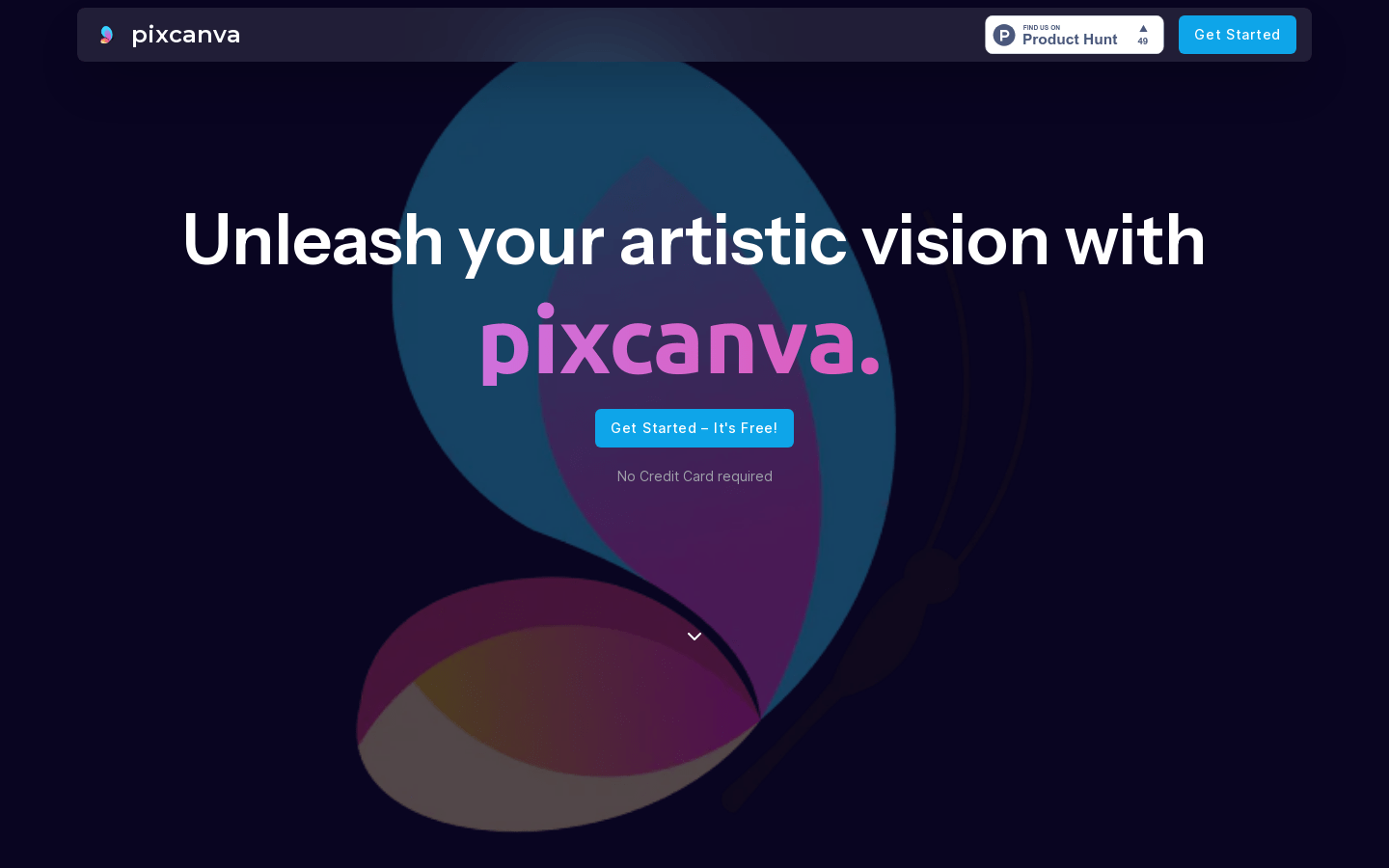
Screenshot archived from the listing page, for preview only.











