
Pixcap
Library of 3D elements and templates10,000+ 3D assets for design work
Highlights
What you can do with it
- Add 3D elements to a social media graphic
- Build a flyer or print material from templates
- Collect icons and illustrations for a project
How to use it
- 1 Open the Pixcap library
- 2 Browse or search for 3D elements, icons, or templates
- 3 Preview the asset in your design
- 4 Download it for your project
- 5 Subscribe if you need unlimited downloads
Who it is for
Pros
- Large library covers many categories
- Free downloads make it easy to try
- Assets drop straight into design work
Limitations
- Unlimited downloads require a paid subscription
- Free accounts typically face download limits
- Asset style may not fit every brand
What Pixcap is
Pixcap is a design resource library that holds more than 10,000 3D elements, illustrations, icons, and templates. Instead of modeling assets from scratch, designers pull ready-made pieces into their work. The library targets social media design, custom print materials, and flyer creation, and downloads are presented as free, with a subscription available for unlimited downloads.
What you can do with it
- Browse and search a large catalog of 3D elements and icons.
- Drop assets into social media graphics and posts.
- Assemble flyers and print materials from templates.
- Build a consistent visual set for a campaign.
Who it is for
- Social media managers who need fresh visuals often.
- Designers who want 3D pieces without modeling them.
- Marketers producing flyers and printed material on a deadline.
What to watch out for
Free access usually comes with limits, and unlimited downloads sit behind a Pixcap subscription, so heavy users should price that in. Because the assets are shared by many designers, popular pieces can appear in other people's work, so customize where brand distinction matters. Check the license terms before using any asset in a commercial product or a resold template. Behavior may vary across browsers and devices, so test before production use and consult the help docs if errors appear. Features and interface details may change between versions, so review the latest notes on the page before you start. Save a backup of the original file before large batch jobs, and keep an exported copy of key results in case the page or service becomes temporarily unavailable. Save a backup of the original file before large batch jobs, and keep an exported copy of key results in case the page or service becomes temporarily unavailable.
FAQ
How many assets does Pixcap have?
The library offers over 10,000 3D elements, illustrations, icons, and templates.
Are downloads free?
The library is presented with free downloads, while a subscription provides unlimited downloads.
What can I make with it?
You can create social media designs, custom print materials, flyers, and more.
Why it is free
What the official page says: 免费
Free limits, trial length and features are decided by the official site and can change at any time.
Product preview
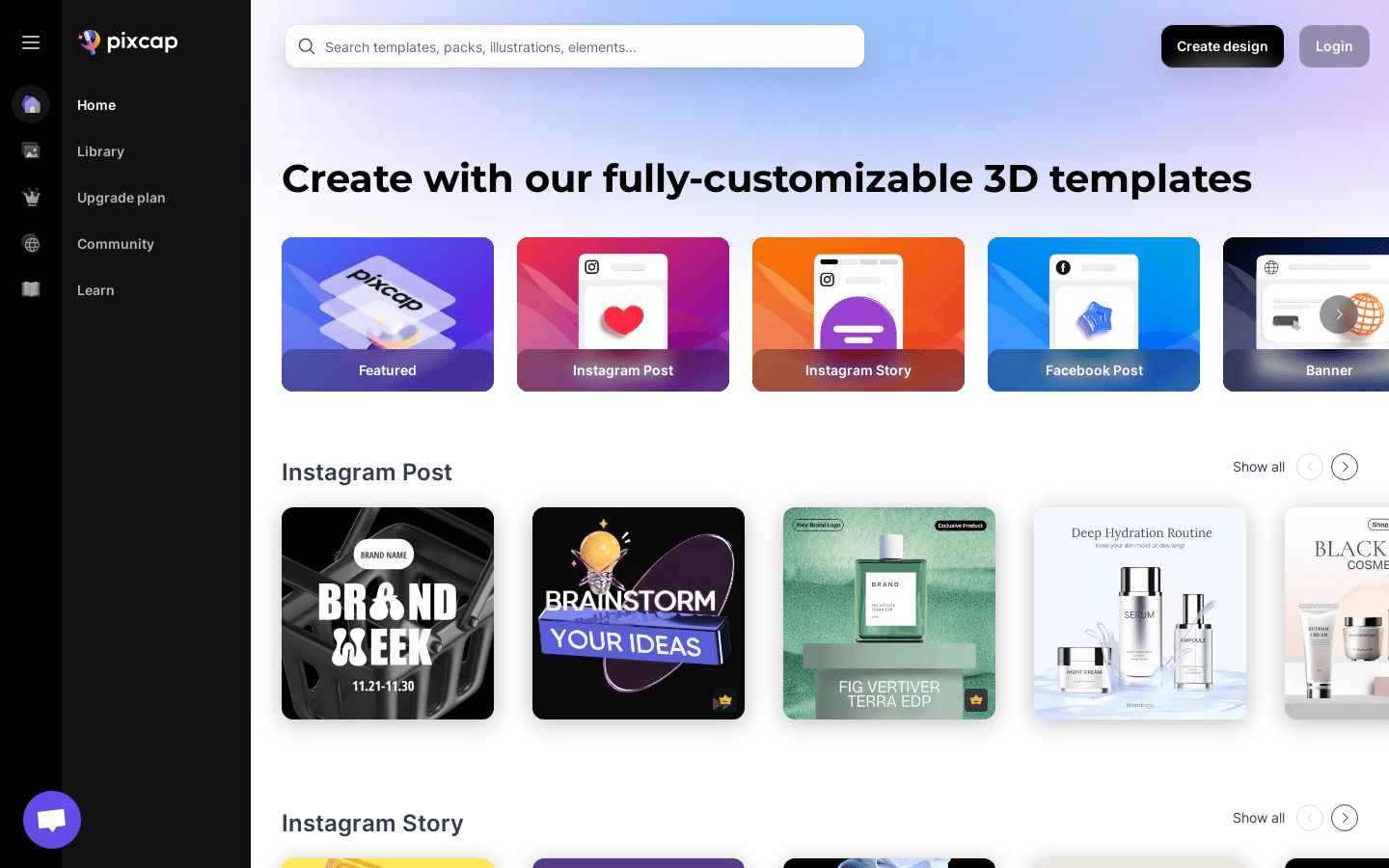
Screenshot archived from the listing page, for preview only.











