
Pixflux.AI
Free AI image editor for e-commerce and creatorsRemove backgrounds and watermarks, enhance images free
Highlights
What you can do with it
- E-commerce sellers clean up product photos for listings
- Creators remove watermarks and enhance images for content
- Batch edit multiple product images for an online store
How to use it
- 1 Open the Pixflux AI website in your browser
- 2 Upload the image you want to edit
- 3 Choose the editing function, such as background removal
- 4 Wait for processing and download the result
Who it is for
Pros
- Free trial with no registration required
- One-stop editing for common image tasks
- Batch processing saves time on multiple images
Limitations
- Free trial rules and quotas may change over time
- Advanced features or higher volume may require payment
- File size and output resolution details are not documented
What Pixflux.AI is
Pixflux AI is a professional AI image editing tool designed for global e-commerce sellers and creators. It provides a one-stop image editing solution that can quickly handle various image issues. The main advantages include a free trial without registration, fast processing speed, high quality, and support for batch processing. It can remove backgrounds, remove watermarks, and enhance images, all from the browser. The tool focuses on meeting the image processing needs of the e-commerce and creative sectors, and its positioning is to provide convenient and efficient image editing services. Because the free trial does not require registration, users can test the editing features before committing to any plan.
What you can do with it
- Remove backgrounds from product or portrait photos
- Remove watermarks from images
- Enhance image quality and clarity
- Batch process multiple images for an online store
Who it is for
- E-commerce sellers who need clean product images
- Content creators who edit images regularly
- Users who want to try AI image editing without registration
What to watch out for
The free trial is a good way to test the tool, but free rules and quotas can change over time. Some advanced features or higher processing volume may require payment, so you should check the current pricing before relying on it for regular work. Details such as maximum file size, output resolution, and supported formats are not clearly documented, so it is worth testing with your own images first. As with any AI editing tool, results can vary depending on the source photo, so review each output carefully before using it in a product listing or marketing campaign. If you handle large volumes of images every day, compare the free limits against your real workload before you build a habit around the tool.
FAQ
Is Pixflux AI free?
It offers a free trial without registration. The product can be used for free, though some features or higher volume may require payment.
What can Pixflux AI do?
It can remove backgrounds, remove watermarks, enhance images, and handle other common image editing tasks.
Who is it designed for?
It is designed for global e-commerce sellers and creators who need quick image processing.
Why it is free
What the official page says: 免费使用免费无需注册免费体验
Free limits, trial length and features are decided by the official site and can change at any time.
Product preview
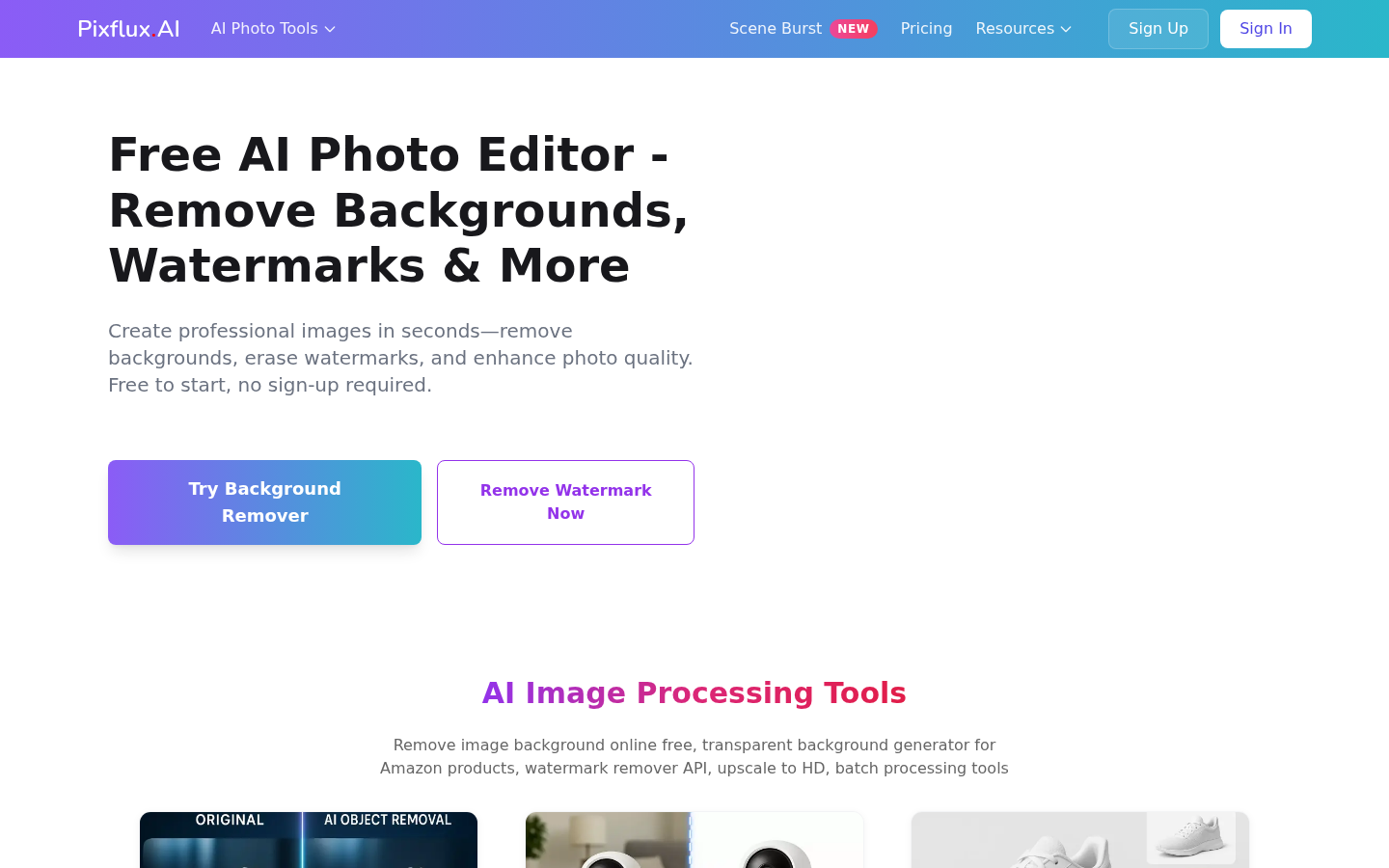
Screenshot archived from the listing page, for preview only.