
PixResolve
Online AI image enhancement by visible problemFix noise, blur, and artifacts with a free trial
Highlights
What you can do with it
- Photographers cleaning up noise from high ISO shooting
- Social media users improving color and detail before posting
- Archive staff removing dust and scratches from old photos
How to use it
- 1 Visit the site and start the one time guest trial or log in.
- 2 Select up to 10 photos to process.
- 3 Identify the visible problems and pick the matching enhancement target.
- 4 Check the file size and required credits, then start processing.
- 5 Compare the result and download the processed image.
Who it is for
Pros
- Simple workflow based on visible image problems
- Clear before and after comparison before download
- Free trial and registration credits to start with
Limitations
- The guest trial covers one image up to 2MP only
- Processing uses credits, so heavy use needs a paid top up
- Restoration results depend on the condition of the source scan
What PixResolve is
PixResolve is an online AI image enhancement tool. Instead of asking you to learn complex model names or move manual sliders, it lets you work from the problems you can actually see in the image, such as softened edges, random noise, JPEG blocks, or ringing artifacts. The product offers 2K, 4K, and 8K resolution targets that keep the original image ratio, and after processing you can drag a divider to compare grain, compression artifacts, edges, and textures before and after. It can also restore old photos and scanned photos by removing dust and fine scratches when the scanned structure is usable and the input limits are met. For price, there is a one time free trial for one qualified image of no more than 2MP, and after registration you also get free credits and welcome points. Different targets cost different amounts of credits, so check the requirement before you start. The product is targeted at ordinary users and those with image quality improvement needs.
What you can do with it
- Clean up noise from high ISO photos
- Improve color and detail before posting to social platforms
- Remove dust and fine scratches from old photos and scans
- Compare before and after results with a draggable divider
Who it is for
- Ordinary users fixing everyday photos with lighting or quality problems
- Photographers and designers processing large sets of images
- Archive administrators and historians preserving old photographic records
What to watch out for
The guest trial only covers one qualified image of no more than 2MP at standard resolution, so it is a quick test rather than a full workflow. Processing consumes credits, with different targets requiring different amounts, so heavy use will need a paid top up. Restoration quality depends on the condition of the source scan, and badly damaged photos may not improve much, so keep your originals safe and test one image first. Check the credit cost before you process a batch, because each target uses a different amount.
FAQ
Is there a free trial?
Yes. There is a one time guest trial for one qualified image of no more than 2MP, and registered users get free credits and welcome points.
What problems can it fix?
It can handle softened edges, random noise, JPEG blocks, ringing artifacts, and dust or fine scratches on old photos and scans.
What resolutions are supported?
It offers 2K, 4K, and 8K targets while maintaining the original image ratio.
Why it is free
What the official page says: free creditsfree trial
Free limits, trial length and features are decided by the official site and can change at any time.
Product preview
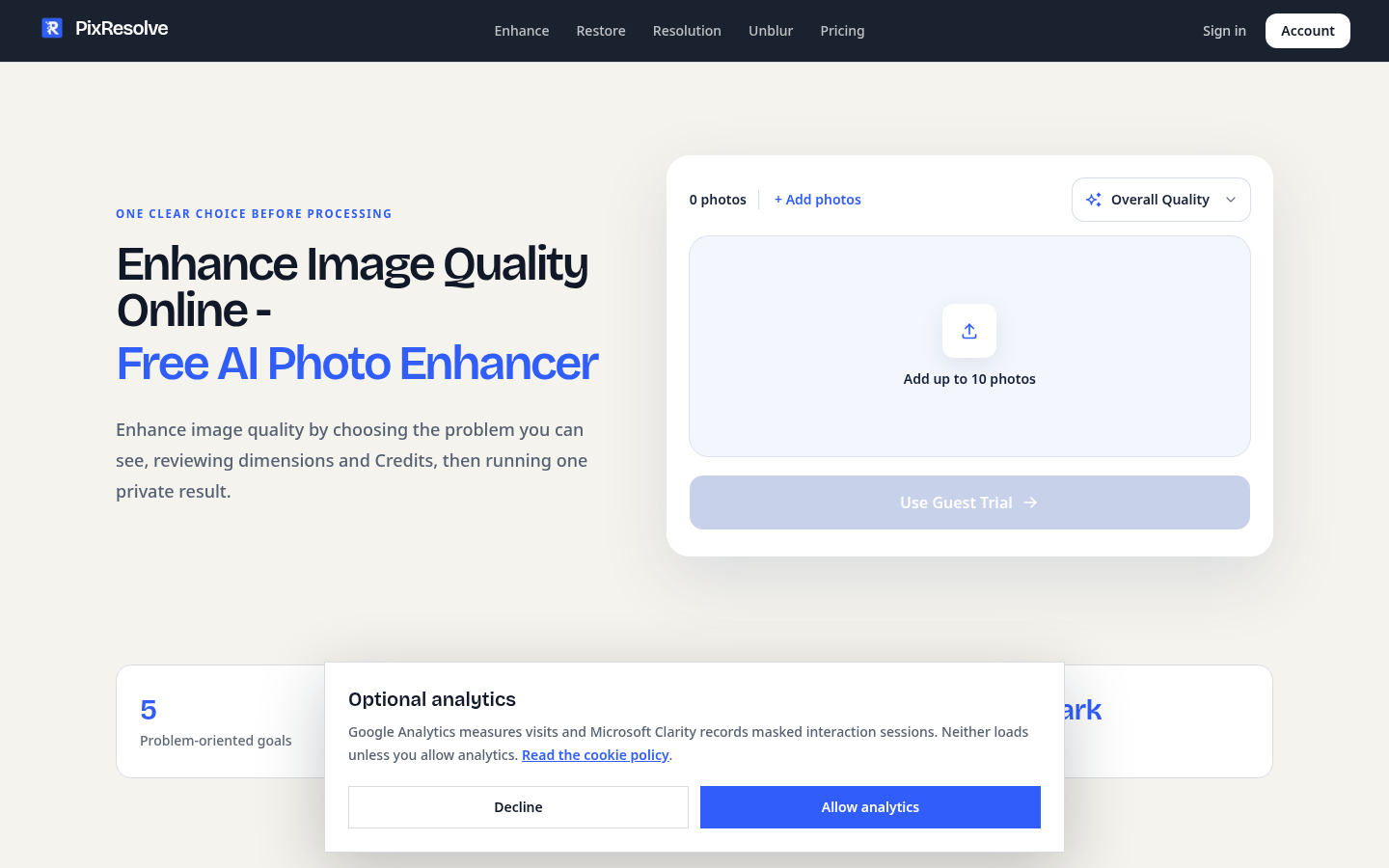
Screenshot archived from the listing page, for preview only.











