
Pixwit
All in one AI video creation platformText, photos and avatars into finished video
Highlights
What you can do with it
- Turn a story description into a video
- Build a social ad from a product photo
- Create a multi scene long video in one click
How to use it
- 1 Open pixwit.ai and start free or sign in
- 2 Pick the mode you need
- 3 Enter text or upload images
- 4 Adjust effects and duration
- 5 Generate, then edit, download or share
Who it is for
Pros
- Many video types in a single platform
- Free credits to test before paying
- Avatar and long video modes cover common needs
Limitations
- Generation takes two to five minutes, so it is not instant
- Free credits are limited and paid plans are needed for volume
- Quality varies by model and by prompt detail
What Pixwit is
Pixwit is an all in one AI video creation platform built on several advanced video models. It handles text to video, image to video, reference guided video, transitions between a start and end frame, AI avatar video up to two minutes long with lip sync and expressions, UGC style advertising video built from product photos, and multi scene long video with consistent characters. The interface is designed so people without a technical background can use it, and there is a large template library for effects. New users get 19 credit points when they register, and paid plans unlock unlimited credits and advanced features. Typical generation takes between two and five minutes, and you can watch progress while it runs.
What you can do with it
- Turn a text description into a finished video
- Animate a photo with movie level audio
- Build an ad from a product image in several ratios
- Create a long, multi scene video with a consistent character
Who it is for
- Marketers producing ad creative at volume
- Creators turning written ideas into video
- Content creators making serialized long form video
What to watch out for
Generation is not instant. Two to five minutes per clip is normal, which matters if you are iterating on a deadline. The free credits are a trial allowance, and volume work needs a paid plan. Quality varies by model and by how specific your prompt is, so vague instructions give vague shots. The platform sits on top of upstream video models, which means output style, speed and pricing can shift between visits. Check the export terms before you use clips in paid client work, and always review avatar output for lip sync accuracy before publishing.
FAQ
What can Pixwit create?
Text to video, image to video, reference guided video, start and end frame transitions, AI avatar video and multi scene long video.
Is there a free version?
Yes. New users receive 19 credit points on registration, and paid plans add unlimited credits and advanced features.
How long does generation take?
Usually two to five minutes, with progress visible while it runs.
Why it is free
What the official page says: free version
Free limits, trial length and features are decided by the official site and can change at any time.
Product preview
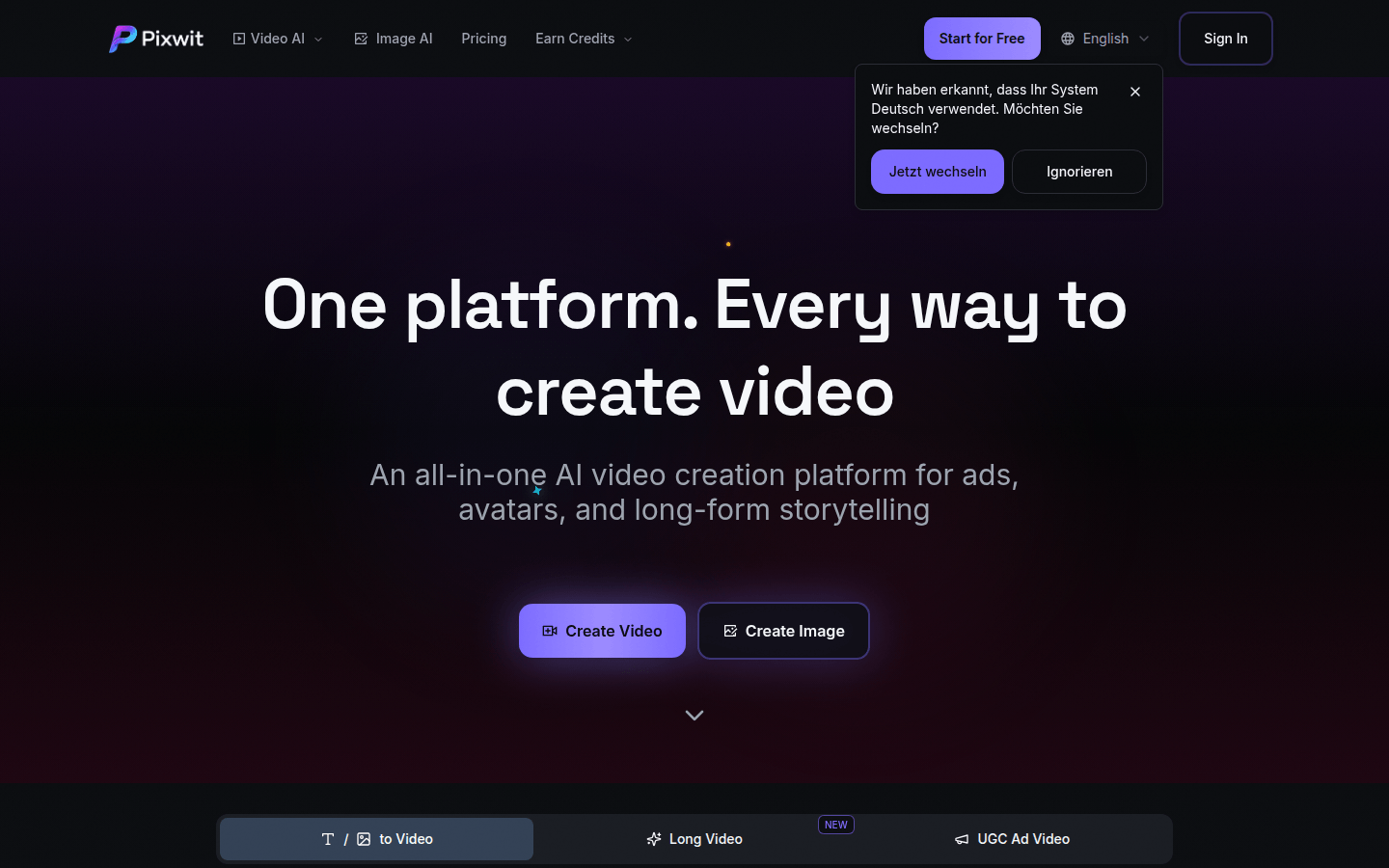
Screenshot archived from the listing page, for preview only.











