
Pixwith AI
Free AI video generator, no registrationText and images into video, no signup
Highlights
What you can do with it
- A creator turns an article into a cinematic clip for social media.
- A marketer animates product photos for an e-commerce listing.
- A student converts research notes into an anime-style class video.
How to use it
- 1 Open video-generator.ai.
- 2 Select a text-to-video or image-to-video model.
- 3 Enter a description or upload an image.
- 4 Choose style presets and settings.
- 5 Generate, preview, and download.
Who it is for
Pros
- No registration is required to start.
- Both text and image inputs are supported.
- Style presets and 4K output cover common delivery needs.
Limitations
- Free access and limits may change without notice.
- The description states there is no content review, so misuse risks sit with you, and platform or school rules may still apply.
- Model quality varies, and output may need editing before publishing.
What Pixwith AI is
Pixwith AI is a free online AI video generator that works without registration. It supports several AI models, and it turns text descriptions or uploaded images into videos. Style presets such as cinematic and anime let you set a look in one click, character consistency is maintained across scenes and shots, and output can reach 4K resolution. The product description states that it is completely free and places no usage restrictions or content review on what you create, which lowers the barrier to publishing quickly. It is aimed at content creators, marketers, and students.
What you can do with it
- Generate video from a text description.
- Animate a still image into a short clip.
- Apply style presets such as cinematic or anime.
- Export high-resolution video for social platforms.
Who it is for
- Content creators who publish video often.
- Marketers who need quick product clips.
- Students turning research material into short videos.
What to watch out for
The description says there is no content review, which means responsibility for what you generate sits with you, and school or platform rules still apply to where you post. Free access and limits can change without notice. Quality varies by model, and output usually needs editing, captions, and a human check before it goes public. Since no account is required, keep local copies of anything you want to keep. For best results, start with a small test file and review the output carefully before working on anything important. Free tiers can change over time, so it is worth checking the current limits on the official page before you rely on the tool daily.
FAQ
Is it free and open to everyone?
The site describes itself as completely free with no registration required.
What inputs does it take?
Text descriptions or uploaded images, depending on the model you choose.
Is there any content review?
The product description states there are no usage restrictions or content reviews, so you carry responsibility for what you create and where you publish it.
Why it is free
What the official page says: no registrationcompletely free
Free limits, trial length and features are decided by the official site and can change at any time.
Product preview
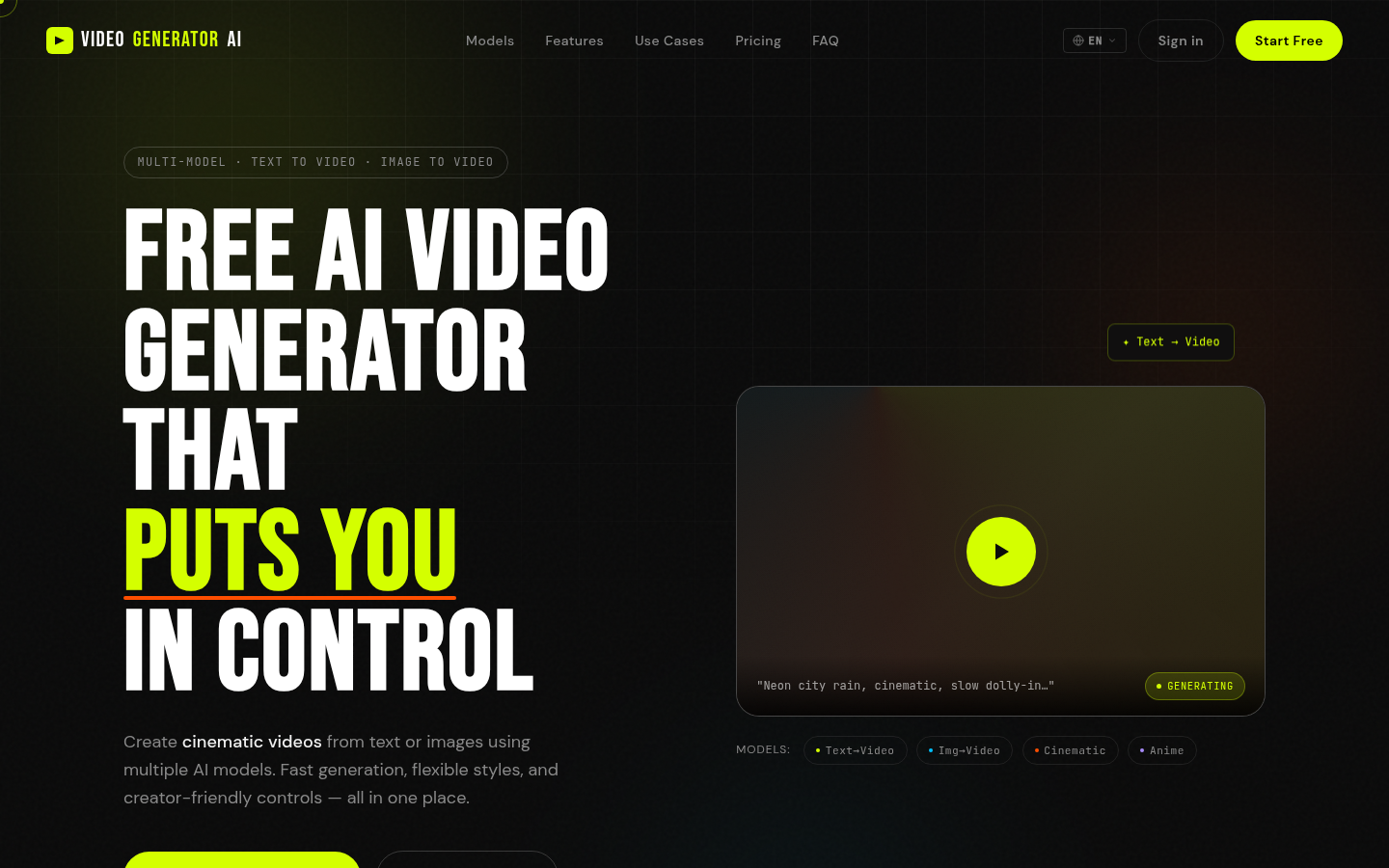
Screenshot archived from the listing page, for preview only.











