
Plusdocs
AI presentation maker for Google SlidesGenerate and edit decks inside Google Slides
Highlights
What you can do with it
- Draft a first version of a pitch deck
- Restructure and rewrite an existing presentation
- Apply brand themes to a deck quickly
How to use it
- 1 Open Google Slides and install Plus AI
- 2 Describe the presentation you want to make
- 3 Generate the deck in minutes
- 4 Use AI editing and apply a custom theme
Who it is for
Pros
- Fast first draft from a short description
- Editing happens inside the familiar Slides editor
- Free to try according to the listing
Limitations
- Tied to the Google Slides environment
- Generated content needs review for accuracy and tone
- Free access terms can change
What Plusdocs is
Plusdocs, presented as Plus AI, is a generative AI tool that lives inside Google Slides. Rather than facing a blank slide, you describe the presentation you want and the tool generates a customized deck in minutes. From there, AI editing helps you add slides, rearrange the order, and rewrite content, while a custom theme feature handles company logos and brand colors.
What you can do with it
- Generate a first draft deck from a description
- Add, rearrange, and rewrite slides with AI
- Apply custom themes with logos and brand colors
- Iterate on structure without manual copy and paste
Who it is for
- Founders and consultants drafting pitch decks
- Marketers producing campaign and report presentations
- Teams that already standardize on Google Slides
- Anyone who faces blank-slide paralysis
What to watch out for
A generated deck is a draft, not a finished argument. Check facts, numbers, and tone before you present it, because confident formatting can hide thin content. The tool is bound to Google Slides, so if your organization uses PowerPoint or Keynote, this is not a fit. Free access is how the listing frames it today, and such terms can shift, so verify current pricing before it becomes part of your regular workflow. Features and interface details may change between versions, so review the latest notes on the page before you start. For team use, agree on naming and editing conventions in advance to avoid version conflicts or duplicated work. Save a backup of the original file before large batch jobs, and keep an exported copy of key results in case the page or service becomes temporarily unavailable.
FAQ
Does it work with Google Slides?
Yes, it is designed as a generative AI tool for Google Slides.
Is it free?
The listing describes the tool as free of charge to try.
Can I match my brand?
Yes, the custom theme feature lets you add company logos and match brand style.
Why it is free
What the official page says: free of charge
Free limits, trial length and features are decided by the official site and can change at any time.
Product preview
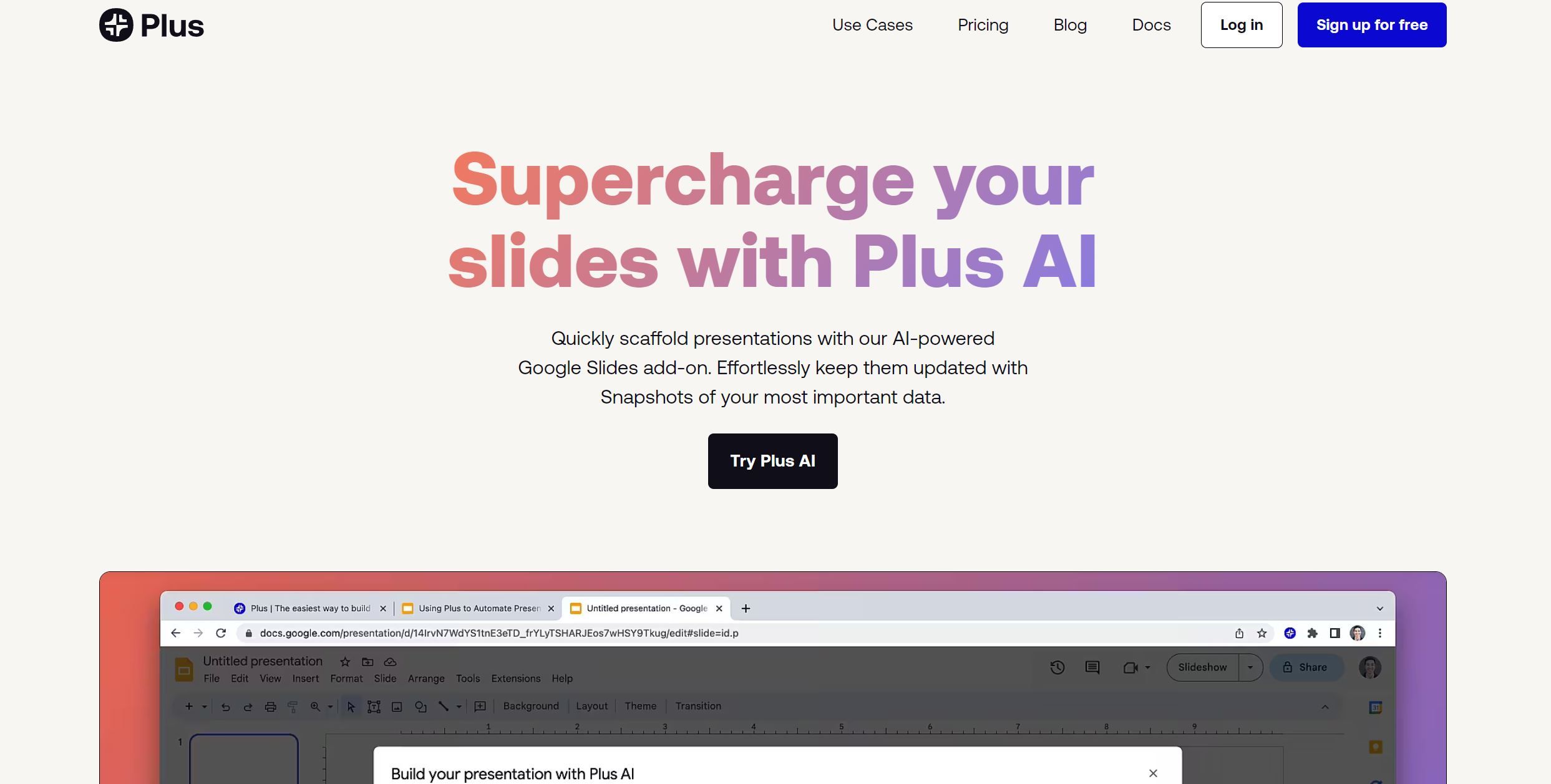
Screenshot archived from the listing page, for preview only.











