Podsqueeze
AI podcast content repurposing toolTurn episodes into posts and summaries
Highlights
What you can do with it
- Turn one episode into show notes and timestamps
- Generate social posts to promote a new release
- Draft a blog version of a podcast conversation
How to use it
- 1 Open Podsqueeze and start for free.
- 2 Add the episode or transcript you want to work from.
- 3 Pick the content type you need, such as summary, timestamps or posts.
- 4 Review and edit the generated text.
- 5 Publish or export the content where you need it.
Who it is for
Pros
- Several content formats from one episode
- Cuts the time spent writing show notes and posts
- Editable output keeps your voice in the final copy
- Free starting point
Limitations
- Free access limits and paid terms are not detailed
- Generated titles and posts still need editing for accuracy
- Transcript quality drives output quality
- Over reused formats can make posts feel repetitive
What Podsqueeze is
Podsqueeze is an AI tool built for podcasters who sit on hours of audio and no time to write. It takes an episode and produces the surrounding content that makes it discoverable: episode summaries, timestamps, news briefs, tweets, blog posts, social media posts and title options. The output is meant to be edited rather than published blindly, so you keep control of tone and facts. The service invites users to start for free, which suits creators testing whether repurposing is worth the effort.
What you can do with it
- Generate an episode summary and timestamps for show notes.
- Draft tweets and social posts to promote a new release.
- Turn a conversation into a blog style article.
- Produce short news briefs and title ideas for the same episode.
Who it is for
- Podcasters who want more reach from every episode.
- Solo creators with no support team for repurposing.
- Marketers who push audio content on social platforms.
What to watch out for
The site mentions a free start but does not detail limits or paid tiers, so check current terms before you rely on it for a publishing schedule. Output quality tracks transcript quality: clean audio and clear speech produce usable drafts, while noisy recordings produce messy text. Titles and posts can sound generic if you accept them unchanged, so plan to rewrite the hook in your own words. Finally, do not let automated summaries state claims your guest never made, since you are responsible for what you publish. Behavior may vary across browsers and devices, so test before production use and consult the help docs if errors appear.
FAQ
What content can Podsqueeze generate?
Episode summaries, timestamps, news briefs, tweets, blog and social media posts, and engaging titles.
Is it free to start?
The site says you can start using it for free.
Can I edit the generated content?
Yes. The tool allows editing and optimization according to your needs.
Who is it for?
Podcasters and content creators who want to get more out of each episode.
Why it is free
What the official page says: for free
Free limits, trial length and features are decided by the official site and can change at any time.
Product preview
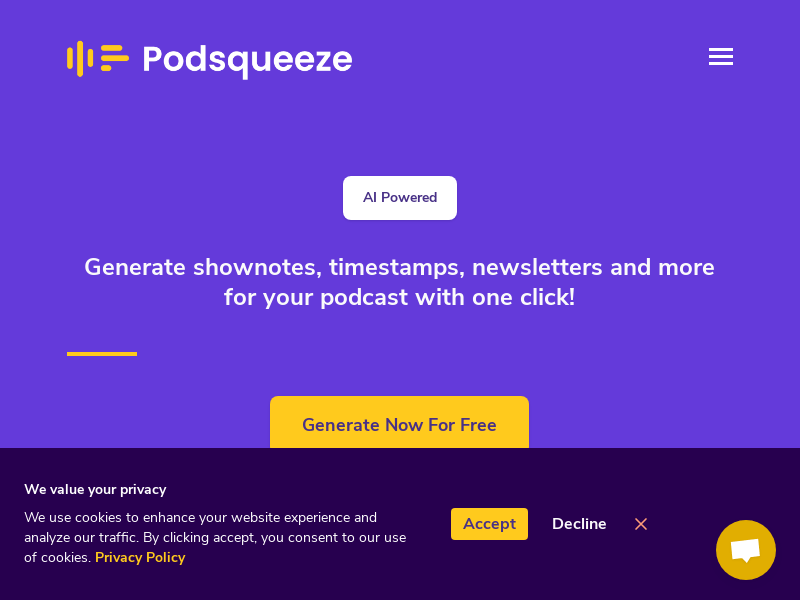
Screenshot archived from the listing page, for preview only.