
Ponytail
Rules that make AI coding agents write less, cleaner codeTrim code volume from your AI agent without losing safety
Highlights
What you can do with it
- A FastAPI and React project trims code volume and cost
- A developer handles caching with less code using the rules
- A team uses review and audit commands to keep code clean
How to use it
- 1 Add the Ponytail plugin in your coding agent's plugin market
- 2 Use ponytail commands in chat, like choosing an intensity mode
- 3 Run ponytail review to catch over-design in your changes
- 4 Use audit, debt, and gain commands to manage code quality
Who it is for
Pros
- Free to use and fits existing AI coding agents
- Can meaningfully reduce code volume and cost
- Gives review and audit tooling for quality
Limitations
- It is a rule set, so results vary by agent and project
- Cutting code too far can hurt readability if used carelessly
- Effectiveness depends on the agent following the rules
What Ponytail is
Ponytail is a set of rules that make AI coding agents write the least amount of effective code, the way a senior developer would. Instead of generating lots of custom code, it pushes the agent to lean on standard libraries, native functions, and dependencies you already have. In some projects it can cut code volume by up to 54 percent, which can lower cost and speed up work. It works with agents like Claude Code, Codex, Copilot, and Gemini, and it is free to use.
What you can do with it
- Guide your AI agent to write less code using standard libraries first.
- Choose intensity modes such as lite, full, or ultra for different needs.
- Run a review command to spot over-design in your current changes.
- Use audit, debt, and gain commands to clean code and track improvements.
Who it is for
- Developers who want leaner output from AI coding agents.
- Project managers who care about code quality and simplicity.
- Teams already using AI agents that want a consistent rule set.
What to watch out for
Ponytail is a rule set, not a magic fix, so results depend on which agent you use and how well it follows the rules. Pushing for the least code can sometimes hurt readability if taken too far, so review what the agent produces. Because it relies on the behavior of external agents, its effect can vary between tools and versions, and the project itself is young and may change. Free tiers and usage limits can change, so check the current rules on the official page before relying on it long term.
FAQ
Is Ponytail free?
Yes, it is free to use. It is a set of rules you add to your AI coding agent.
What does it actually do?
It guides AI coding agents to write less code by preferring standard libraries and existing dependencies, with reported reductions up to 54 percent.
Which agents does it work with?
It works with agents such as Claude Code, Codex, Copilot, and Gemini.
What should I keep in mind?
It is a rule set, not a guarantee, and aggressive trimming can reduce readability, so review the output.
Why it is free
What the official page says: free to use
Free limits, trial length and features are decided by the official site and can change at any time.
Product preview
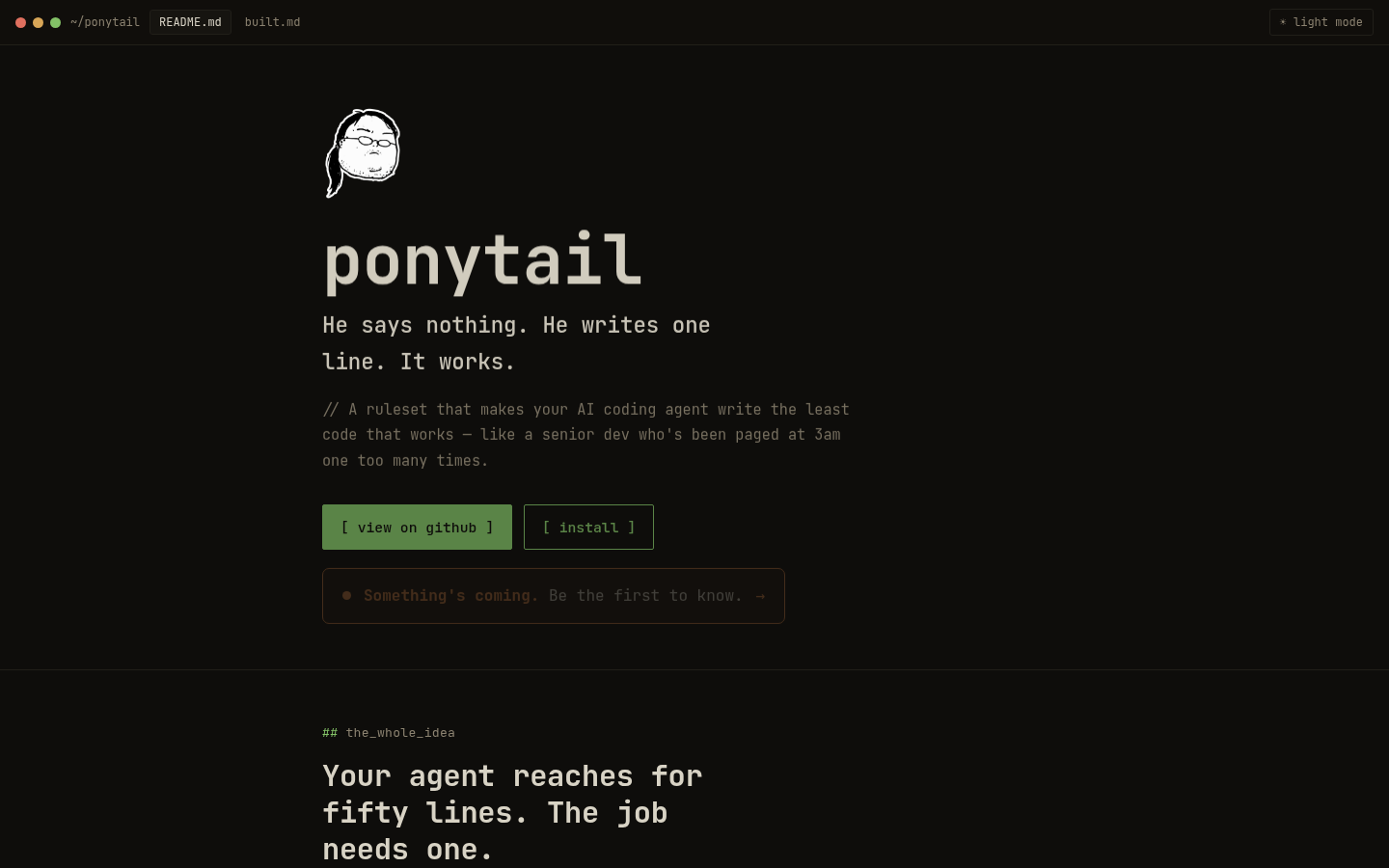
Screenshot archived from the listing page, for preview only.











