
Porcupine
Free screenwriting app, no sign-upWrite and format screenplays in your browser
Highlights
What you can do with it
- Write and format a screenplay for a film project
- Draft and edit scripts for television drama
- Edit scripts for web video and online content
How to use it
- 1 Open the Porcupine website in your browser.
- 2 Start writing and let the tool format the screenplay automatically.
- 3 Use the built-in tools to support your creative process.
- 4 Export the finished screenplay to share or print.
Who it is for
Pros
- Free to use with no registration or download
- Automatic formatting saves manual setup time
- Local file storage keeps your writing private
Limitations
- It is a free tool, so availability and features may change over time
- It focuses on core screenwriting rather than advanced production features
- Because files stay on your device, you handle your own backups
What Porcupine is
Porcupine is a free screenwriting application designed for everyone. It runs on any device through the browser and needs no registration and no download, so you can open it and start writing right away. Its main feature is automatic formatting: as you type, the tool shapes the text into proper screenplay form so you can concentrate on storytelling instead of layout. Porcupine also keeps your files stored on your own computer rather than on a server, which it presents as a way to protect your privacy. When you are ready to share or print, you can export the screenplay from the tool. It is a simple, focused writing space for movie scripts, television drama and web video work.
What you can do with it
- Write a screenplay and let the tool format it automatically
- Work on any device without installing software or signing up
- Use the built-in tools to support the creative process
- Export the finished script to share or print
Who it is for
- Screenwriters who want simple, automatic formatting without extra setup
- Writers who prefer to work in the browser on any device
- Anyone who wants their scripts kept private on their own machine
What to watch out for
Porcupine is a free tool, so its availability and feature set may change over time. It focuses on core screenwriting rather than advanced production features such as full collaboration or detailed revision tracking, so large professional productions may need extra tools alongside it. Because your files stay stored on your own device, keeping backups is your responsibility, and losing the device or clearing browser data could put your work at risk. It is also worth confirming the current terms on the official site, since free tools can adjust what they offer without notice.
FAQ
Is Porcupine free?
Yes, Porcupine is described as a free screenwriting application.
Do I need to register or install anything?
No. It runs on any device in the browser without registration or download.
Where are my files stored?
Files are stored on your own computer, which the tool presents as a way to keep your writing private.
Why it is free
What the official page says: 免费无需注册
Free limits, trial length and features are decided by the official site and can change at any time.
Product preview
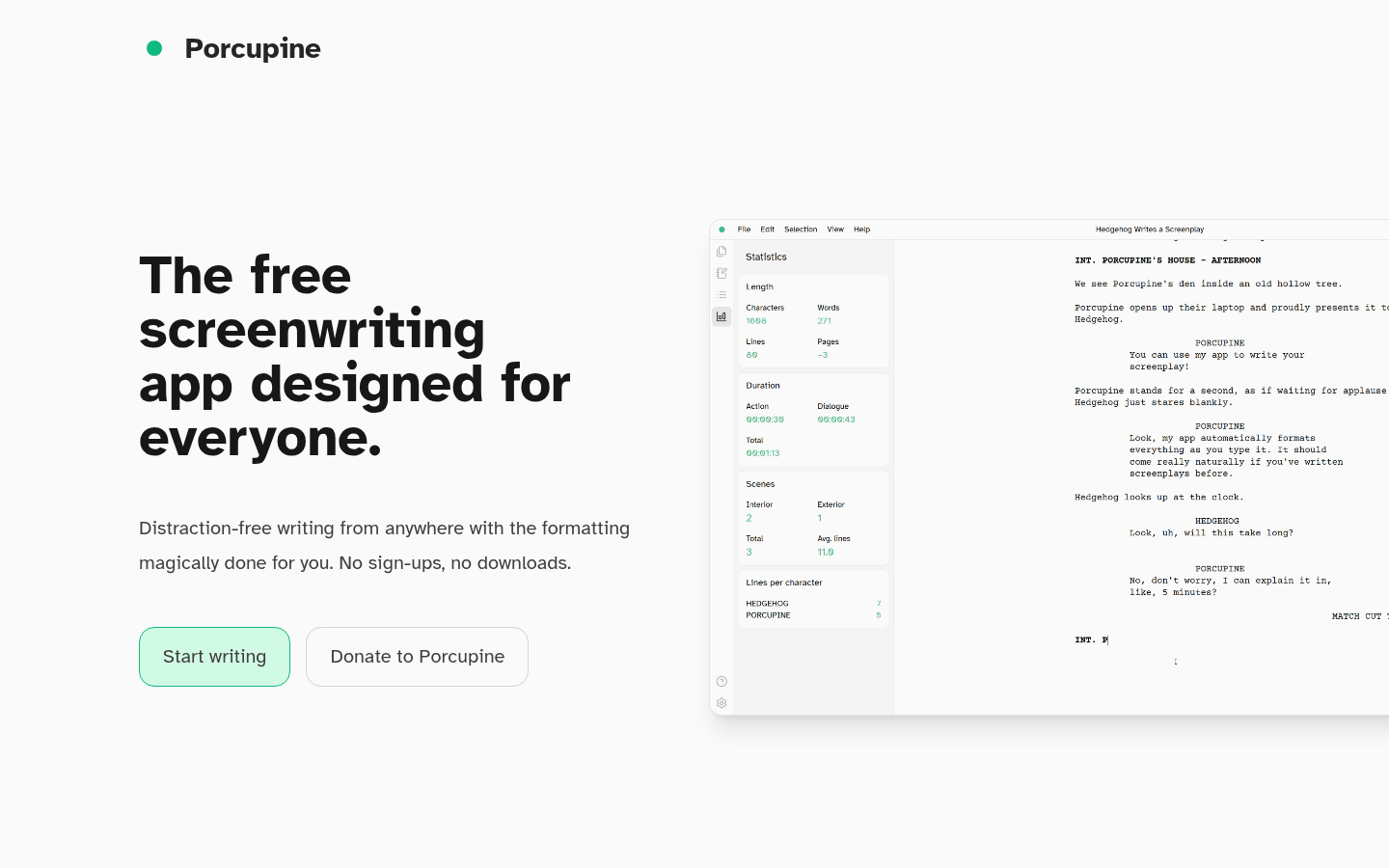
Screenshot archived from the listing page, for preview only.











