
Portrait Art
One click photo to art style portrait converterTurn portrait photos into cartoon, sketch, oil, or watercolor art
Highlights
What you can do with it
- Turning a portrait into cartoon style for social sharing
- Making an oil painting style version of a photo for personal collection
- Creating watercolor style portraits for personal creative projects
How to use it
- 1 Open Portrait Art and choose a portrait photo from your device.
- 2 Pick the art style you want, such as cartoon, sketch, oil, or watercolor.
- 3 Tap once to run the transformation and wait for the result.
- 4 Preview the output and, if needed, try a different style or rerun it.
- 5 Save the finished image, or upgrade for higher quality and no watermark.
Who it is for
Pros
- One click transformation keeps the workflow simple
- Several distinct art styles are available in one app
- A free trial lets you test the output before paying
Limitations
- Free trial output is limited compared with paid quality and watermark removal
- Results depend on the source photo and the style chosen
- Paid features and pricing can change over time
- Best suited to portraits, so other photo types may give weaker results
What Portrait Art is
Portrait Art is a photo transformation app that turns portrait photos into art with a single click. The site describes it as built on modern AI image technology, and lists cartoon, cool sketch, oil painting, and watercolor among the styles you can apply. The pitch is simple: upload a portrait, choose a look, and get a stylized version back without any manual editing. The app offers a free trial, and the paid service adds higher quality transformations, watermark removal, and other advanced features. It is aimed at users who want a stylized portrait for sharing, collecting, or personal creative work.
What you can do with it
- Turn a portrait photo into a cartoon style image for social sharing.
- Create sketch, oil painting, or watercolor versions of the same photo.
- Keep an art style version of a favourite picture as a personal keepsake.
- Experiment with several looks before deciding which one to save.
Who it is for
- Social media users who want stylized portraits to post.
- People who want an art style keepsake of a photo they like.
- Casual creators who enjoy trying different looks without learning an editor.
What to watch out for
Free trial output is more limited than paid output, and watermark removal plus higher quality transformations sit behind the paid plan. Results depend heavily on the source photo, so a clear, well lit portrait works far better than a dark or busy one. The app is focused on portraits, which means other photo types may give weaker or less predictable results. Pricing and feature limits can change, so check the current terms before you rely on the trial for anything important.
FAQ
What art styles can Portrait Art produce?
The site lists cartoon, cool sketch, oil painting, and watercolor styles among the options.
Is there a free trial?
Yes. Portrait Art offers a free trial, and paid service adds higher quality transformations and watermark removal.
How hard is it to use?
The app is built around one click transformation, so you choose a photo, pick a style, and run it.
Why it is free
What the official page says: free trial
Free limits, trial length and features are decided by the official site and can change at any time.
Product preview
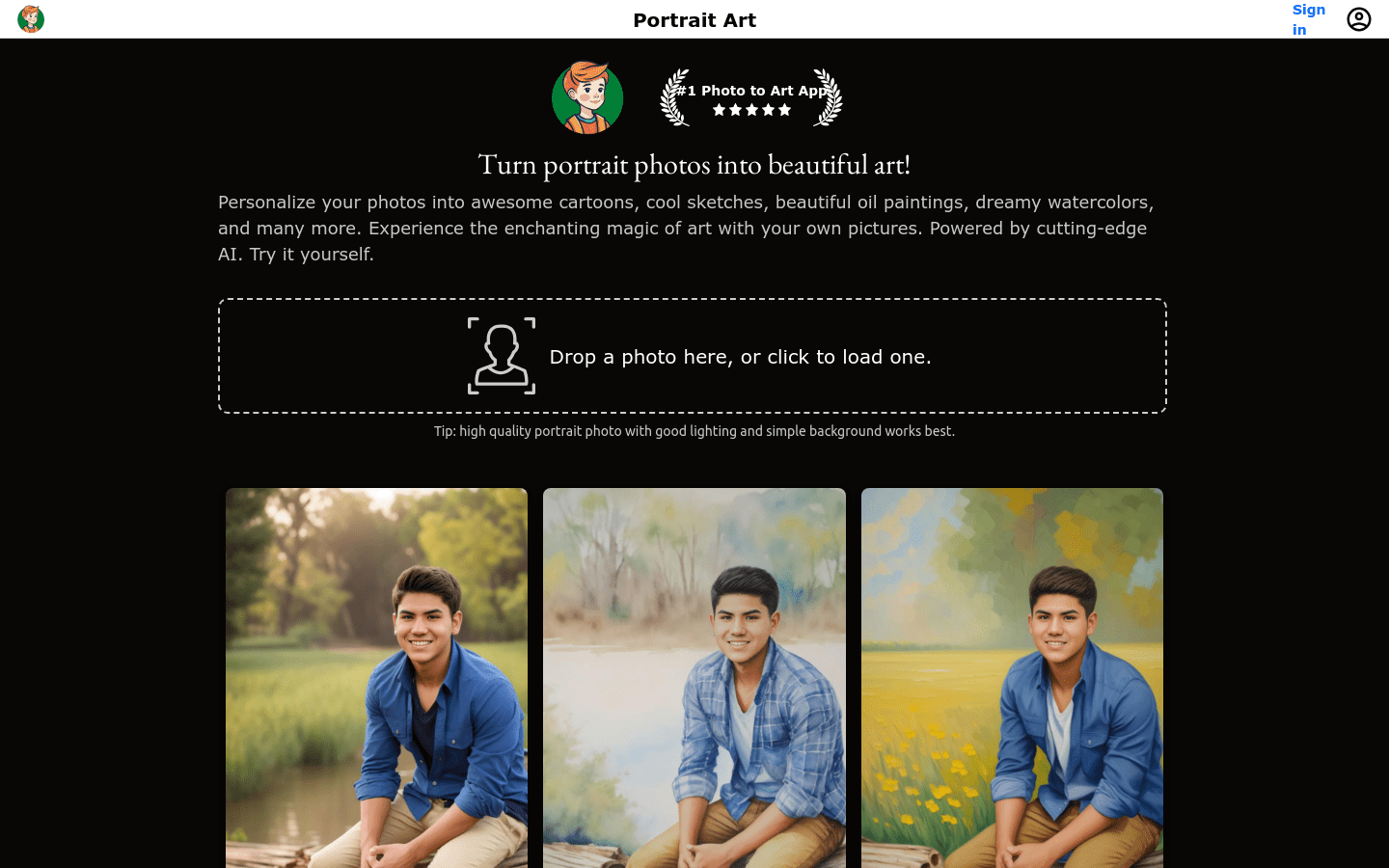
Screenshot archived from the listing page, for preview only.











