
PoseCut
AI image and video for studios30+ tools, 437 artistic styles
Highlights
What you can do with it
- Agencies generating poster and campaign imagery
- Studios converting reference frames into clips
- Creators restyling photos for social platforms
How to use it
- 1 Open the site and pick a function
- 2 Enter a prompt or upload your reference
- 3 Generate and review the result
- 4 Save, download, or continue editing
Who it is for
Pros
- Free version to test the tools
- Large style library for fast variation
- Covers both still image and video work
Limitations
- Professional volume means paying for credits
- Style transfer can drift from the source
- Results vary with prompt precision
What PoseCut is
PoseCut is an AI creative platform founded in 2025 and positioned for studios, agencies, and professional creators. It gathers more than 30 creative tools in one interface. On the still image side there is pixel precise text to image generation, background removal, virtual clothing try on, and style transfer across 437 artistic styles. On the moving side, a precise video engine turns a reference image into high fidelity clips in different artistic styles. The platform describes its output as crafted to professional standards, from concept exploration through to finished campaign assets. Pricing has three routes: a free version, credit based pay as you go, and subscription plans.
What you can do with it
- Generate images from text with precise control
- Turn a reference image into a short video clip
- Remove backgrounds and preview clothing on a photo
- Apply one of 437 artistic styles to an image
Who it is for
- Studios and agencies producing volume work
- Professional creators who need control over detail
- Designers building campaign and concept art
- Social creators restyling photos for publication
What to watch out for
A free version is available, but professional volume runs on credits or a subscription, so cost scales with output. Style transfer is inference, not replication: a style may read as an approximation rather than the reference you had in mind, so check before it goes to a client. Virtual try on shows a possibility, not a garment's real fit or drape. Prompt precision matters more than tool count, and vague briefs produce vague frames regardless of how many styles are on offer. Features and interface details may change between versions, so review the latest notes on the page before you start.
FAQ
How many tools are included?
More than 30 creative tools.
Is there a free version?
Yes, plus credit and subscription options.
How many styles?
437 artistic styles.
Why it is free
What the official page says: free version
Free limits, trial length and features are decided by the official site and can change at any time.
Product preview
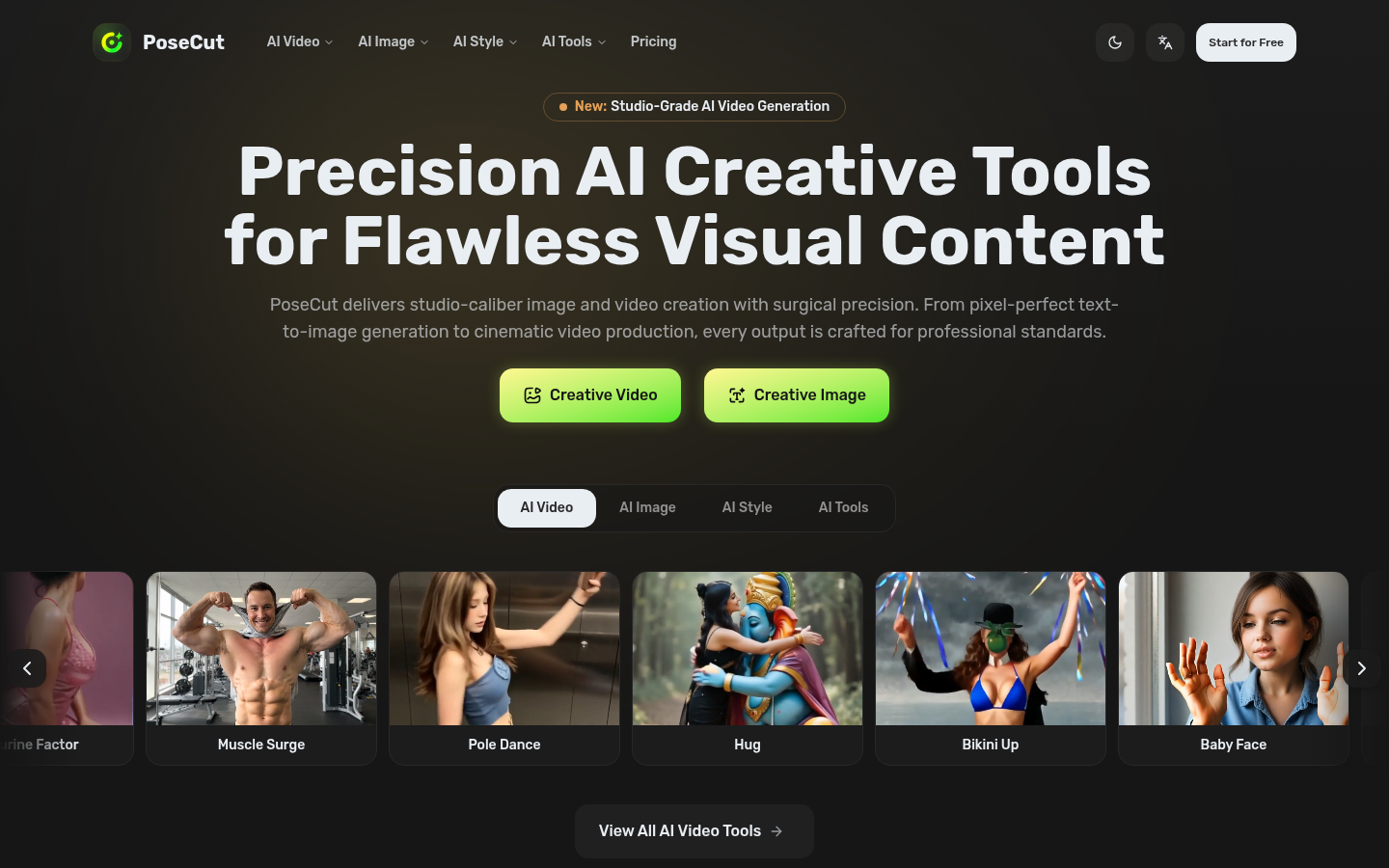
Screenshot archived from the listing page, for preview only.











