
Postly
AI social media scheduling and content toolPlan, write, and schedule social posts with AI.
Highlights
What you can do with it
- Plan a month of social posts in one sitting
- Route drafts through an approval workflow
- Track post performance from one dashboard
How to use it
- 1 Create a Postly account.
- 2 Connect your social accounts.
- 3 Generate or upload content and set the schedule.
- 4 Approve, publish, then review analytics.
Who it is for
Pros
- Free AI content generator included
- Bulk scheduling saves time
- Approval workflows suit team use
Limitations
- Free access has limits before you upgrade
- Platform API changes can affect posting
- Many accounts and features push you to paid plans
What Postly is
Postly is an AI-powered social media scheduler. It handles the publishing side of social marketing: you plan posts for platforms such as Instagram, Facebook, LinkedIn, and TikTok, and the tool sends them on schedule, including recurring posts. Alongside scheduling it offers AI writing for post ideas, titles, captions, and longer content, plus image editing, link shortening, bulk workspace uploads, approval workflows, and analytics. A free AI content generator is mentioned in the listing, and the product is aimed at remote marketing teams and clients who need collaboration around a shared calendar.
What you can do with it
- Schedule posts across several major platforms.
- Generate content ideas, titles, and captions with AI.
- Edit images and shorten links inside the same tool.
- Run drafts through approval workflows and track analytics.
Who it is for
- Marketing teams managing multiple brand accounts.
- Agencies that coordinate client calendars.
- Solo creators who post on a regular routine.
What to watch out for
Free access has limits, and teams with many accounts or heavy scheduling needs will end up on a paid plan. Social platforms change their APIs often, so posting features can break or shift without notice. Approval workflows only help if your team actually uses them, so agree on a review process before you rely on the tool for client work. Behavior may vary across browsers and devices, so test before production use and consult the help docs if errors appear. Features and interface details may change between versions, so review the latest notes on the page before you start. Name and archive exported files consistently so you can find and reuse them, and keep a backup copy of key data.
FAQ
What does Postly do?
It schedules social posts across major platforms and includes AI writing and image editing.
Is there a free part?
The listing mentions a free AI content generator alongside the scheduling tool.
Who is it for?
Remote marketing teams, agencies, and creators who manage social content.
Why it is free
What the official page says: 免费
Free limits, trial length and features are decided by the official site and can change at any time.
Product preview
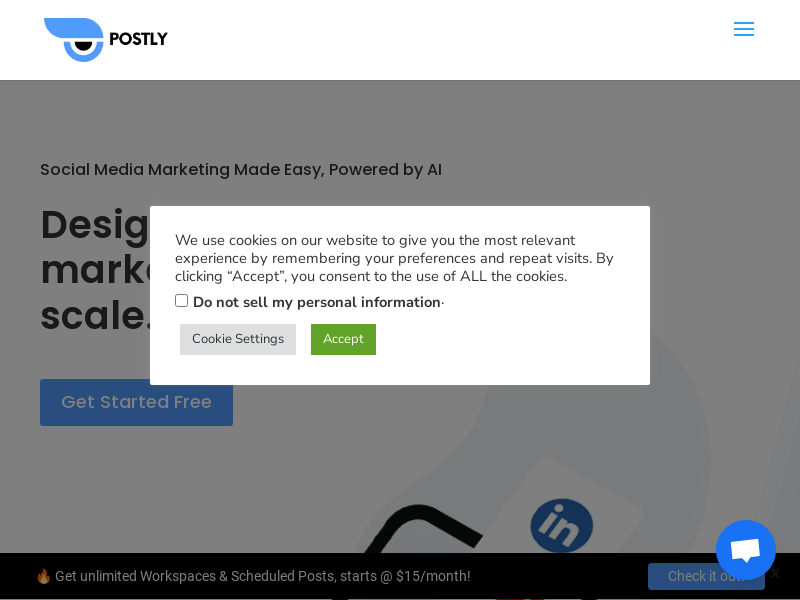
Screenshot archived from the listing page, for preview only.











