
PowerDMARC
DMARC monitoring that blocks email spoofingProtect your domain from spoofing and phishing
Highlights
What you can do with it
- Publishing and tuning a DMARC policy for a company domain
- Watching for spoofing attempts that use your own domain
- Reviewing authentication results before moving to a stricter policy
How to use it
- 1 Add your domain in the PowerDMARC dashboard.
- 2 Publish the DMARC record the tool gives you in your DNS.
- 3 Wait for reports to arrive and review which sources send as your domain.
- 4 Tighten the policy once legitimate senders are confirmed.
Who it is for
Pros
- Covers the whole DMARC workflow from policy to reporting
- A free entry point is listed for trying the service
- Long running domain with a documented feature set
Limitations
- Email security work has a learning curve, especially around DNS records
- Free tier limits and pricing can change at any time
- Results depend on other mail providers honoring DMARC, which you cannot control
What PowerDMARC is
PowerDMARC is a DMARC analyzer and monitoring service aimed at organizations that want to stop other people from sending email as their domain. It covers the full workflow: configuring and managing the DMARC policy, reporting and analyzing the data that comes back, supporting email authentication, and keeping an eye on email security over time. The company describes its protection as cost effective and lists free DMARC services next to paid plans, so a small team can start without a large commitment.
What you can do with it
- Set up and manage a DMARC policy for each domain you own.
- Read reports that show who is sending mail as your domain.
- Check email authentication results before you tighten the policy.
- Monitor for spoofing and phishing attempts over time.
Who it is for
- IT and security staff who own domain and email configuration.
- Email administrators who want DMARC data without raw report parsing.
- Organizations that have already seen fake mail sent from their address.
- Agencies or IT providers that manage domains for several clients.
What to watch out for
DMARC only works if you can edit DNS, and the reports take time to accumulate, so do not expect a full picture on day one. Free tier limits and pricing can change without notice, so verify current terms on the site before you commit. The protection also depends on receiving servers honoring your policy, which means some spoofed mail may still land in inboxes while your policy is still in monitor mode. There is a learning curve here, and mistakes in a DNS record can affect mail delivery, so test carefully.
FAQ
What does PowerDMARC actually do?
It helps you set up DMARC and then monitor and analyze the reports so you can stop spoofing and phishing that use your domain.
Is there a free plan?
The site describes cost effective free DMARC protection services alongside paid options.
Do I need to touch DNS?
Yes. DMARC works through a DNS record, so you need access to your domain's DNS settings.
Why it is free
What the official page says: 免费
Free limits, trial length and features are decided by the official site and can change at any time.
Product preview
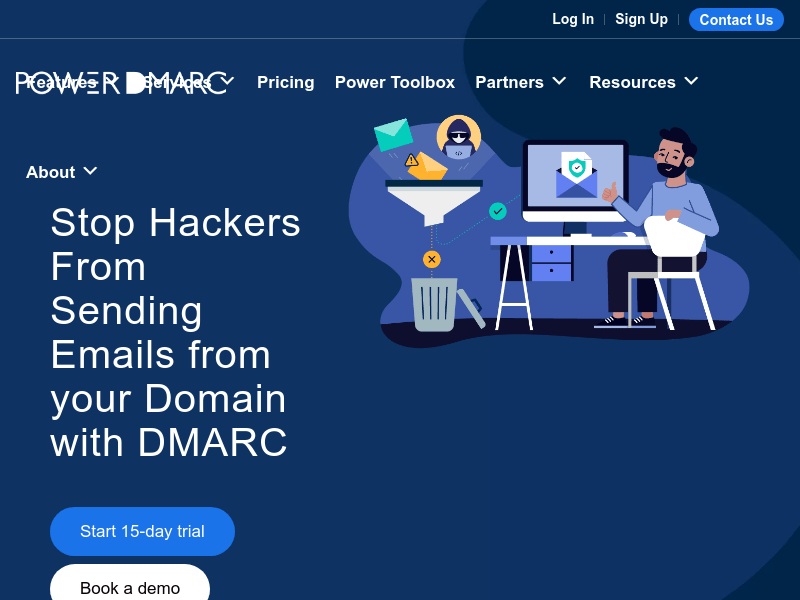
Screenshot archived from the listing page, for preview only.











