
咔片 PPT
Online AI PPT creation toolGenerate clean slides with AI help
Highlights
What you can do with it
- Sales staff build product presentation decks and adjust them per client
- Teachers create courseware without spending time on design
- Trainers prepare polished training materials before each session
How to use it
- 1 Open the Kapian PPT site and register or log in.
- 2 Pick a template to start a new presentation.
- 3 Add titles, text and other elements to your slides.
- 4 Use AI tools to expand, refine or translate the content.
- 5 Adjust the theme and style, then export in the format you need.
Who it is for
Pros
- Basic functions are free forever
- AI content tools save time on writing and translating slide text
- Templates and beautification reduce manual design work
Limitations
- The free plan covers basic functions; advanced needs may require payment
- Template-based decks can look similar unless you customize them
- AI-generated text still needs review for accuracy and tone
What Kapian PPT is
Kapian PPT is an online, intelligent tool for creating presentations. It is built to simplify the process of making slides for all kinds of users. Through AI, it can generate high-quality presentations quickly so you spend less time on design and more on your message. The tool offers a large template library, smart layout and one-click beautification, and its basic functions are described as free forever. That makes it a practical option for scenarios such as teaching, business proposals and training materials. Instead of starting every deck from a blank page, you pick a template, add your content and let the AI help expand, refine or translate the text, then adjust the theme so the whole presentation stays visually consistent.
What you can do with it
- Generate presentation content with AI and expand, refine or translate text
- Choose from a large template library and swap designs with one click
- Apply intelligent beautification to keep themes and styles consistent
- Insert single pages and export in multiple formats for other office software
Who it is for
- Salespeople who need product decks that adapt to different clients
- Teachers and trainers who want good-looking materials without design work
- Anyone who builds presentations regularly and values ready-made templates
What to watch out for
Kapian PPT's basic functions are free forever, but more advanced needs may fall under a paid plan, and the exact boundary can change over time. Template-based decks can start to look similar across users unless you take time to customize colors, layouts and content. AI-generated slide text is a starting point and should be reviewed for accuracy, tone and factual claims before you present it. It is also worth confirming the current feature list and export options on the official site, since online tools can adjust what the free plan includes without notice.
FAQ
Is Kapian PPT free?
Its basic functions are described as free forever, which covers core slide creation.
Can AI help with the content?
Yes, the tool can generate content and expand, refine or translate text on your slides.
What formats can it export?
It supports multiple export formats for use with other office software.
Why it is free
What the official page says: free forever
Free limits, trial length and features are decided by the official site and can change at any time.
Product preview
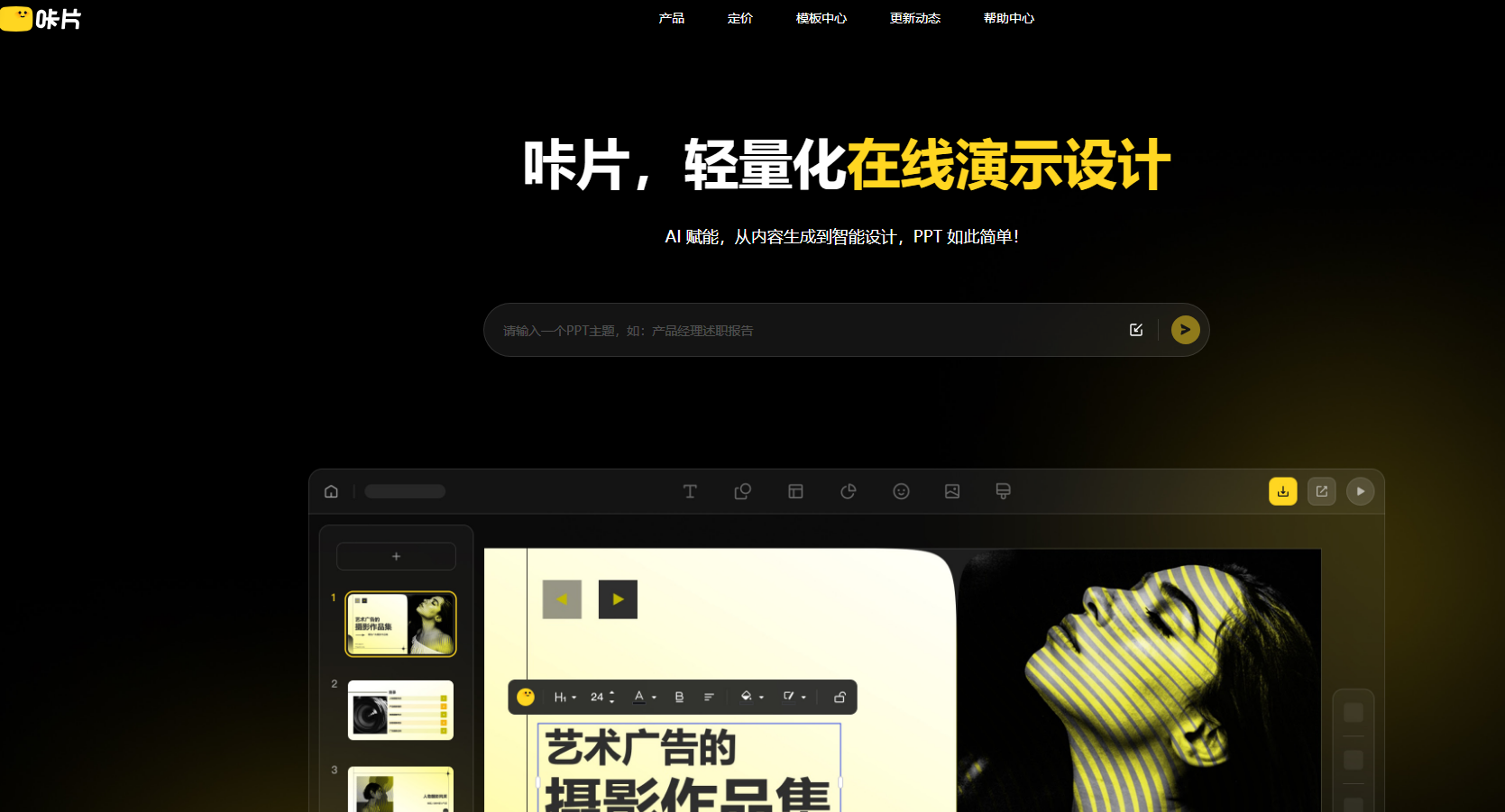
Screenshot archived from the listing page, for preview only.











