
PrettyPolly
AI translation tool for text and voice across many languagesTranslate by typing or speaking, even offline
Highlights
What you can do with it
- Translate signs, menus and conversations while travelling abroad
- Look up words and sentences while learning a foreign language
- Support cross-language communication at international conferences
How to use it
- 1 Open PrettyPolly and choose the source and target languages
- 2 Type your text or use voice input to speak it
- 3 Read the translation and copy or replay it as needed
- 4 Switch on offline mode when no network is available
Who it is for
Pros
- Free to use with no payment step described
- Both typing and speaking are supported
- Offline translation helps when the network is poor
- Straightforward interface that needs little setup
Limitations
- Language coverage is broad but not unlimited
- Offline translation usually needs language data prepared in advance
- Machine translation can miss tone and context, so important wording deserves a human check
- Free terms can change over time
What PrettyPolly is
PrettyPolly is an AI-powered translation tool for moving between multiple languages, including Chinese, English, Japanese and Korean. It focuses on conveying meaning accurately rather than translating word by word, and the interface is kept simple so the basic flow is short: choose languages, type or speak, read the result. Two input methods are supported, text and voice, and offline translation is available so the tool can still work when there is no network connection. The service is free to use, which makes it easy to keep on hand for everyday language problems.
What you can do with it
- Translate written text between supported languages
- Speak into the tool instead of typing
- Look up words and example sentences while studying
- Keep translating offline when the network drops
Who it is for
- Travellers who need fast translation of signs, menus and conversations
- Language learners checking vocabulary and sentence structure
- People at international conferences or meetings who need a quick bridge
What to watch out for
Language coverage is broad but not unlimited, so check that your pair is supported before you depend on it. Offline translation typically requires language data prepared in advance, which means some setup rather than instant use. Machine translation can miss tone, idiom and context, so for contracts, medical or legal wording you should have a person review the result. The free terms may also change, so confirm current access on the official site. Start with a small sample to confirm the output meets your expectations before processing the full batch. Free tiers and usage limits can change, so check the current rules on the official page before relying on it long term.
FAQ
Is PrettyPolly free?
Yes, the tool is described as free to use.
Which languages does it support?
Multiple languages including Chinese, English, Japanese and Korean.
Can I speak instead of typing?
Yes. Both text input and voice input are supported.
Does it work without internet?
Yes, offline translation is listed as a feature.
Why it is free
What the official page says: free to use
Free limits, trial length and features are decided by the official site and can change at any time.
Product preview
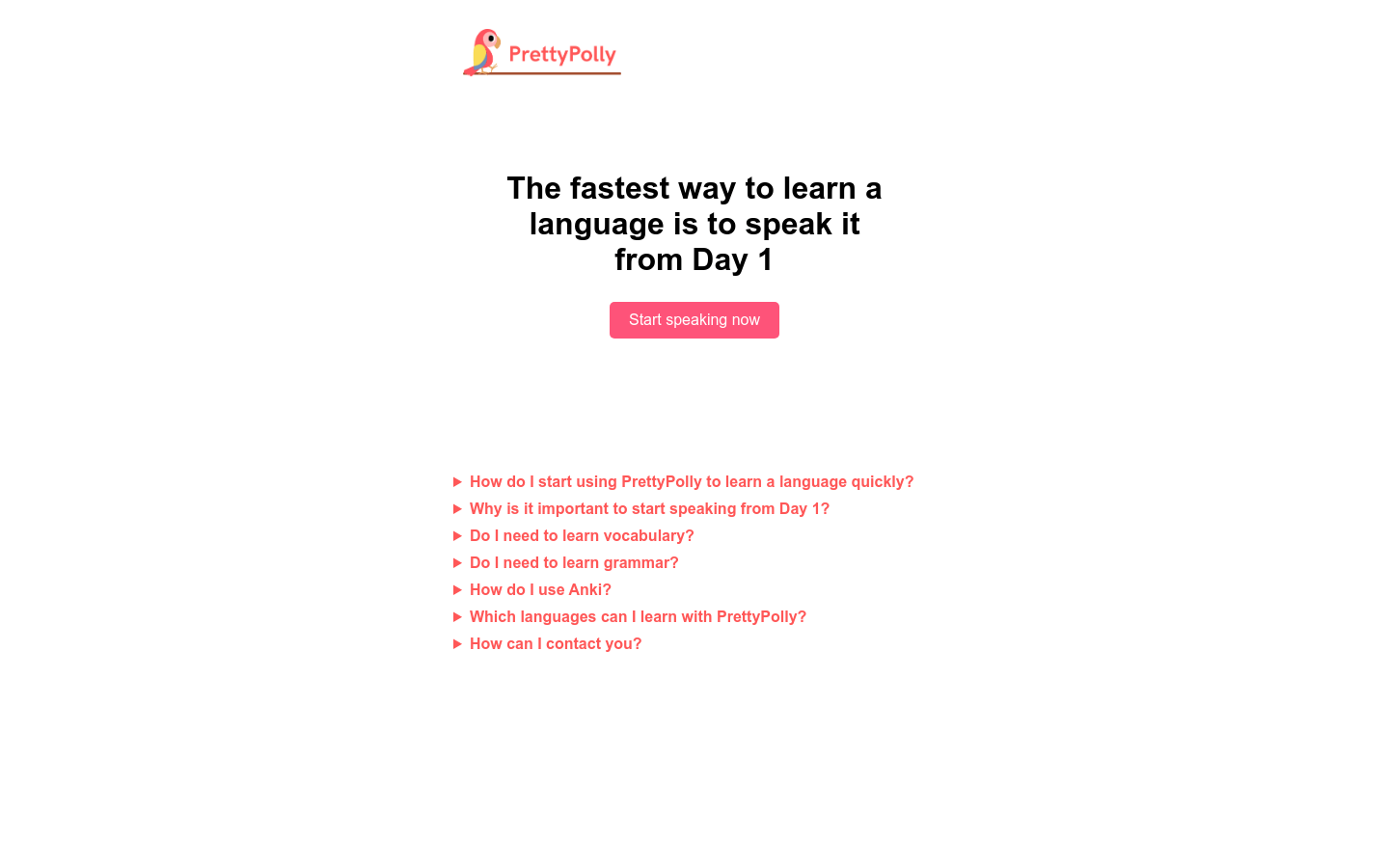
Screenshot archived from the listing page, for preview only.











