
ProdShort
Meeting recordings into short videosTurn meetings into branded short clips
Highlights
What you can do with it
- A content creator records a brainstorm and cuts the best moments into a clip for social media.
- A marketer turns a product launch call into a short promotional video.
- An internal team records a meeting and shares a short recap with staff.
How to use it
- 1 Set the meeting time and link, then let ProdShort join and record it.
- 2 Pick the best segments by hand or let AI flag the key moments.
- 3 Add animated subtitles, choose a template, and upload your logo.
- 4 Export the clip in high quality and post it on any platform.
Who it is for
Pros
- Recording is automatic once you schedule the meeting.
- Animated subtitles and templates make clips look native to social feeds.
- The free trial tier lets you test the workflow with 10 exports a month.
Limitations
- Free access is a limited trial at 10 exports per month, and the Creator plan is listed at 99 dollars per month, so free rules can change.
- It depends on meeting platforms such as Google Meet and Zoom, so a call it cannot join cannot be recorded.
- Templates, fonts, and logo placement take practice before output looks consistent.
What ProdShort is
ProdShort is a tool built to turn online meeting recordings into short video clips. You schedule a meeting and it joins and records sessions on platforms such as Google Meet, Zoom, and Microsoft Teams. From there you trim the recording into social friendly clips, add animated subtitles, apply templates, and drop in your own logo. It runs on a freemium model: a free trial plan that allows 10 exports per month, and a Creator plan listed at 99 dollars per month. Pricing and limits are the vendor's call and can change over time.
What you can do with it
- Record a scheduled meeting automatically, without running the recorder yourself.
- Cut highlights by hand, or let AI flag the key moments in the recording.
- Add TikTok style animated subtitles that highlight words as they are spoken.
- Apply templates with multi speaker views, custom fonts, colors, and positioning, then export in high quality.
Who it is for
- Content creators who need meeting highlights turned into shareable clips.
- Marketers who want a product or promo call edited into a short video.
- Enterprise teams that want a short recap of internal meetings shared with staff.
What to watch out for
The free tier is a limited trial at 10 exports per month, so heavy users will need the paid Creator plan, and the vendor can adjust free limits at any time. Recording depends on being able to join the meeting on supported platforms, so closed rooms or blocked guests can break the workflow. Results also depend on how much time you spend on subtitles, templates, and logo placement; brand consistent output takes a few rounds of adjustment. Treat recordings as sensitive business material and check consent before you publish clips of a meeting.
FAQ
Does ProdShort record meetings for me?
Yes. You schedule the meeting with a link and ProdShort joins and records it on supported platforms such as Google Meet, Zoom, and Microsoft Teams.
What does the free plan include?
The Freemium plan is a free trial that allows 10 exports per month. A Creator plan at 99 dollars per month is also listed.
Can I add my brand logo?
Yes. You can upload your own logo and place it anywhere in the video, and adjust fonts, colors, and layout.
Are the subtitles animated?
The AI subtitles use TikTok style animation and highlight words at the word level.
Why it is free
What the official page says: freemiumfor freefree trial
Free limits, trial length and features are decided by the official site and can change at any time.
Product preview
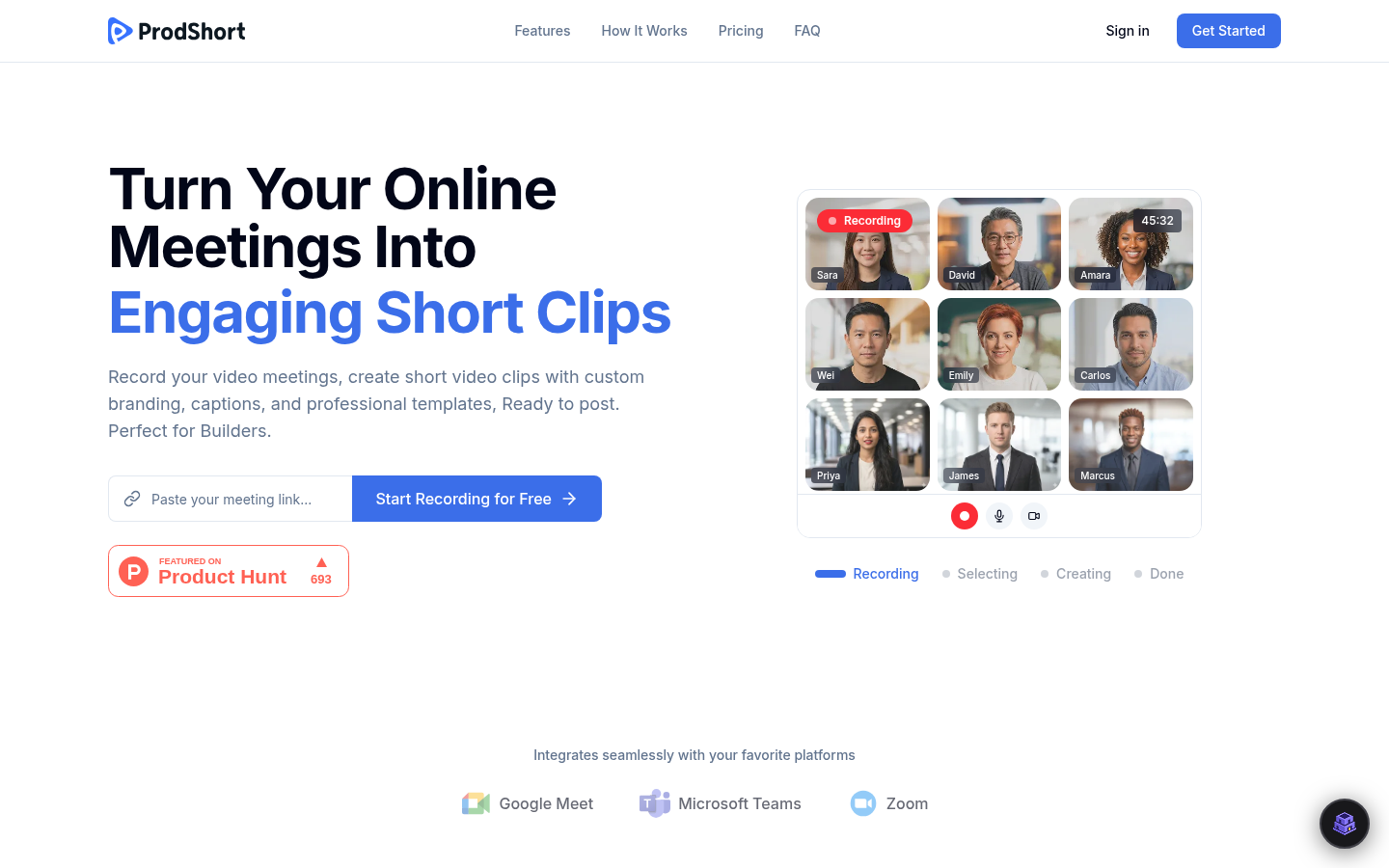
Screenshot archived from the listing page, for preview only.











