
Project Ambience
AI ambient sound mixes for focus, study, and sleepPersonalized background audio for work and rest
Highlights
What you can do with it
- Block distractions while studying for an exam
- Create a calm backdrop for creative work
- Wind down with sleep sounds before bed
How to use it
- 1 Visit the Project Ambience site or download the app.
- 2 Register and log in.
- 3 Pick or create a space such as focus or sleep.
- 4 Adjust volume and sound settings.
- 5 Start the session, and use the AI generator for custom mixes.
Who it is for
Pros
- Free version covers the core use
- AI generator tailors mixes to your taste
- Simple spaces for different moments of the day
Limitations
- More sounds and features sit behind paid add-ons
- Effect on focus varies from person to person
- A small upstream app, so availability can change
What Project Ambience is
Project Ambience is an app that uses AI to create customized ambient sound mixes. It organizes audio into spaces for focus, study, relaxation, and sleep, and its AI generator builds personalized mixes from your preferences rather than offering one fixed track. It also includes a Pomodoro timer for managing work and break intervals, plus a library of ambient sounds. The app is developed by Zeee Studio and is aimed at people who lose concentration during work or study. There is a free version with paid add-ons.
The premise is that a fixed loop of rain noise works for a while and then stops working. A generator that responds to what you ask for can keep producing variations, which is the argument for the AI part. The Pomodoro timer is bundled in because the same people who need background audio are usually also trying to structure their attention into intervals.
What you can do with it
- Pick a space that matches the task, such as focus or sleep
- Generate a personalized ambient mix with the AI generator
- Run a Pomodoro session alongside the audio
- Browse the ambient sound library for variety
- Adjust volume and sound settings to taste
Who it is for
- Students who need a consistent study atmosphere
- Remote workers blocking household or street noise
- Freelancers managing long creative sessions
- Anyone who uses sound to wind down before sleep
What to watch out for
Whether background sound improves concentration varies a lot by person, so treat the first sessions as a test rather than a fix, and do not assume a paid add-on will solve a focus problem. The free version covers the basics, and a wider sound set and advanced features sit behind paid add-ons, so costs can grow if you use it daily. The app needs an account, which means your usage data sits with the operator. As a smaller upstream product, its features, pricing, and availability can change without notice.
FAQ
What spaces are included?
Focus, study, relaxation, and sleep spaces.
Is there a free version?
Yes, a free version alongside paid add-on services.
Who develops it?
Zeee Studio.
Why it is free
What the official page says: free version
Free limits, trial length and features are decided by the official site and can change at any time.
Product preview
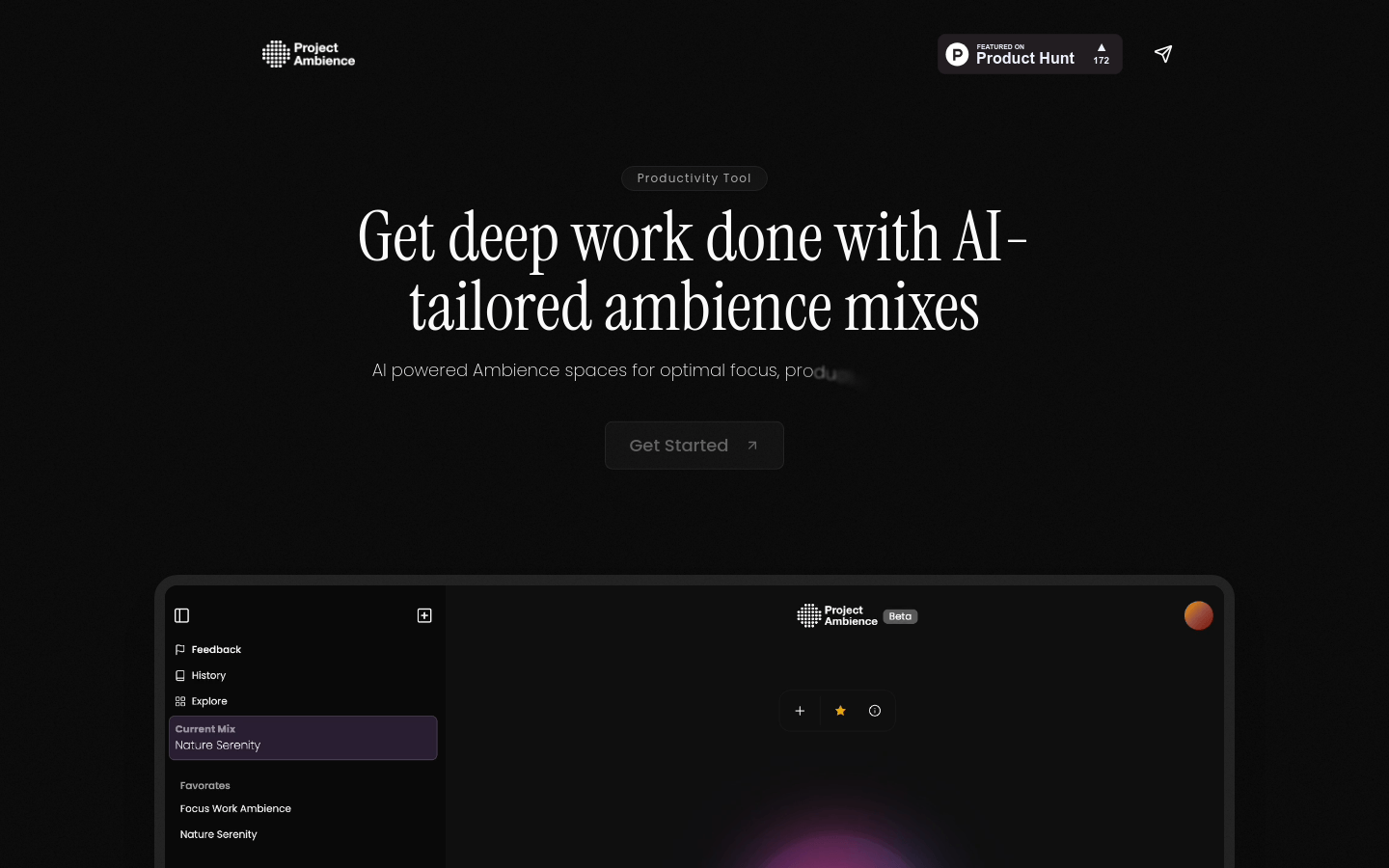
Screenshot archived from the listing page, for preview only.










