Promptimize AI
Browser extension that optimizes AI promptsOne-click prompt enhancement for better AI output
Highlights
What you can do with it
- Improving prompts for clearer AI responses
- Saving and reusing favorite prompts
- Keeping prompt context consistent with variables
How to use it
- 1 Install the Promptimize AI browser extension.
- 2 Enter your initial prompt in a supported AI platform.
- 3 Click the Enhance button to optimize it.
- 4 Use dynamic variables to keep context consistent.
- 5 Save strong prompts to your library for reuse.
Who it is for
Pros
- Free plan available
- One-click optimization of prompts
- Integrates with multiple mainstream AI platforms
Limitations
- Priority support is a paid feature
- Optimized prompts still need your own review
- Platform support can change as AI tools update
What Promptimize AI is
Promptimize AI is a browser extension specifically designed to improve the quality of AI prompts. By optimizing the prompts you input, it helps you get more accurate and efficient output from AI models. It is meant for all types of AI users, from experts to ordinary users, and it offers free and paid plans while integrating with mainstream AI platforms.
What you can do with it
- Optimize a prompt with one click.
- Create dynamic variables to keep context consistent.
- Save and manage favorite prompts in a library.
- Use it across multiple mainstream AI platforms.
Who it is for
- AI users who want better responses from their prompts.
- Developers and marketers who write prompts every day.
- Anyone who wants to keep a reusable prompt library.
What to watch out for
Promptimize AI has a free plan, but priority customer support is a paid feature, so costs depend on the plan you pick. Optimized prompts are a starting point and should still be reviewed, since the tool cannot know your exact intent. Because it integrates with third-party AI platforms, support can shift when those platforms change. Features and interface details may change between versions, so review the latest notes on the page before you start. For team use, agree on naming and editing conventions in advance to avoid version conflicts or duplicated work. Save a backup of the original file before large batch jobs, and keep an exported copy of key results in case the page or service becomes temporarily unavailable. Save a backup of the original file before large batch jobs, and keep an exported copy of key results in case the page or service becomes temporarily unavailable.
FAQ
What is Promptimize AI?
It is a browser extension that improves the quality of AI prompts to get better output.
Is there a free plan?
Yes, Promptimize AI offers free and paid plans.
How does optimization work?
You enter an initial prompt and click the Enhance button for quick optimization.
Why it is free
What the official page says: 免费
Free limits, trial length and features are decided by the official site and can change at any time.
Product preview
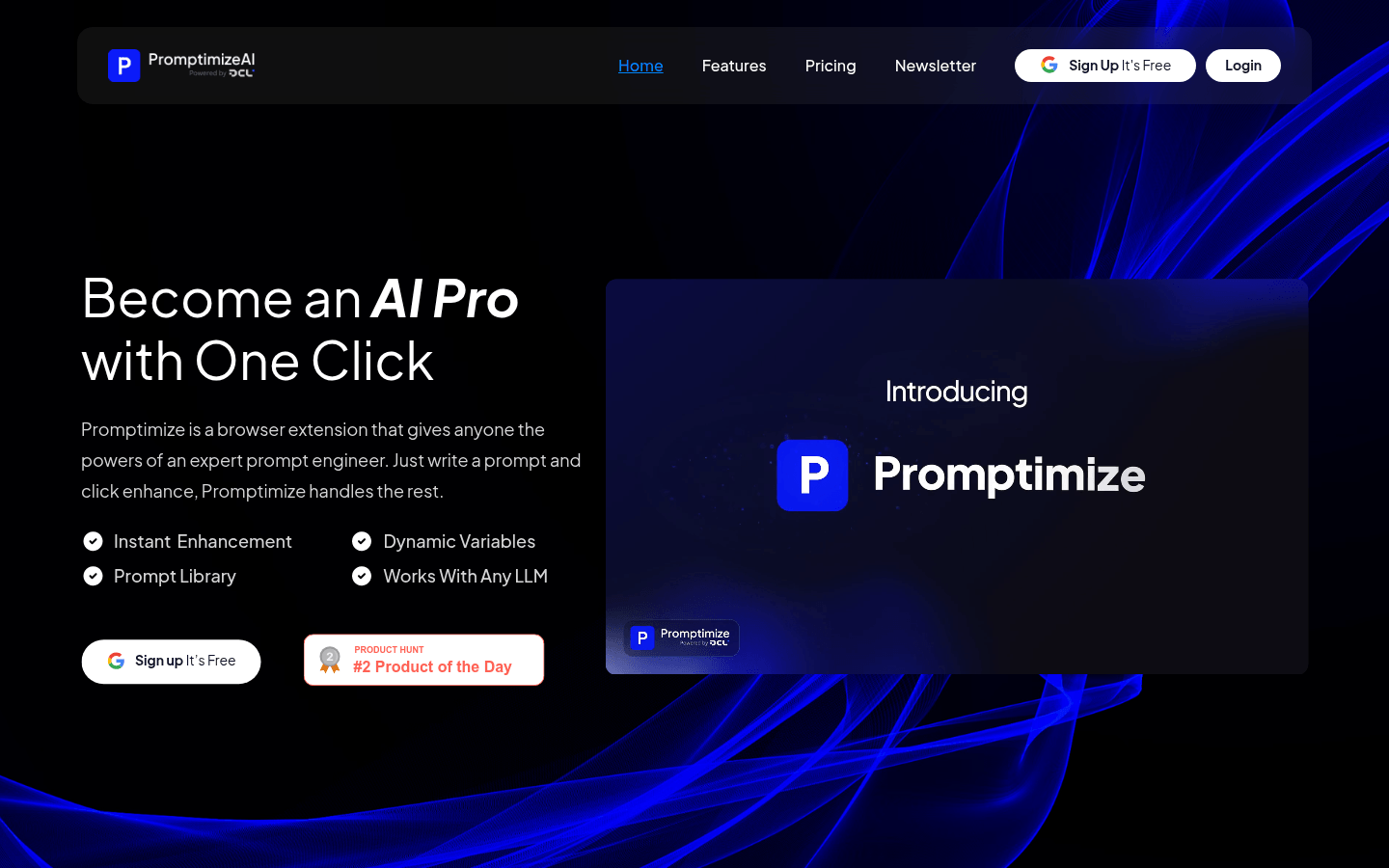
Screenshot archived from the listing page, for preview only.