
pumaDB
Persistent JSON memory for agentsAgent memory without a database project
Highlights
What you can do with it
- An agent remembers a user's style and default formats
- A server app tracks task status and handover notes
- A team stores project agreements and branch rules
How to use it
- 1 Choose hosted MCP or the server-side REST API
- 2 Write JSON records into pumaDB
- 3 Query and update memory with the provided commands
- 4 Use version history to restore earlier states
- 5 Follow table and rate limits to stay within your account
Who it is for
Pros
- No database project needed to start
- Two connection styles: MCP and REST
- Automatic version history adds safety
- Clear limits make behavior predictable
Limitations
- The page only speculates about a free quota or trial, so pricing is unclear
- Hard limits like 20 tables and 1000 rows cap scale
- It is for small records, not large datasets
What pumaDB is
pumaDB is a memory-layer tool designed for agents. The problem it solves is that agents tend to forget information between runs. Instead of standing up a full database project, you connect through a hosted MCP or a REST endpoint and store small, persistent JSON rows. It offers a lightweight memory mode that can hold almost any small record an app or agent needs to remember, and it uses an integrated remember tool to store common memory types such as skills and reusable instructions. It adds strict safety rules like scoped table limits, rate limits, and automatic version history. The page suggests there may be a free usage quota or a free trial.
What you can do with it
- Store small persistent JSON records for agents or servers
- Connect through hosted MCP or the REST endpoint
- Keep skills, specs, and reusable operation instructions
- Rely on automatic version history and restore
- Manage memory with query and update commands
Who it is for
- Agent developers working with Codex, ChatGPT, or Claude
- Small server-side app developers who need simple storage
- Teams that want one place for project facts and rules
- Builders who do not want to run a database
What to watch out for
The documentation does not state pricing clearly and only speculates about a free quota or trial, so cost and access are uncertain. There are hard limits, such as up to 20 tables per account and 1000 rows per table, which cap how much you can store. It is built for small records, not large datasets or heavy analytics. Because it is a memory layer for agents, losing access would mean losing context, so treat it as one part of a larger design.
FAQ
How do agents connect to pumaDB?
You can use a hosted MCP connection or the REST endpoint, depending on your setup.
What are the limits?
The description lists scoped table limits of up to 20 tables per account, 1000 rows per table, and rate limits.
Is it free?
The documentation does not state pricing clearly; it suggests there may be a free usage quota or a free trial.
Why it is free
What the official page says: free trial
Free limits, trial length and features are decided by the official site and can change at any time.
Product preview
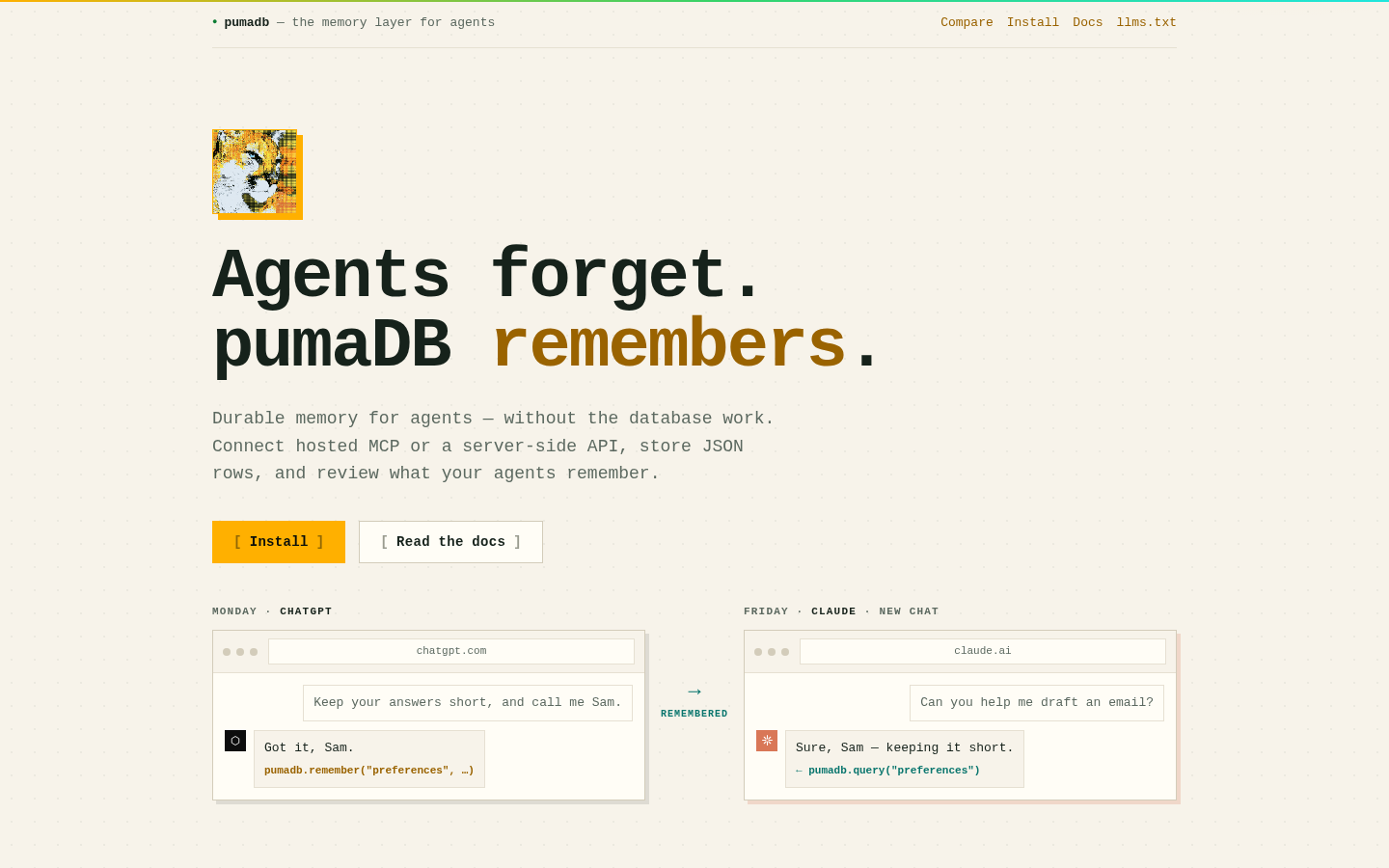
Screenshot archived from the listing page, for preview only.











