pxdmd
AI background removal and image cleanupCut out, clean up, and enhance product photos
Highlights
What you can do with it
- An online seller cleans up product photos for a listing
- A blogger adds a new background to a photo for social content
- A designer generates background scenes for a project
How to use it
- 1 Drag an image onto the website.
- 2 Choose a tool such as background removal or enhancement.
- 3 Apply the edit and review the result.
- 4 Export at high resolution for web, print, or social use.
Who it is for
Pros
- Free credits to test the tools
- Covers cutout, cleanup, and enhancement in one place
- Handles several common upload formats
- Fast, browser-based workflow with no install
Limitations
- Free credits are very limited, so real work needs a paid plan
- Removing watermarks or logos raises rights questions
- Commercial use is tied to the paid plan
- Reconstruction can introduce artifacts on detailed edges
What pxdmd is
pxdmd is a browser-based AI image editor aimed at the jobs that eat a photo editor's afternoon. It cuts out backgrounds, swaps a background color or replaces the scene entirely, removes watermarks, logos, and stamps, erases text and subtitles, repairs blur, reduces noise, improves lighting, and pushes resolution upward. It can also generate an entirely new scene from a written idea. Uploads cover the common image formats, so phone photos work directly. Each user gets a small number of free credits with more on registration, and the paid plan is what supports commercial use of the images.
What you can do with it
- Remove a background and isolate the subject.
- Change the background color or replace it with a new scene.
- Remove watermarks, logos, stamps, and on-image text.
- Repair blur, reduce noise, and increase resolution.
- Generate a fresh background from a written description.
Who it is for
- Online sellers who need clean, consistent product images.
- Social media users editing photos for feeds and ads.
- Professional designers automating routine cleanup.
What to watch out for
The free credit allowance is small, so this is a trial rather than a working budget, and anything approaching real volume needs the paid plan. The watermark and logo removal features need a direct word: only use them on images you own or have the rights to modify, because stripping someone else's mark and republishing the image raises rights questions that land on you. Reconstruction also struggles with fine detail, so hair, wire, glass, and thin text edges often show artifacts that need manual cleanup. Resolution increases improve a file but cannot recover detail that was never captured. Finally, commercial use is tied to the paid plan, so check the terms before a free-tier edit goes into client work.
FAQ
Is pxdmd free?
The listing says each user gets a small number of free credits, with more on registration. Commercial use requires the paid plan.
Can it remove a watermark?
Yes, the tool lists watermark, logo, and stamp removal. Only use it on images you own or have the rights to modify.
Can I use the results commercially?
The listing says commercial use of images is supported on the paid plan. Check the terms before client work.
Why it is free
What the official page says: free credits
Free limits, trial length and features are decided by the official site and can change at any time.
Product preview
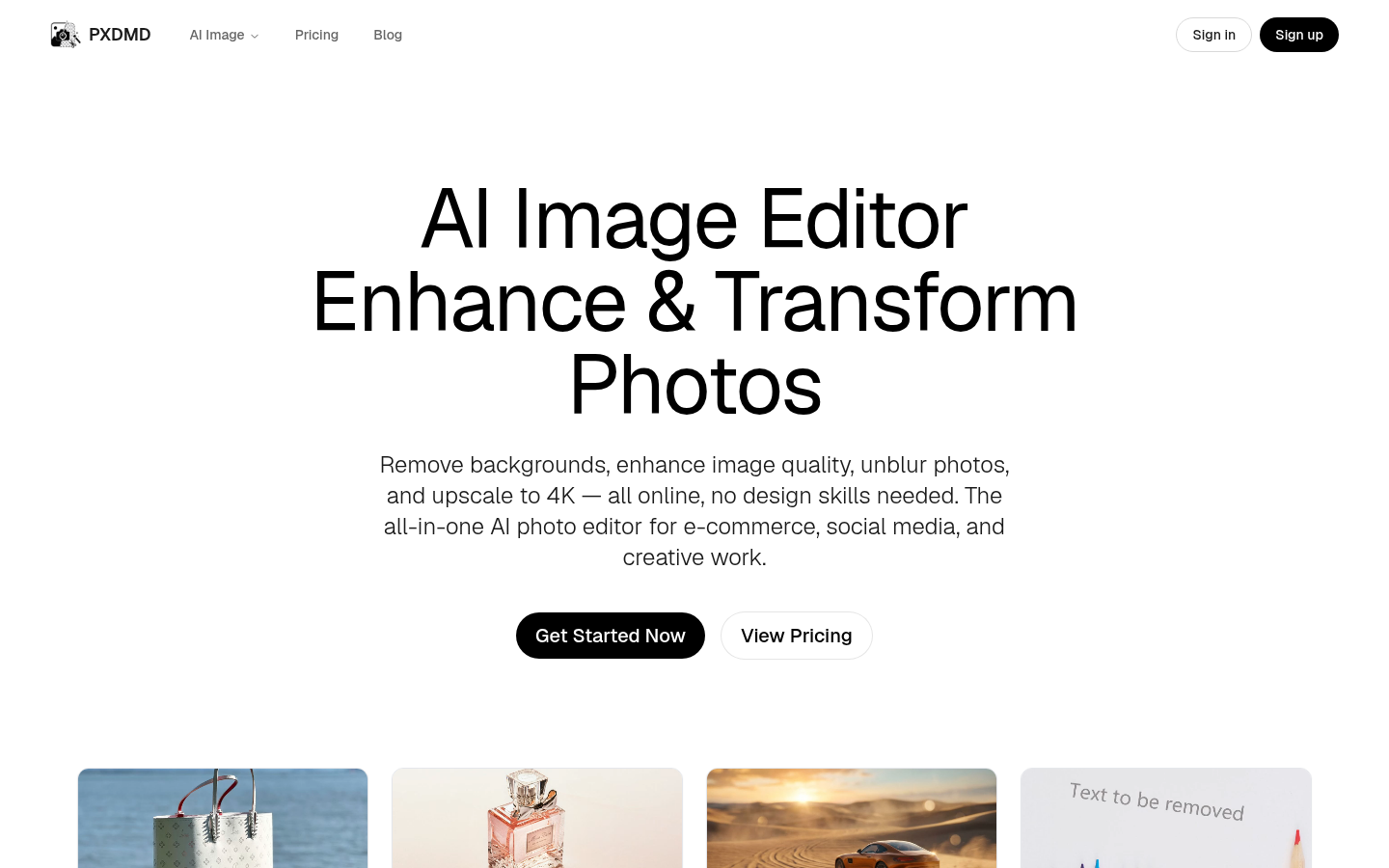
Screenshot archived from the listing page, for preview only.











