
Qbitmap
Mobile AI art generator for photosStyle transfer and text to image in one app
Highlights
What you can do with it
- Turn an ordinary photo into an artistic image with style transfer
- Create an image from a written prompt on a blank page
- Browse the community feed and share or react to other creations
How to use it
- 1 Install Qbitmap and open the app
- 2 Pick a creation mode: style transfer or text to image
- 3 Upload a photo or write a text prompt and choose a template
- 4 Generate the image and save or share it from the app
Who it is for
Pros
- Two creation paths, style transfer and text to image, in one app
- Daily free credits make it easy to test before paying
- A large template library lowers the prompt writing burden
- A built-in community for inspiration and sharing
Limitations
- The daily free credit amount is small, so heavy use needs payment
- The site status record is poor, so availability may vary
- Templates and model quality cannot be judged from the description alone
- Free credit rules can change at any time
What Qbitmap is
Qbitmap is an AI art generation app that offers several ways to make images. One path is neural style transfer, which takes a photo you already have and turns it into artwork. The other is text-to-image, where you write a prompt on a blank page and the generator produces the picture. The underlying pipeline is described as modern diffusion technology, and the app ships with over 500 AI templates. New output is credited daily, and you get 10 free credits each day to work with.
What you can do with it
- Apply neural style transfer to a photo and get an artistic result
- Write a text prompt and generate an image from scratch
- Start from one of over 500 AI templates instead of writing every detail
- Browse a community feed where you can see, comment on, and like other users' work
Who it is for
- Phone users who want a quick art effect on photos they already own
- Hobbyists testing prompts and templates without committing to a subscription
- People who like looking at a feed of AI generated images for ideas
What to watch out for
The daily free credit amount is limited, so repeated experimentation may still push you toward payment. The site status record is poor, which means the app may not always be reachable, and template quality or model output can only be judged by trying it yourself. Free credit rules are set by the developer and can change, so treat them as a starting point rather than a guarantee. Run one full task end to end first, then expand once you are comfortable with the workflow and the result quality.
FAQ
How many free credits do I get?
The description says you get 10 free credits per day while using Qbitmap.
Can I use my own photos?
Yes, neural style transfer works on photos you supply and transforms them into art.
What is the text-to-image mode?
You type a prompt and the generator creates an image from it using diffusion technology.
Are there templates?
The app lists over 500 current AI templates for you to start from.
Why it is free
What the official page says: free credits
Free limits, trial length and features are decided by the official site and can change at any time.
Product preview
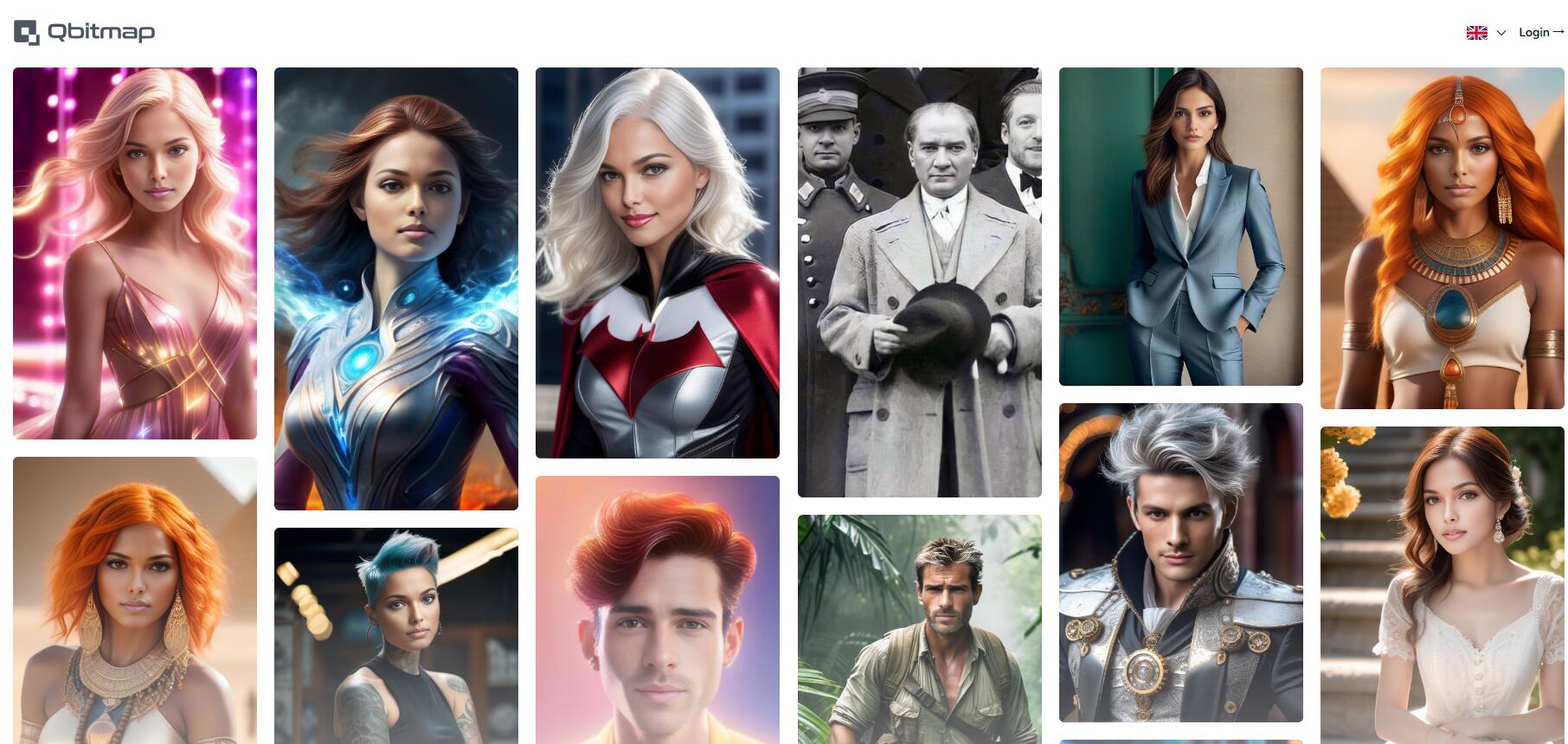
Screenshot archived from the listing page, for preview only.











