
Quest
SaaS UI component libraryShip onboarding and retention UI fast
Highlights
What you can do with it
- Add a user onboarding flow to a SaaS product
- Build feedback collection into an app
- Improve retention with in app messaging UI
How to use it
- 1 Create a Quest account.
- 2 Pick the components you need, such as onboarding or feedback.
- 3 Drop them into your product.
- 4 Configure the copy and triggers.
- 5 Ship the flow and watch the metrics.
Who it is for
Pros
- Ready made components save build time
- Covers onboarding, engagement, and retention in one library
- A free version is available to start with
Limitations
- Component based, so heavy custom design still takes work
- Free version limits are not spelled out in the source material
- Focused on SaaS lifecycle UI rather than general interface design
What Quest is
Quest is a UI component library aimed at SaaS products. Rather than designing and coding onboarding screens, engagement prompts, and retention messages from scratch, teams drop in pre-built components and configure them. The library covers personalised user onboarding, components that increase engagement, tools that improve retention, channels for gathering user feedback, and functions that provide instant help and support. The stated advantage is out of the box usability, which shortens development time and reduces cost. Pricing options include both free and paid versions, and the product is positioned for small and medium sized companies that need to build and iterate quickly.
What you can do with it
- Add a personalised onboarding flow without designing it yourself.
- Drop in engagement components that prompt users at the right moment.
- Use retention tools to bring people back to the product.
- Collect user feedback through built in channels.
- Offer instant help and support inside the app.
Who it is for
- SaaS product teams that need lifecycle flows shipped quickly.
- Developers who would rather configure than build from a blank file.
- Small and medium sized companies with limited design resource.
- Teams that want to improve user experience and business metrics without a long project.
What to watch out for
Both free and paid versions exist, but the limits of the free tier are not described in the source material, so check the site before you plan a build around it. Because this is a component library, heavy customisation still means writing code and adjusting styles, so it saves time rather than removing work entirely. The focus is SaaS lifecycle UI, so it will not replace a general purpose design system. As with any third party component set, review how it behaves in your app before it reaches production.
FAQ
Is there a free version?
Yes, both free and paid options are listed.
What does it cover?
Personalised onboarding, engagement components, retention tools, feedback channels, and instant help.
Who is it aimed at?
SaaS product teams, especially small and medium sized companies building and iterating quickly.
Why it is free
What the official page says: 免费
Free limits, trial length and features are decided by the official site and can change at any time.
Product preview
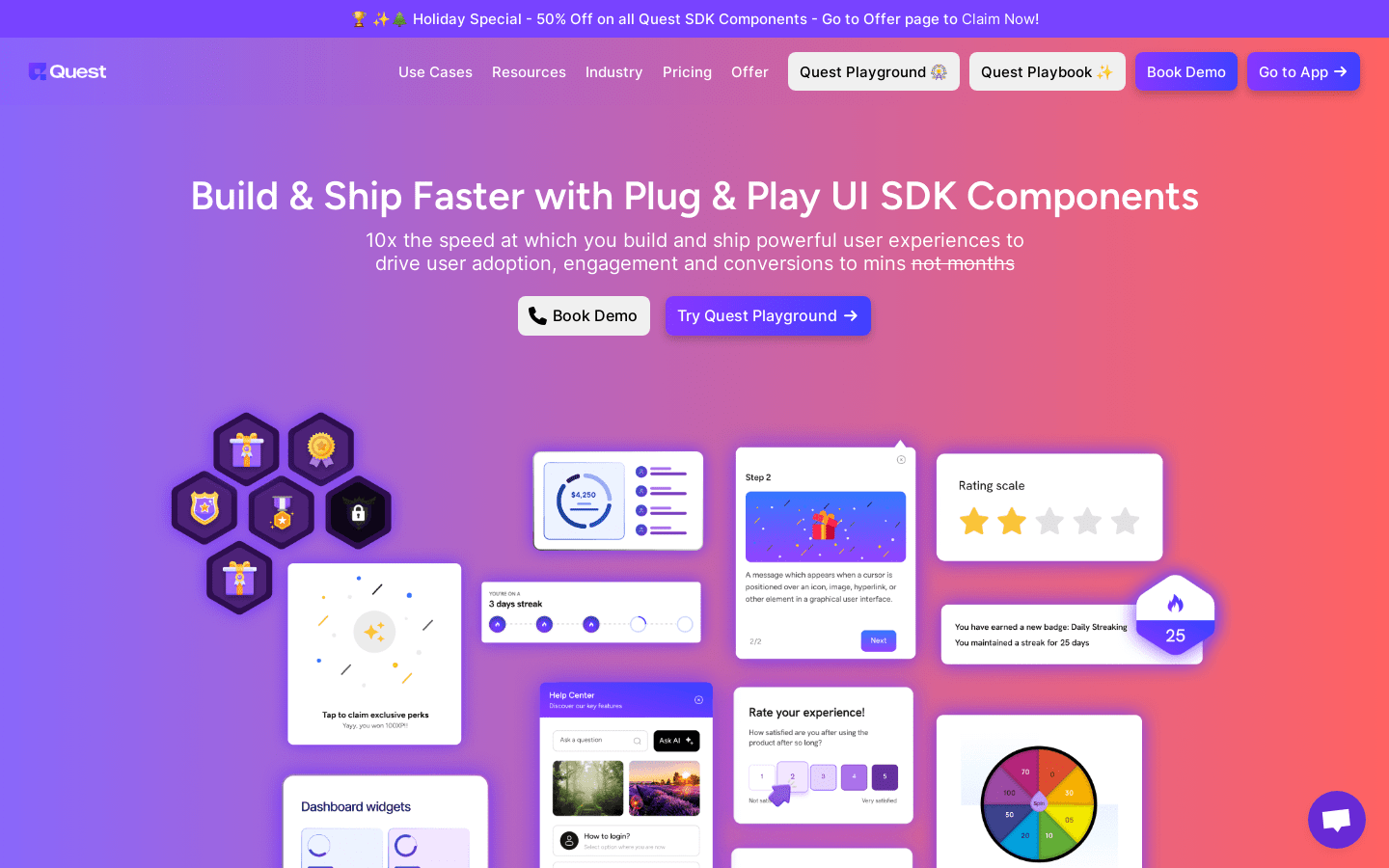
Screenshot archived from the listing page, for preview only.











