
Quick Access Ai
Chrome extension for instant ChatGPT access on any websiteType a shortcut to reach ChatGPT anywhere you browse
Highlights
What you can do with it
- Shorten a social media post by triggering ChatGPT with a shortcut instead of opening a new tab.
- Write or debug code and build Excel formulas while staying on the page you are working in.
- Summarize an article or research material without leaving the current browser tab.
How to use it
- 1 Install the Quick Access Ai extension from the Chrome Web Store.
- 2 On any website, type the shortcut 'Quick:' followed by your request and a semicolon.
- 3 Read the answer that appears and continue your work.
- 4 Use it to generate content, write code or formulas, rewrite, research, or summarize as needed.
- 5 Buy the one-time license to keep lifetime access without a subscription.
Who it is for
Pros
- Saves time by keeping ChatGPT available on any website
- Covers content, code, formulas, rewriting, research, and summaries
- No recurring subscription after the one-time purchase
Limitations
- It is a paid extension, not a free tool, so there is an upfront $15 cost
- It depends on ChatGPT, so an outage or account issue affects it
- The shortcut workflow takes a little practice to get used to
What Quick Access Ai is
Quick Access Ai is a Chrome browser extension that puts ChatGPT within reach on any website. Rather than opening a new tab and logging in each time, you trigger the assistant with a typed shortcut and keep working where you are. The extension is designed to cut the friction between your task and the AI, so a question or a drafting job happens in the same window. In terms of access, it is a paid extension rather than a free tool: a one-time $15 purchase grants lifetime use with no ongoing subscription. Once installed, the shortcut becomes the way you generate content, write code or formulas, rewrite, research, and summarize without leaving the page.
What you can do with it
- Generate high-quality content directly on the page you are editing
- Write code and Excel formulas without leaving your workspace
- Rewrite, research, and summarize text using a simple shortcut
- Reach ChatGPT on any website without opening a separate tab
Who it is for
- Writers and bloggers who draft and polish content in the browser
- Developers and analysts who frequently write code or spreadsheet formulas
- Regular ChatGPT users who want the assistant available on every page
What to watch out for
This is a paid extension, so you need to be comfortable with the upfront $15 cost and the fact that it is not a free tool. Because it works through ChatGPT, any outage, account problem, or change on the ChatGPT side can affect how it performs, so it carries that upstream dependency. The shortcut workflow also takes a little practice, and the claim of working faster is something you will only feel if you build the shortcut into your habits. Finally, check that the extension fits your browser and your privacy comfort before you install it and start sending requests through it.
FAQ
Is Quick Access Ai free?
No. It is a paid Chrome extension sold as a one-time $15 purchase that grants lifetime use with no subscription.
How do I use it on a page?
Type 'Quick:' followed by your request and end with a semicolon; the answer appears on the site you are viewing.
What can it help with?
Generating content, writing code and Excel formulas, rewriting, researching, and summarizing text.
Why it is free
What the official page says: 免费使用免费
Free limits, trial length and features are decided by the official site and can change at any time.
Product preview
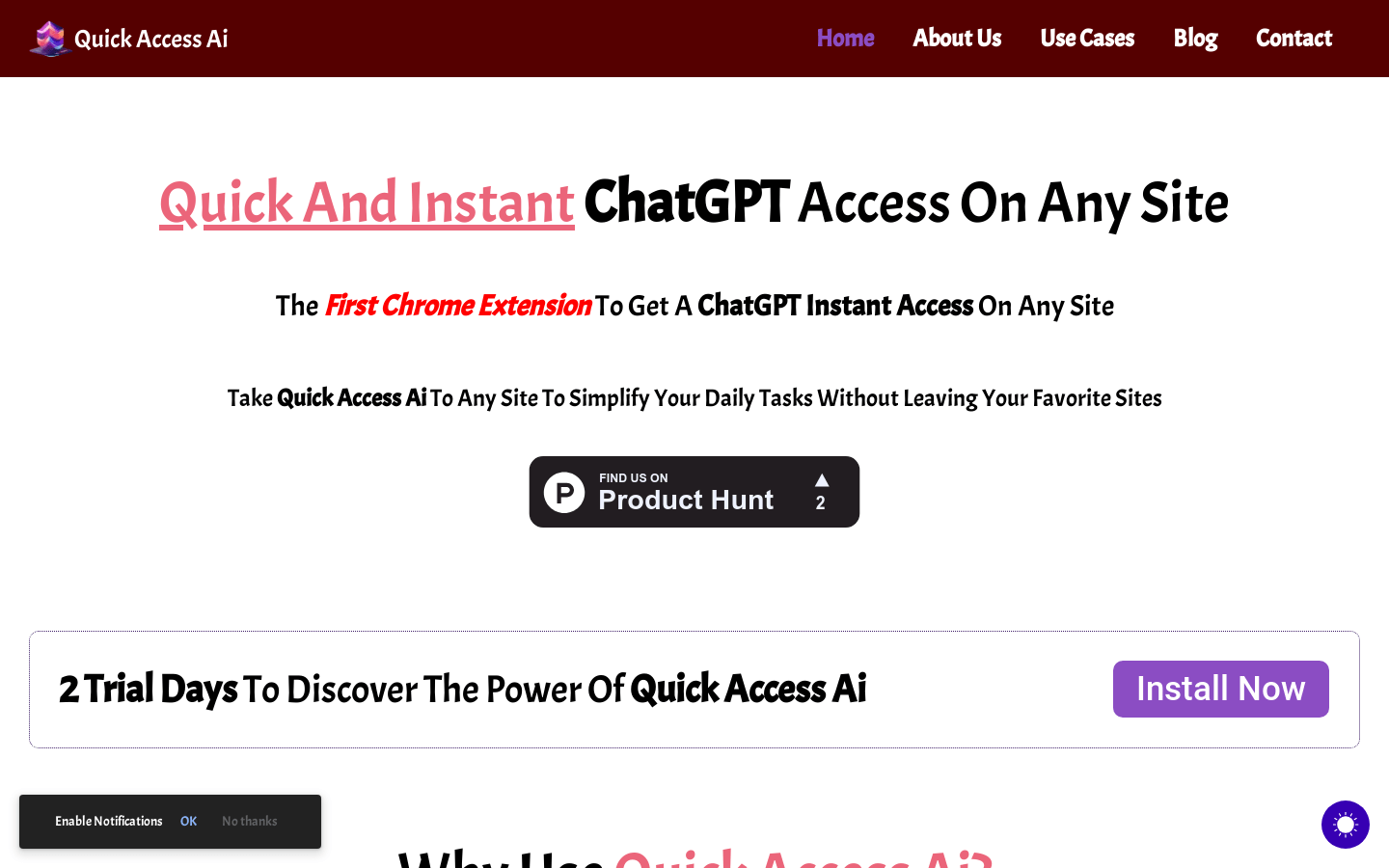
Screenshot archived from the listing page, for preview only.











