
QuickTools by Picsart
Free online image toolsetQuick image and text utilities
Highlights
What you can do with it
- Cut out a background for a product or profile image
- Build a profile picture with text and a font
- Count words or draft copy with the built-in helpers
How to use it
- 1 Open the QuickTools page on the Picsart site
- 2 Pick the tool you need, such as background removal or the font generator
- 3 Upload your image or enter your text
- 4 Apply the change and download the result
Who it is for
Pros
- Free and browser-based, no install required
- Several unrelated utilities in one place
- Simple enough for non-designers
Limitations
- Each tool is single-purpose, so complex edits need a real editor
- Tool availability can change since it is part of a larger platform
- AI writing and image quality are basic helpers, not full products
What QuickTools by Picsart is
QuickTools by Picsart is a free collection of small online utilities for image and text work. The image side covers converting profile and background images, removing a background, making a profile picture, sharpening an image, and adding text to a photo. The text side includes a font generator, a symbol library, a word counter, and an AI writing helper. It runs in the browser, so there is nothing to install and nothing to configure. The listing describes the tools as simple to use and suitable for both personal and professional users, which in practice means one-off jobs rather than ongoing projects.
What you can do with it
- Remove a background and produce a transparent image
- Build a profile picture with text and a chosen font
- Add text to a photo or sharpen a soft image
- Use a font generator and a symbol library
- Count words or draft copy with the AI writing helper
Who it is for
This suits people who need a single quick edit and do not want to open a full editor. Social media users making profile pictures and posts are the clearest group, along with anyone converting a background image on a deadline. The word counter and AI writing helper make it useful for light text tasks too. Because each utility is independent, the page works as a bookmark for the two or three things you actually need rather than a workspace you live in.
What to watch out for
Every tool here is single-purpose. Layers, masks, selective adjustments, and batch work are out of scope, so anything beyond a quick fix needs a real editor. Tool availability can change because QuickTools is part of the larger Picsart platform, and a utility you bookmarked may move or gain a login requirement. The AI writing helper and the image tools are basic utilities, not full products, so set expectations accordingly. Since files are processed on a web service, consider that before uploading anything confidential.
FAQ
Is QuickTools free?
Yes, the listing describes it as a free online image tool collection.
What tools are included?
Background removal, profile picture maker, font generator, symbols, AI writing, word count, adding text to photos, and image sharpening.
Do I need to install anything?
No, it runs online in the browser.
Is it good enough for professional work?
The listing says it suits both personal and professional users for quick tasks, but it is not a full editor.
Why it is free
What the official page says: 免费
Free limits, trial length and features are decided by the official site and can change at any time.
Product preview
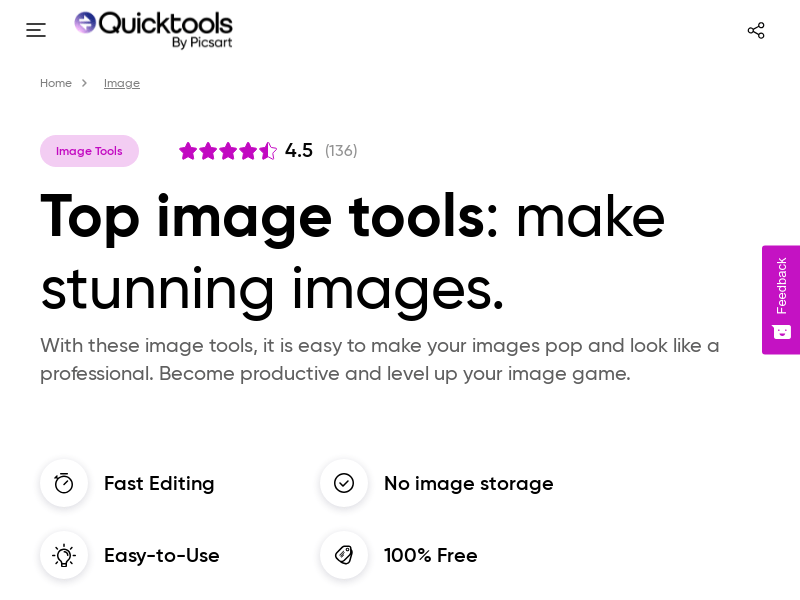
Screenshot archived from the listing page, for preview only.











