
QuillWord
AI text editor for academic writingDraft, rewrite, and shorten essays with AI
Highlights
What you can do with it
- Students draft and restructure academic essays
- Teachers prepare teaching and feedback material
- Researchers write papers and abstracts
How to use it
- 1 Open QuillWord and start a new document.
- 2 Pick the tool you need, such as outline, summarizer, or rewriter.
- 3 Paste your text or enter your topic.
- 4 Generate and review the output.
- 5 Edit the result and export or save your draft.
Who it is for
Pros
- Many writing tools in a single editor
- A free plan is available
- Handles structure as well as wording
- Proofreading and checking built in
Limitations
- Free use has limits compared with paid plans
- Academic use must follow your institution's rules
- Rewritten text needs verification against sources
- Over-reliance can weaken your own writing
What QuillWord is
QuillWord is an AI powered text editor designed for academic and research writing. Its toolset covers AI email writing, text summarization, outline generation, essay rewriting, expanding and shortening text, introduction and conclusion generation, and topic and abstract generation, plus checking and proofreading. That combination is aimed at the parts of academic writing that cost the most time: getting a structure on the page, hitting a length target, and producing openings and closings that do not sound tired. Plans run from free to paid, and the listed users are students, teachers, researchers, and writers who need to move a draft forward quickly.
What you can do with it
- Generate outlines, topics, and abstracts for a paper.
- Rewrite, expand, or shorten existing text.
- Produce introductions and conclusions from your draft.
- Summarize long source material and proofread the result.
Who it is for
- Students writing essays and assignments.
- Teachers preparing teaching and feedback material.
- Researchers drafting papers and abstracts.
- Writers who need structural help on a draft.
What to watch out for
Free use has limits compared with paid plans, so check what the free tier includes before you start a long assignment. Academic use must follow your institution's rules: many schools restrict or forbid AI written submissions, and breaking those rules can cost a grade or worse, so ask before you rely on it. Rewritten text needs verification against your sources, because paraphrase tools can drift away from what the original actually said and can introduce errors. Finally, heavy reliance on rewriting and shortening tools can weaken your own writing over time, so use it to unblock a draft rather than to replace the work of writing.
FAQ
Is there a free plan?
Yes, pricing plans run from free to paid.
What tools are included?
Email writing, summarization, outlines, rewriting, expanding, shortening, introductions, conclusions, topics, abstracts, and proofreading.
Who is it for?
Students, teachers, researchers, and writers.
Can it shorten an essay?
Yes, an essay shortener is one of the listed tools.
Why it is free
What the official page says: 免费
Free limits, trial length and features are decided by the official site and can change at any time.
Product preview
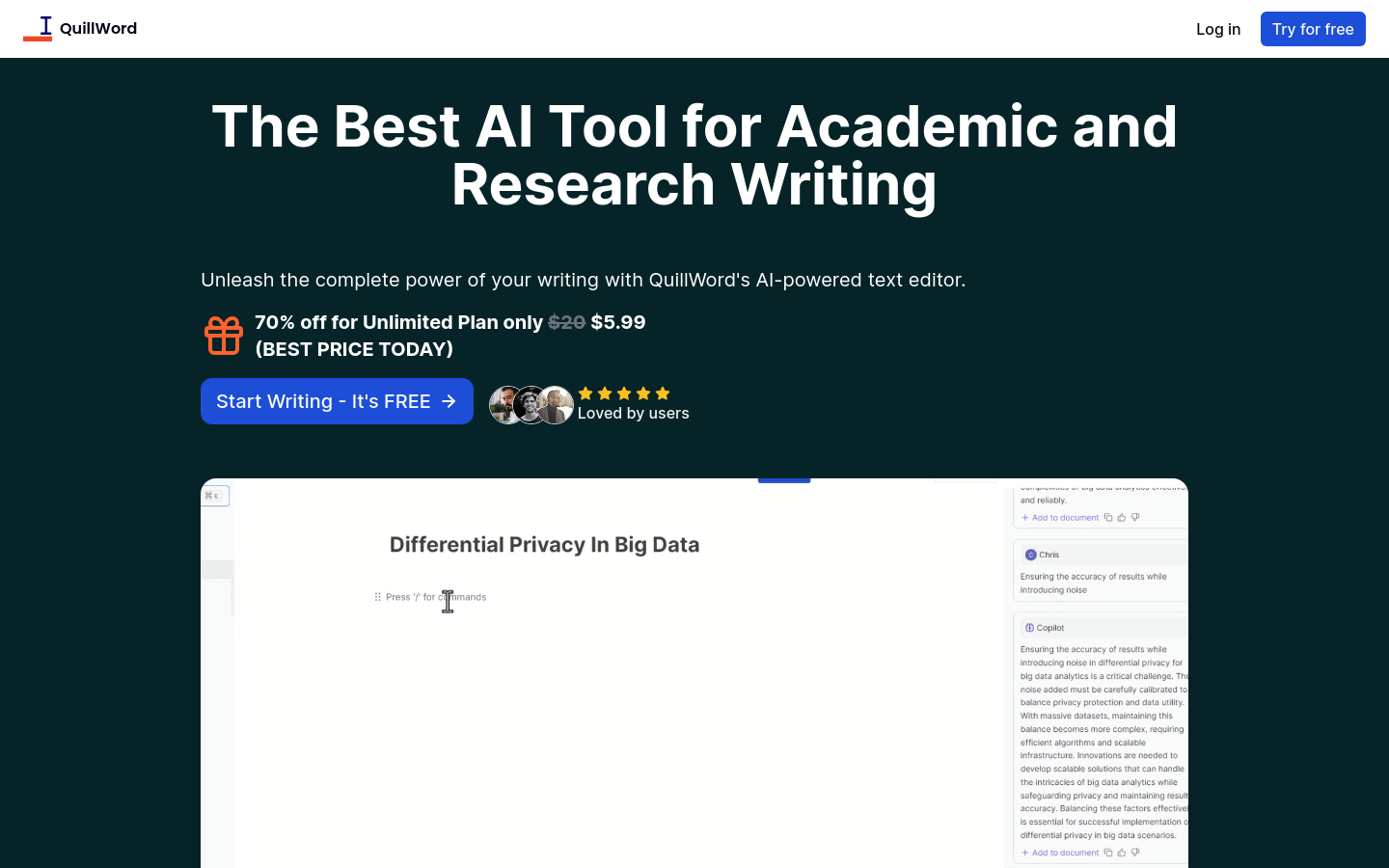
Screenshot archived from the listing page, for preview only.











