
RecCloud
AI video creation and editing platformRecord, subtitle, and edit videos online
Highlights
What you can do with it
- Generating and translating subtitles for videos
- Recording screen activity for tutorials
- Editing and sharing videos online
How to use it
- 1 Visit the RecCloud website
- 2 Choose the tool you need such as recording or subtitles
- 3 Upload or record your content
- 4 Let the AI process subtitles or text
- 5 Edit, save, and share the result
Who it is for
Pros
- Multiple video tools in one platform
- Free multimedia solutions
- Easy online access
Limitations
- Advanced features may need payment
- Free limits on storage or processing
- Quality depends on source audio and video
What RecCloud is
RecCloud is an AI video creation platform that brings several multimedia tools together in one place. It provides AI video chat, AI-powered subtitle generation and translation, AI speech-to-text, online screen recording, video editing, storage, and sharing. The goal is to make video creation more efficient and convenient by handling repetitive tasks like transcription and subtitles automatically. Instead of juggling separate apps for recording, editing, and captioning, users can complete the whole workflow in a single browser-based platform. Free multimedia solutions are offered for core features.
What you can do with it
- Record your screen online for tutorials and demos
- Generate and translate subtitles automatically
- Convert speech to text for transcripts
- Edit, store, and share finished videos
- Use AI video chat for interactive content
Who it is for
- Content creators producing regular video
- Teams recording screen tutorials and demos
- Anyone who needs subtitles, transcripts, or quick edits
What to watch out for
Advanced features and higher storage limits may require payment, so the free tier has boundaries. Subtitle and transcript quality depends on the clarity of the source audio, so noisy recordings will produce weaker results. Because it runs online, a stable internet connection matters for longer recordings. Review AI-generated subtitles for accuracy before publishing, especially for professional or educational content. Free tiers and usage limits can change, so check the current rules on the official page before relying on it long term. Processing speed depends on file size and network conditions, so retry later if a task stalls during peak hours. Free tiers and usage limits can change, so check the current rules on the official page before relying on it long term.
FAQ
What is RecCloud?
It is an AI video creation platform with subtitles, speech-to-text, recording, and editing tools.
Is RecCloud free?
It offers free multimedia solutions for video creation.
Can it translate subtitles?
Yes, it provides AI-powered subtitle generation and translation.
Why it is free
What the official page says: 免费
Free limits, trial length and features are decided by the official site and can change at any time.
Product preview
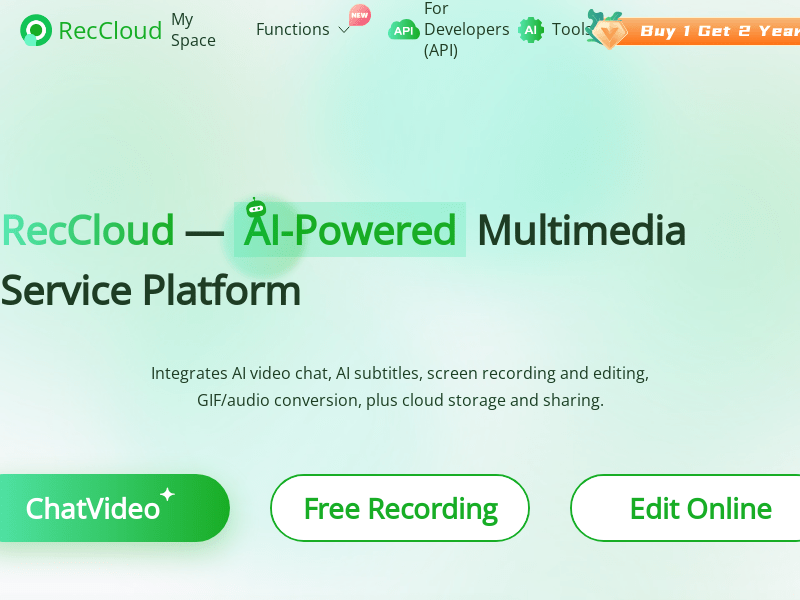
Screenshot archived from the listing page, for preview only.











