
Refiner
AI code review and optimizationRestructure, clean, and speed up code
Highlights
What you can do with it
- Clean up a function before opening a pull request
- Check code style against project conventions
- Find performance improvements in a hot path
How to use it
- 1 Open Refiner and start a free session
- 2 Paste or connect the code you want reviewed
- 3 Read the analysis and the suggested changes
- 4 Apply the suggestions you agree with and re-check
Who it is for
Pros
- Very fast responses, averaging under a second
- Covers restructuring, style, and performance in one pass
- Does not retain the code you submit
- First three uses are free, so you can test the output
Limitations
- Only the first three uses are free, then payment is required
- Suggestions are advice and still need developer judgement
- Language and framework coverage is not detailed, so test with your stack
What Refiner is
Refiner is an AI tool for improving code quality. You give it code and it returns suggestions across three areas: automatic restructuring, style checking, and performance optimisation. The stated aim is better readability and maintainability rather than only faster execution, since code that runs quickly but reads badly still costs a team time later. Speed is a deliberate design point, with an average response time under a second, which makes it practical to use repeatedly while editing rather than as a one-off check. The first three uses are free, and the product states that it does not retain the code you submit.
What you can do with it
- Get restructuring suggestions for messy code
- Check style against conventions before review
- Find performance improvements in specific sections
- Iterate quickly thanks to sub-second responses
Who it is for
- Developers who want a second opinion before committing
- Teams trying to hold a consistent style across a codebase
- Anyone working on performance-critical code
What to watch out for
Only the first three uses are free, so evaluate the quality of the suggestions during that window before deciding whether the paid tier is worth it for your workflow. The output is advice, not a patch you should apply blindly: refactoring changes structure, and structure changes can break tests or alter behaviour, so every suggestion needs a developer's judgement and a passing test suite behind it. Language and framework coverage is also not spelled out in the product summary, so test it against your actual stack before relying on it for a specific language. Run one full task end to end first, then expand once you are comfortable with the workflow and the result quality.
FAQ
Is Refiner free?
The first three uses are free. Beyond that, payment is required.
Does it keep my code?
The product states that it does not retain any code you input.
How fast is it?
The stated average response time is less than one second.
Why it is free
What the official page says: free trial
Free limits, trial length and features are decided by the official site and can change at any time.
Product preview
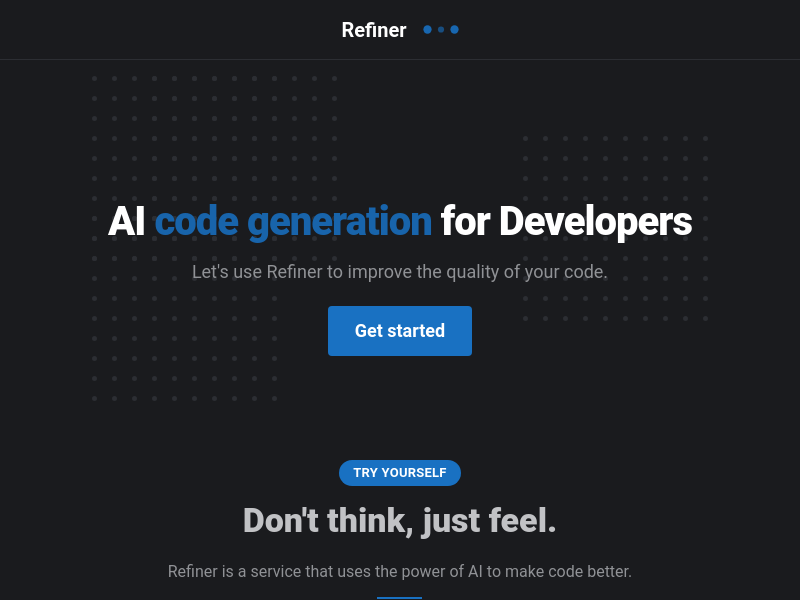
Screenshot archived from the listing page, for preview only.











