
Reflection
AI diary app and reflection coachWrite it down, get guided insight back
Highlights
What you can do with it
- Recording emotions during a stressful period and finding relief
- Working through a personal growth plan with guided topics
- Processing a relationship setback with structured reflection
How to use it
- 1 Download Reflection or open the web app on iOS, Android, Mac, or Web.
- 2 Register and choose the free version or upgrade.
- 3 Write with text, photos, or voice-to-text.
- 4 Use the AI coach prompts to explore what you wrote.
- 5 Browse the expert guides and pick a topic to work on.
- 6 Review older entries regularly to spot patterns.
Who it is for
Pros
- Free version covers the core diary, prompts, and AI coach
- Voice-to-text makes journaling possible when typing is not
- AI search turns old entries into something you can learn from
Limitations
- It is not therapy and not a replacement for professional care
- Premium guides and advanced insights require payment
- Free plan limits and pricing can change
- Private entries live on a third party cloud, so read the privacy terms
What Reflection is
Reflection is an AI diary app that also works as a reflection coach. The writing space is deliberately calm, and you can capture a moment with rich text, photos, or voice-to-text rather than forcing yourself to type. On top of the writing, an AI companion offers prompts and real-time insights so an entry turns into something you can learn from instead of a note you never reread. There are expert-written guides covering mental health, personal growth, relationships, career development, and emotional topics, and AI search lets you look back across entries to find patterns. A free version includes the core diary, daily prompts, and the AI coach, with a premium tier for the full guide library and deeper insights. The app runs on iOS, Android, Mac, and Web.
What you can do with it
- Write entries with text, photos, or voice-to-text
- Get prompts and real-time insight from the AI coach
- Work through expert guides on specific life topics
- Search across old entries to spot repeating patterns
Who it is for
- People trying to build a steady self-reflection habit
- Users working on mental health or personal growth goals
- Busy people who can speak a thought but not type it
What to watch out for
This is a journaling tool, not a therapist. It does not diagnose or treat anything, and if you are dealing with serious distress you should talk to a qualified professional rather than an app. The free version covers the basics, while the full guide library and advanced insights sit behind payment, and those limits can change. Your entries are personal, and although the vendor describes encryption and Google Cloud storage, you should read the current privacy terms before writing anything you would not want a third party to hold. Finally, a habit only forms if you keep showing up, and no app does that part for you.
FAQ
Is Reflection free?
There is a free version that includes the core diary, daily prompts, and the AI coach. The premium tier unlocks the full guide library and advanced insights.
Where is my data stored?
The product says entries are encrypted with AES 256, transmitted with TLS 1.2 or higher, and stored on Google Cloud under stated data protection rules.
Can it replace a therapist?
No. It is a journaling and reflection aid. If you are struggling, seek help from a qualified professional.
What devices does it run on?
iOS, Android, Mac, and Web are all listed as supported platforms.
Why it is free
What the official page says: free version
Free limits, trial length and features are decided by the official site and can change at any time.
Product preview
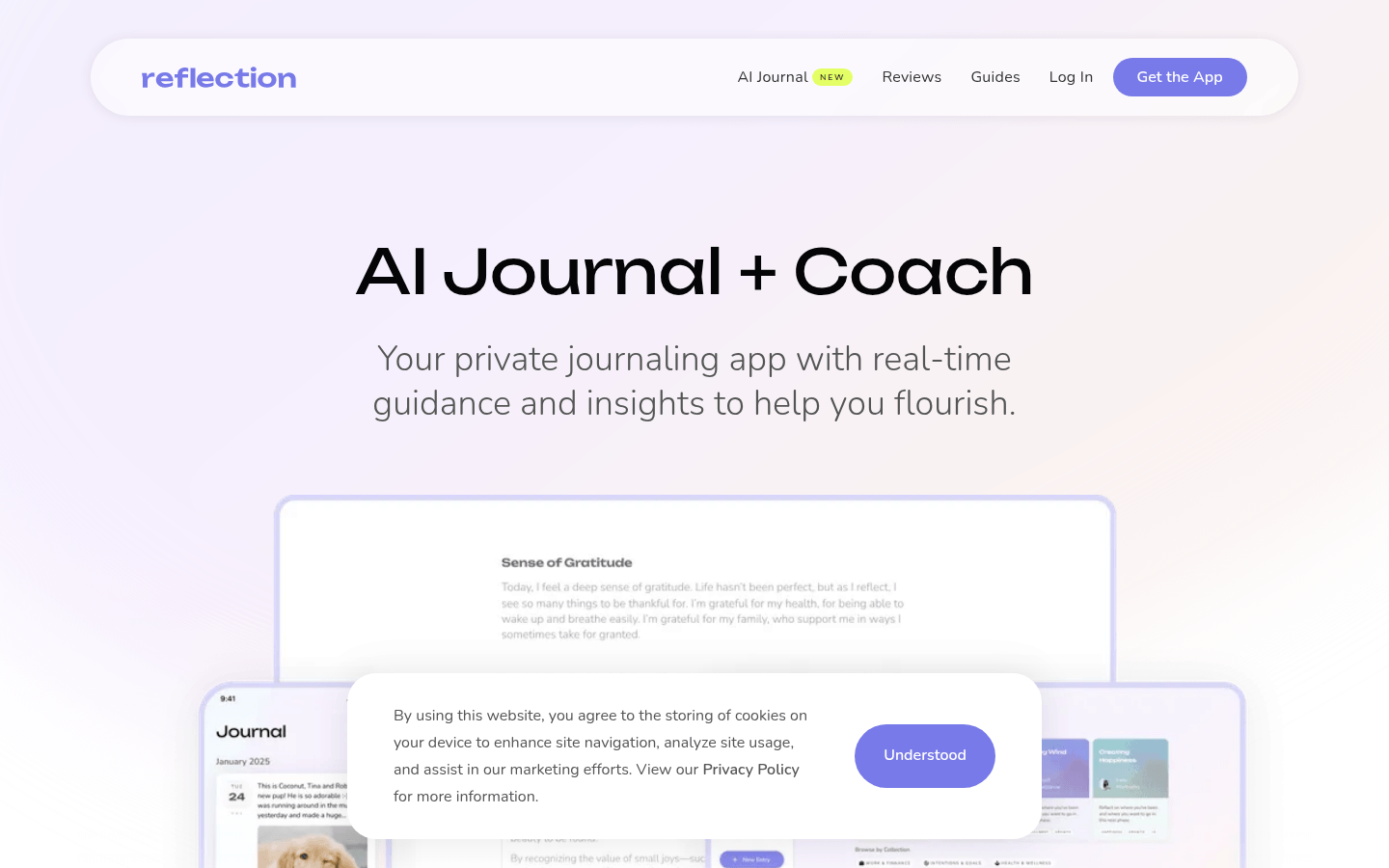
Screenshot archived from the listing page, for preview only.