
Releaseify
Drag and drop press release builderMedia-rich press releases in minutes, free to start
Highlights
What you can do with it
- Businesses announcing a new product or funding round
- PR firms building media-rich releases for clients
- Individuals publishing news about an achievement or event
How to use it
- 1 Register on the Releaseify site and pick the free plan.
- 2 Choose a basic or advanced template.
- 3 Build the release in the drag-and-drop editor with text and media.
- 4 Preview it and check that every detail is accurate.
- 5 Export a PDF or distribute it through a shareable link.
- 6 Upgrade to Pro if you want priority support.
Who it is for
Pros
- Media embedding makes releases look current rather than plain text
- Free plan starts without a credit card
- PDF export and link sharing cover the usual distribution needs
Limitations
- Free plan has limits and pricing can change
- Distribution is on you, the tool does not guarantee pickup
- Drag-and-drop still needs care with facts, quotes, and approvals
- Pro features like priority support require payment
What Releaseify is
Releaseify is a modern press release platform built for people who need a release that looks good online. The core is a drag-and-drop editor, so you do not need design software or a designer to assemble a page. What makes it different from a text document is the media layer: you can drop in images, videos, charts, YouTube links, and social media posts alongside the copy, which is what most online readers expect now. Basic and advanced templates give you a starting structure, and when the release is done you export a PDF or share a link. A free plan starts the whole process without asking for a credit card, and Pro adds priority support for teams that need it.
What you can do with it
- Build a press release in a drag-and-drop editor
- Embed images, video, charts, YouTube links, and social posts
- Start from basic or advanced templates
- Export to PDF or distribute through a shareable link
Who it is for
- Company marketing and communications teams with news to publish
- PR agencies producing releases for several clients
- Individuals announcing an achievement or event without design help
What to watch out for
A good-looking release does not mean coverage. Distribution, journalist outreach, and timing are still your job, and the tool does not promise pickup by any outlet. Accuracy matters more than layout, so check every claim, quote, and date before you share, and make sure the right people inside your organization have approved it. The free plan has limits and the pricing structure can change, so confirm current terms if the release is important. If you need hands-on help, that sits on the paid Pro tier rather than the free one.
FAQ
Do I need a credit card to start?
No. The free plan is described as starting without a credit card, so you can build a release before paying.
What media can I put in a release?
Images, videos, charts, YouTube links, and social media posts are all listed as supported elements.
How do I send the finished release out?
You can export it as a PDF or share it through a link. Contacting journalists and outlets is a separate step you handle yourself.
What does Pro add?
Priority support is the listed Pro benefit, along with whatever additional features the plan includes at the time.
Why it is free
What the official page says: free plan
Free limits, trial length and features are decided by the official site and can change at any time.
Product preview
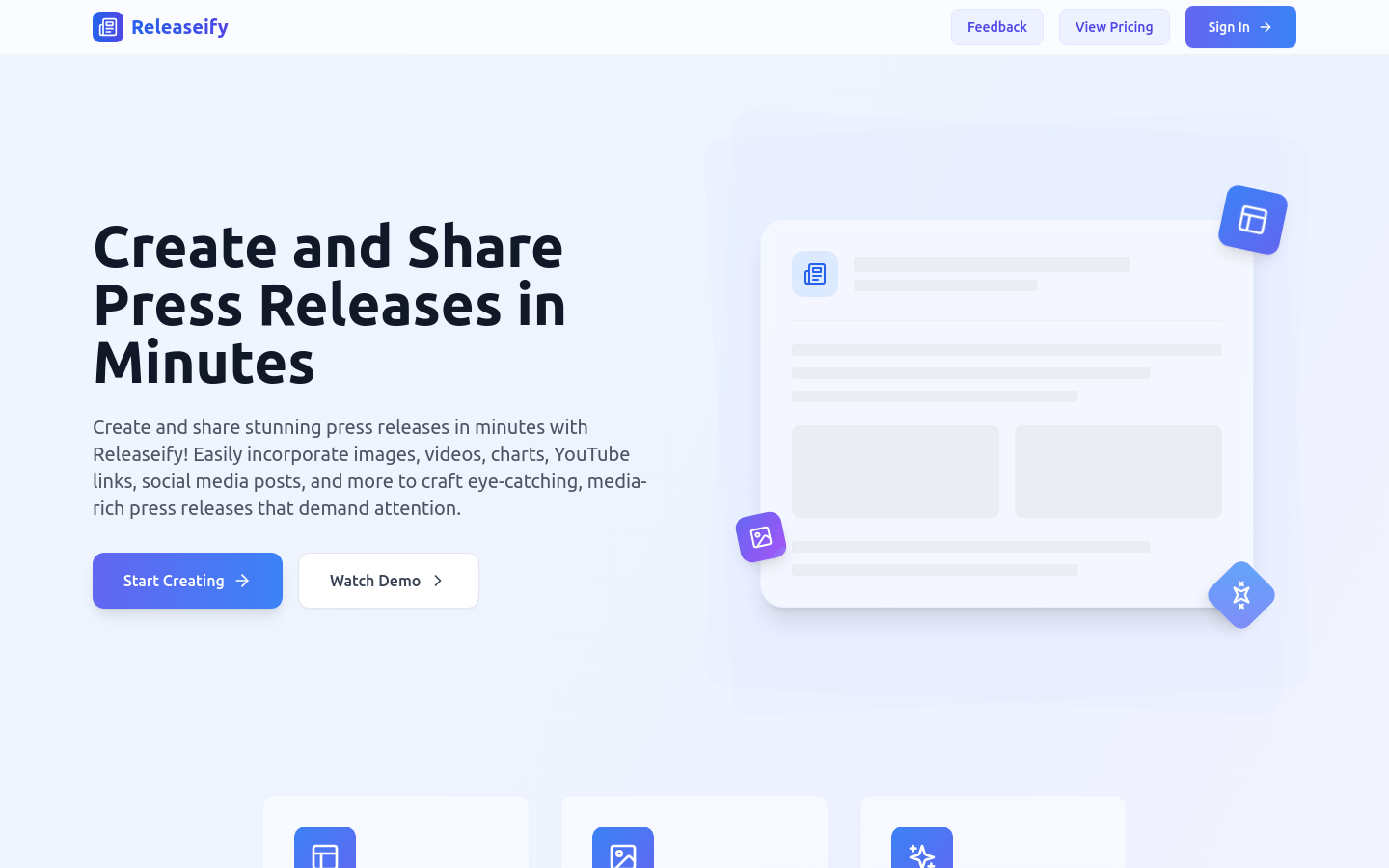
Screenshot archived from the listing page, for preview only.











