
RembgAI
Free AI tool that removes image backgrounds instantly.Remove backgrounds fast with a free, no-download AI tool.
Highlights
What you can do with it
- Remove the background from a portrait or photo.
- Clean up product images for an online store.
- Prepare images for a poster or design project.
How to use it
- 1 Open rembg.ai in your browser.
- 2 Upload the image you want to edit.
- 3 Let the AI remove the background automatically.
- 4 Download the cut-out image, or choose the paid professional service for finer detail.
Who it is for
Pros
- Completely free for standard removal.
- Fast processing with no manual work.
- No download or install needed.
- Paid professional option for tricky images.
Limitations
- Free access and features can change at any time, since the service is run by a third party.
- Automatic removal may struggle with fine details like hair or complex edges.
- The higher-quality professional service is paid, and pricing can change.
- Result quality depends on image clarity and subject contrast.
What RembgAI is
RembgAI is a free background removal tool that uses advanced machine learning to cut out image backgrounds quickly and accurately. It runs fast, needs no software download, and is easy to use directly in the browser. Standard background removal is described as completely free. If you need higher-quality or more detailed results, RembgAI also offers a professional background removal service handled by a team, which is paid. The goal is to make images look more professional and polished without manual editing, and it suits photographers, designers, and online sellers who want cleaner visuals with little effort.
What you can do with it
- Remove the background from a portrait or photo in seconds.
- Clean up product images for an online store listing.
- Prepare cut-out images for posters and design projects.
- Upgrade to a paid professional service for finer detail.
Who it is for
- Photographers who need quick, clean cutouts.
- Designers preparing posters, layouts, and mockups.
- E-commerce sellers who want tidy product photos.
What to watch out for
Because RembgAI is run by a third party, free access and features can change at any time, and the site may not always be reachable, so do not rely on it for urgent work without a backup. Automatic removal can struggle with fine details such as hair, fur, or complex edges, so difficult images may need manual touch-ups or the paid professional service. That higher-quality option costs money, and its pricing can change. Result quality also depends on how clear and high-contrast your original image is, so sharp photos give the best cutouts. Keep a copy of your original file before editing.
FAQ
Is RembgAI free?
Standard background removal is described as completely free; a paid professional service is also offered.
Do I need to install anything?
No, it runs in the browser with no software download.
What is it best for?
Removing backgrounds from portraits, product photos, and design images.
Why it is free
What the official page says: completely free
Free limits, trial length and features are decided by the official site and can change at any time.
Product preview
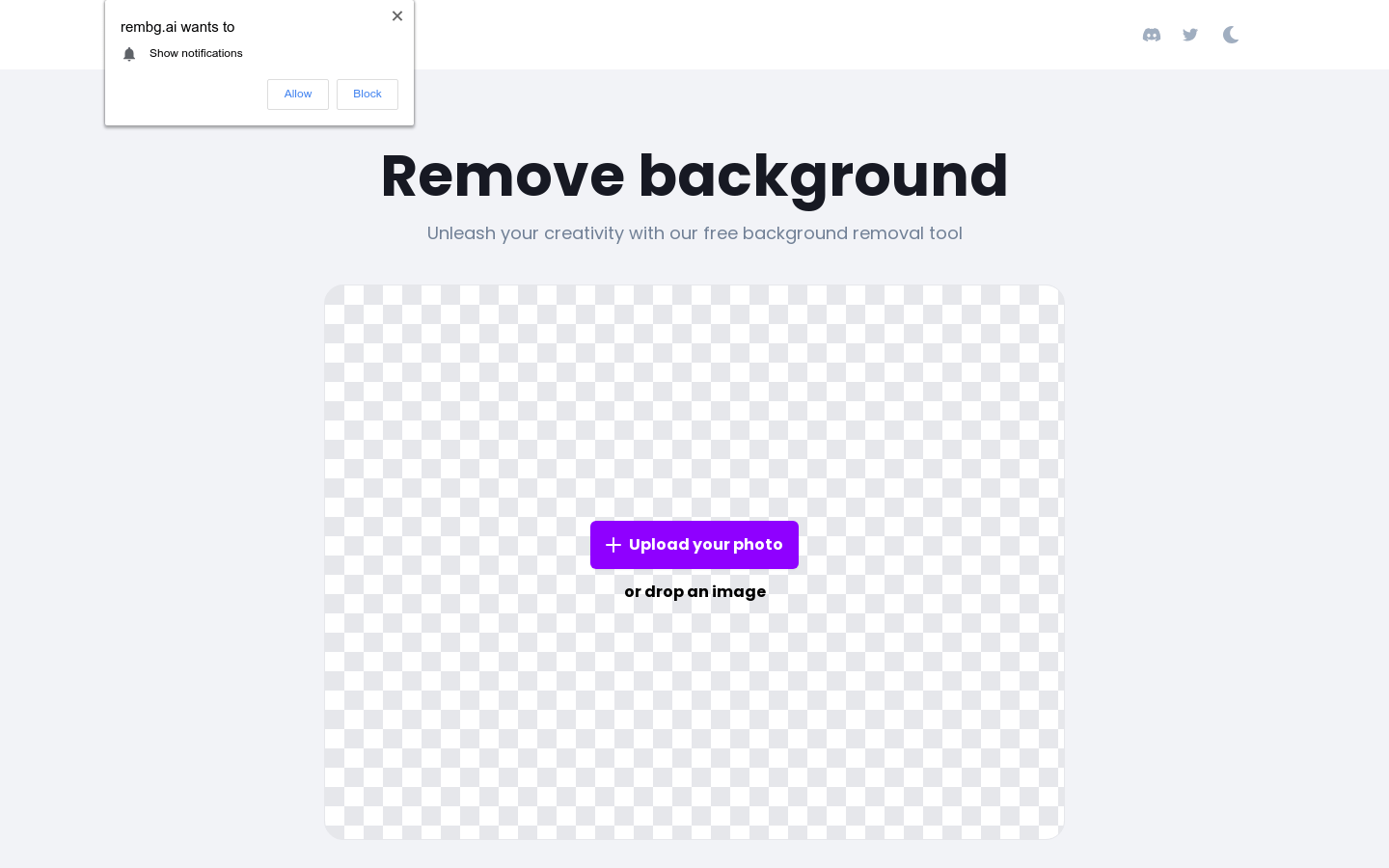
Screenshot archived from the listing page, for preview only.











